Overview
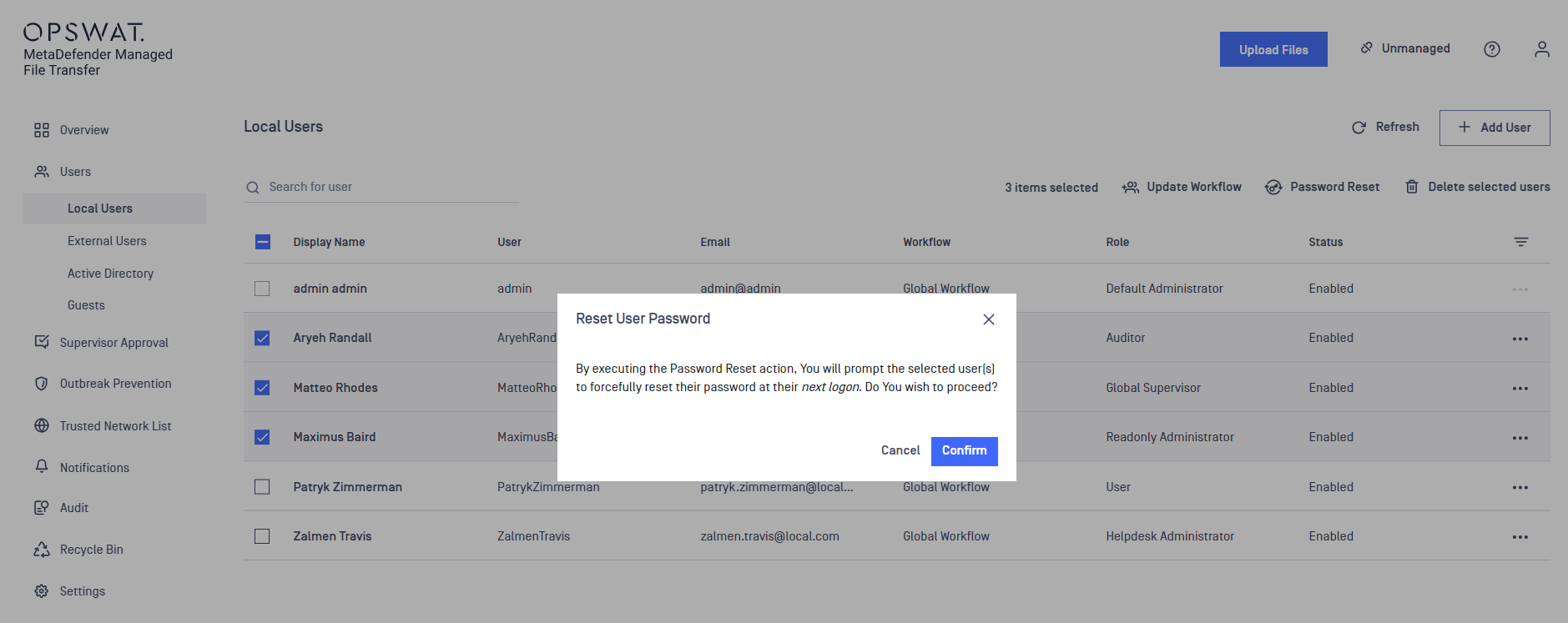
An Administrator or Helpdesk Administrator can force Local Users and External Users to reset their passwords at their next login. While in this state, the user cannot access any pages apart from the "Force Password Reset" page.
The Force Password Reset action can be enforced on newly created users or on already existing users.
Enforce on a Single User
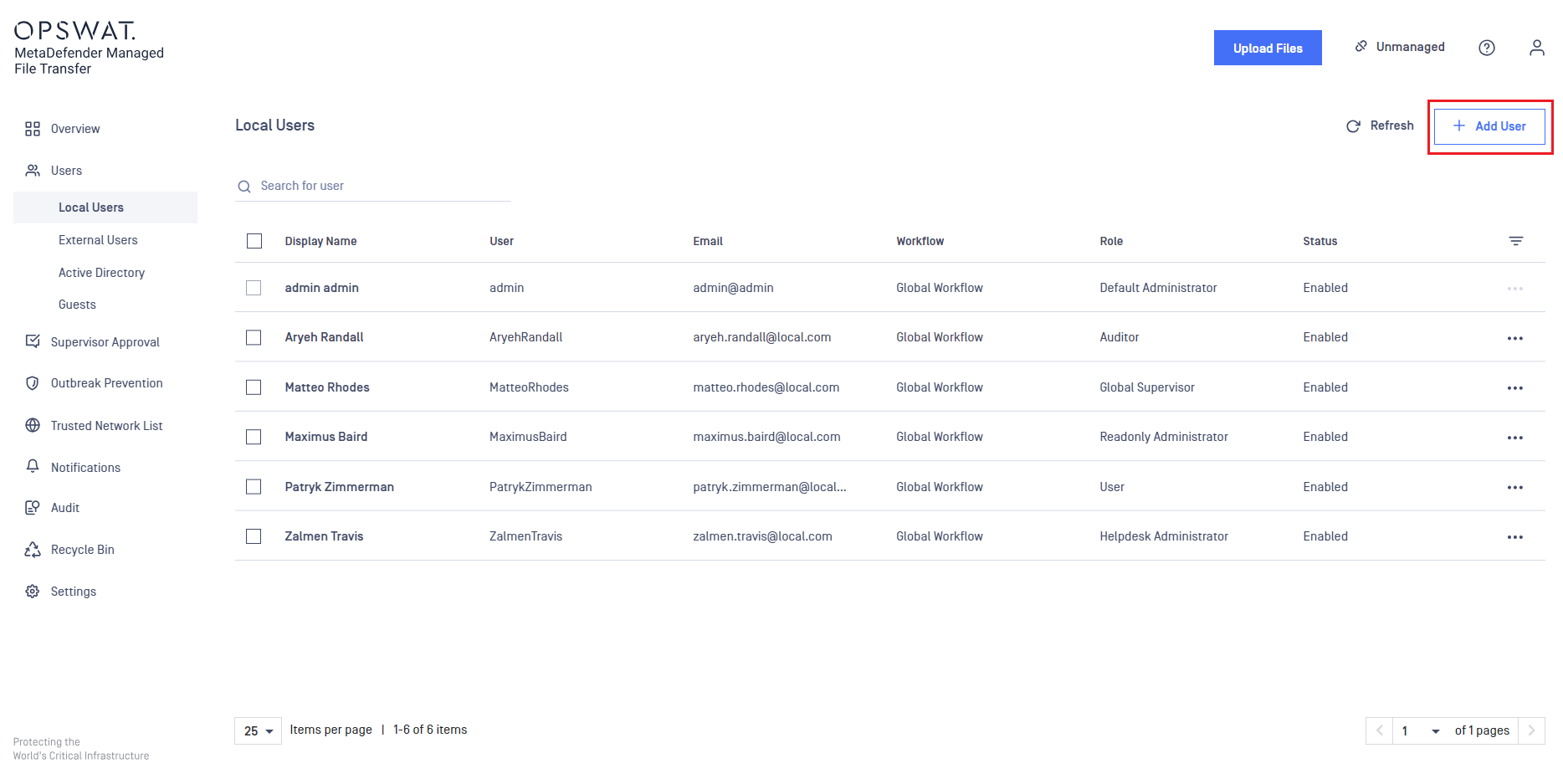
As an Administrator, go to the "Local Users" or "External Users" page
Create a new user or edit an existing one
Turn on the "Force Password Reset on Next Logon" switch
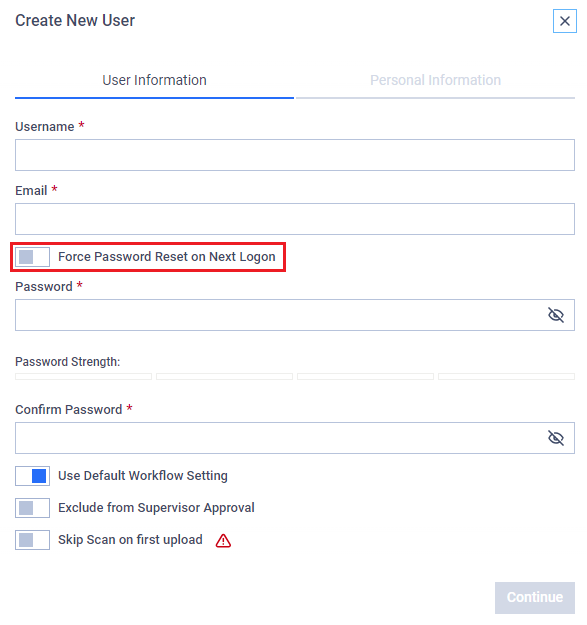
Click the "Continue" button to either create or edit the user
Enforce on multiple users
As an Administrator, go to the "Local Users" or "External Users" page
Select multiple users from the table
Click the "Force Password Reset" button

A confirmation modal will appear, which the Administrator must confirm