
What should I do if an engine is in "failed" or "permanently failed" status?
Sometimes, during the engines downloading/deployment process, some of them may remain in "failed" or "permanently failed" status.
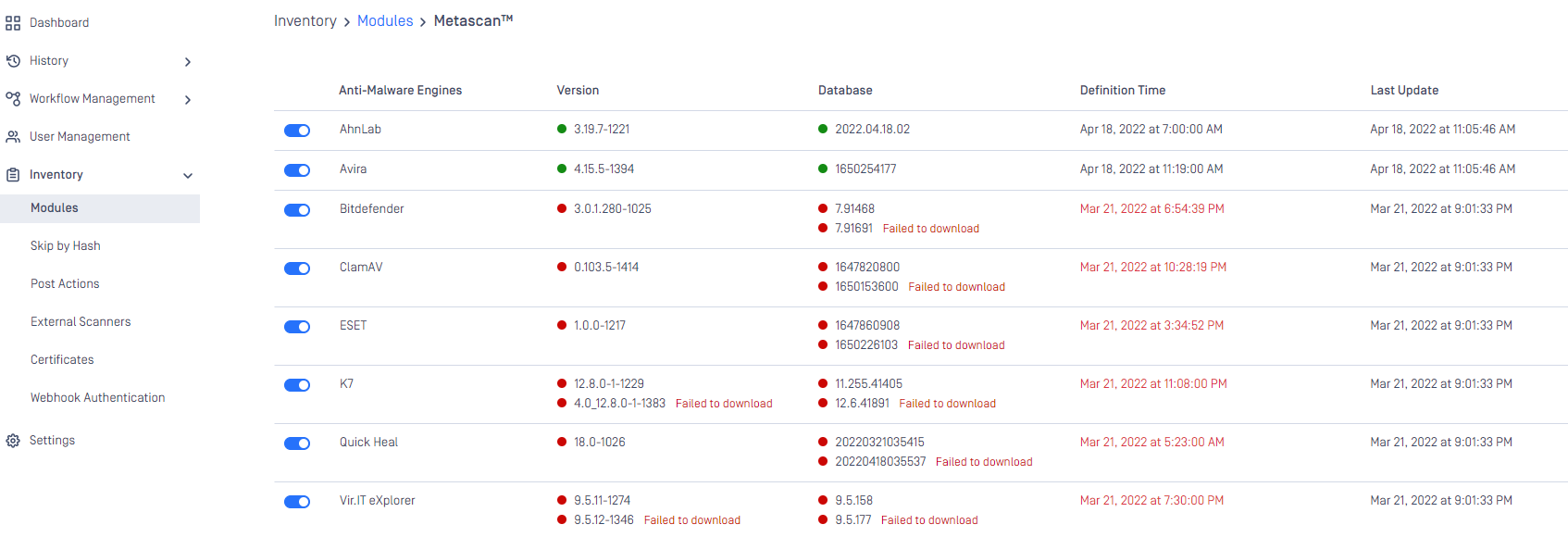
In this case, you can do the following:
Check problematic engine’s dependencies here : Recommended System Configuration
Check system requirements to ensure number of CPU cores and memory met.
Check the system’s available memory where MD Core is installed, it should be available at least 3GB.
Check MD Core’s issues if any on “Notifications” e.g. disk space issue, it should be available at least 5GB.
Check Internet connection (if using online update method) to ensure stable and avoid enigne package download being corrupted.
Try:
Disable and re-enable engine again.
If still not working, remove entirely both engine and its database, and then trigger update again.
If still not working eventually after all checks above, collect MD Core support package and send to OPSWAT support.
If you have followed all of these steps and your engines are still unusable, please proceed to create a support case or chat with our support engineer.