
This article applies to MetaDefender Storage Security v4.0.x releases deployed on Windows systems.
Issue:
When installing MetaDefender Storage Security on Windows server, the error "PostgreSQL migrations did not finish after 10000 retries. Please check logs for any issues.“ is received, even on a fresh installation.
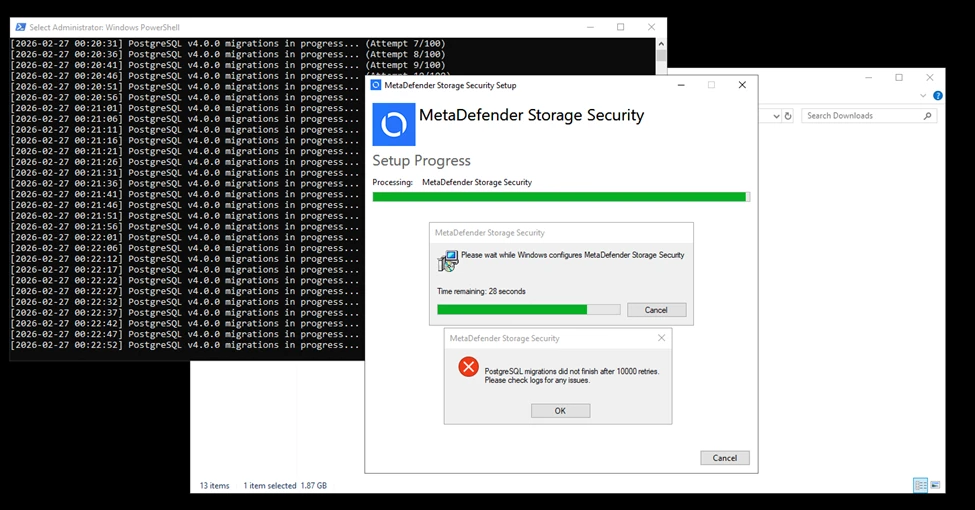
Main Cause:
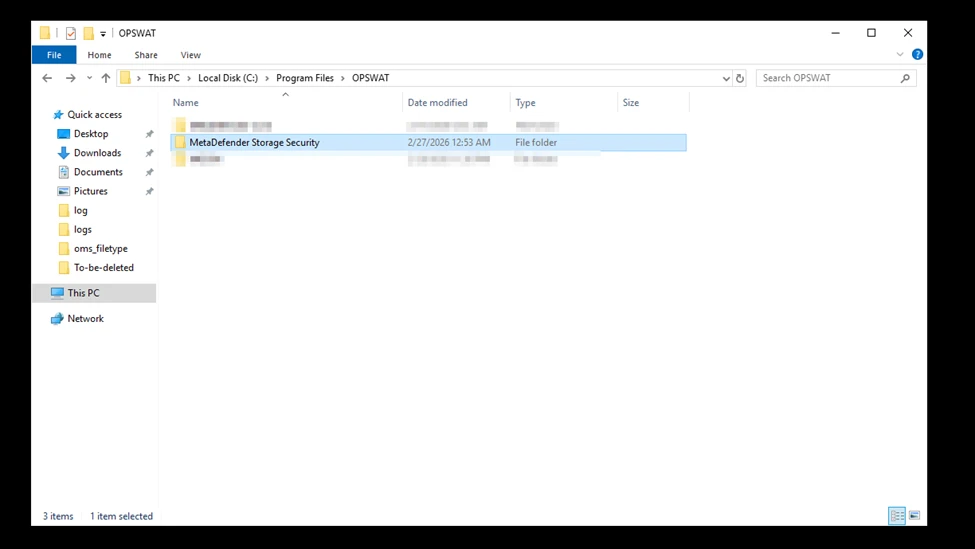
This occurs because MetaDefender Storage Security was previously installed on the machine but not completely removed after an uninstall or problem. This leftover data causes the installer to recognize an existing installation and attempt an upgrade instead of a fresh install.
Resolution:
Please follow the steps below to safely remove and reinstall MetaDefender Storage Security (MDSS):
1. Stop MDSS Services
Stop all related MDSS services from Services (services.msc) or by using the following commands:
2. Remove MDSS Windows Services
Run the following commands as Administrator to remove existing services:
3. Remove Installation Directory
Delete the default installation folder:
Ensure all files are removed.
4. Handle Locked Files (if any)
If some files cannot be deleted:
Ensure all MDSS services are stopped
Close any open log files
Restart the system if needed
Advanced:
Use Process Explorer to identify which process is locking the files
5. Remove Registry Entry
Clean up the registry by running:
6. Reboot the System
Restart the machine to ensure all remaining components are fully cleared.
7. Reinstall MDSS
Run the installer again after completing all steps above.
If Further Assistance is required, please proceed to create a support case or chat with our support engineer.