
This article applies to Metadefender Storage Security V4.2.0
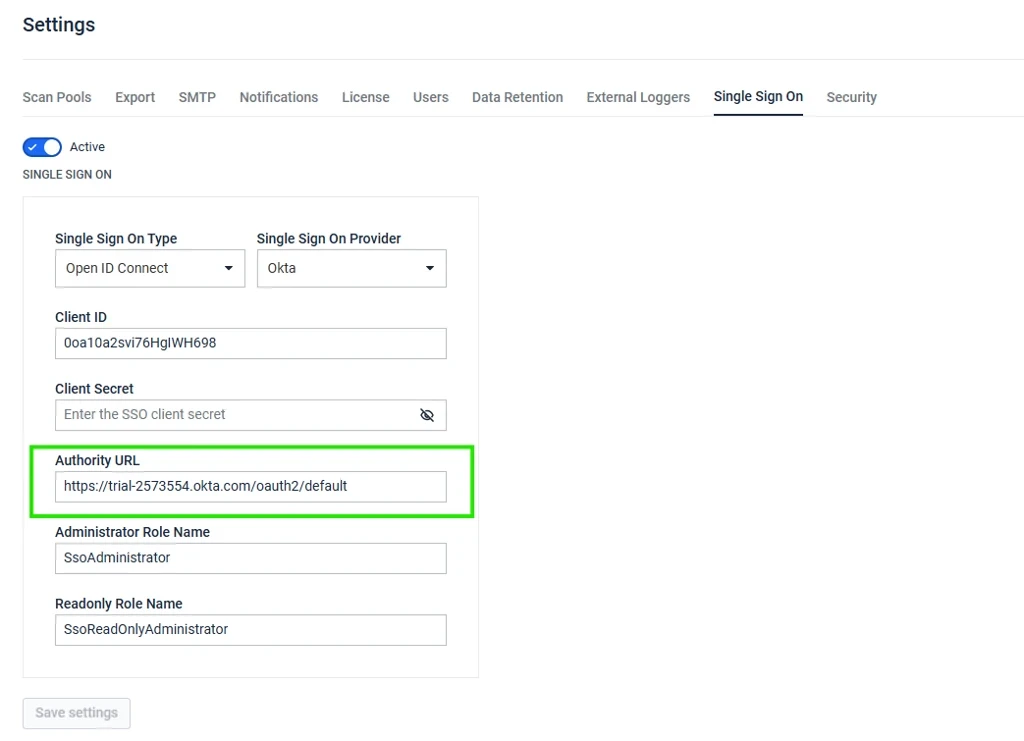
Issue: Once you update the Authority URL in the MetaDefender Storage Security SSO configuration page, save your changes, sign out, and then try logging in again via SSO. The system continues to redirect to the previous Authority URL.
Solution:
After changing the SSO configuration page with the new Authority URL and related data, save the settings.
Restart MDSS:
Windows : Restart the OPSWAT MetaDefender Security Storage service under Windows Services.
Linux: Restart the Metadefender Storage Security using the following command:
MDSS -c restart
Restarting the MDSS service clears the previously cached URL and forces MDSS to load the newly saved configuration.
Please note that this is fixed in MDSS V4.3.0.
If Further Assistance is required, please proceed to log a support case or chatting with our support engineer.