
This article applies to all MetaDefender Endpoint releases deployed on iOS or Android devices.
If you are experiencing technical issues with the OPSWAT MetaDefender Endpoint mobile app, our support team may request your logs to diagnose the problem.
Follow these steps to generate and export a bug report from your device.
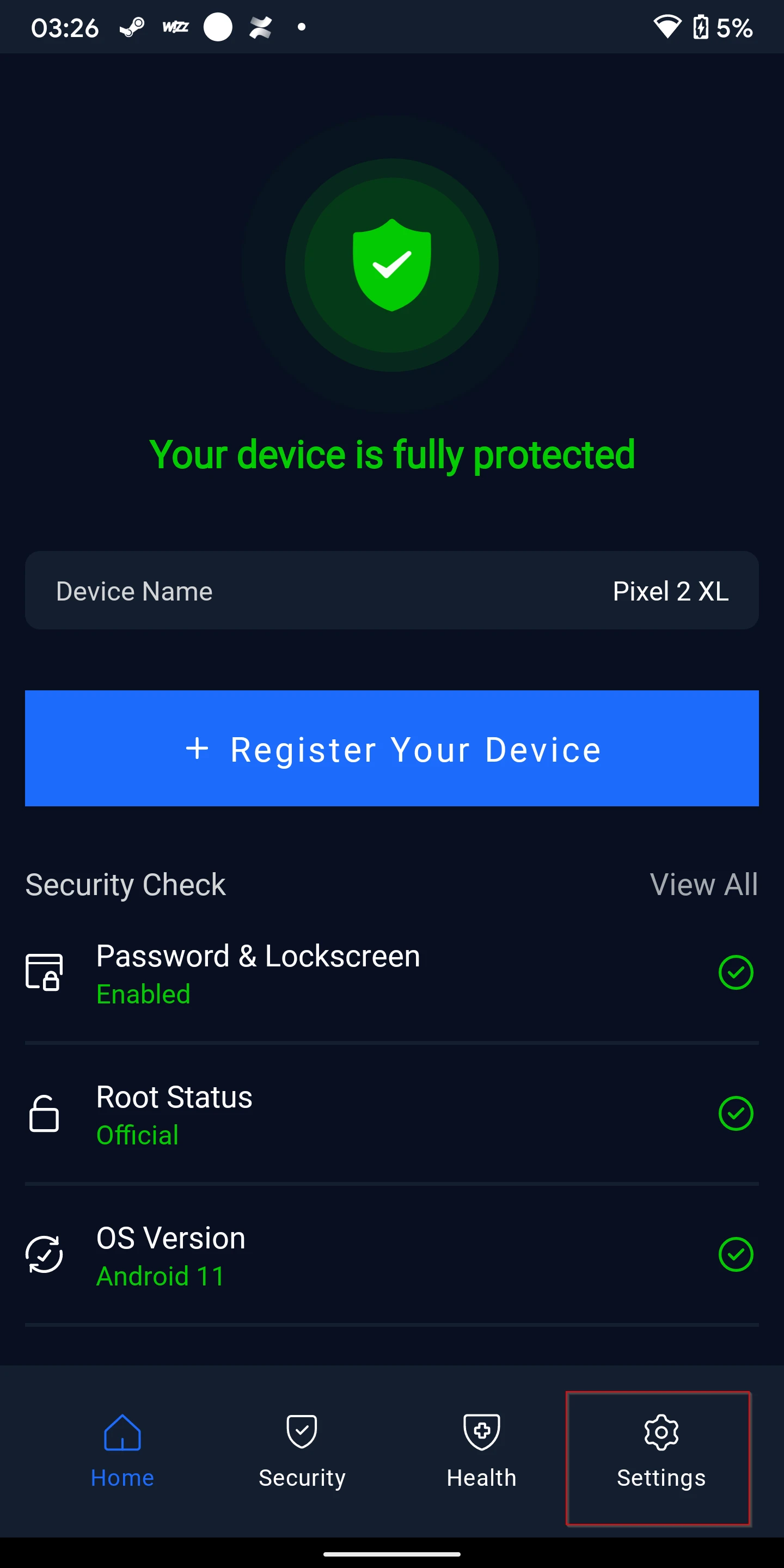
Open the MetaDefender mobile app on your device and navigate to the Settings page (represented by a gear icon).
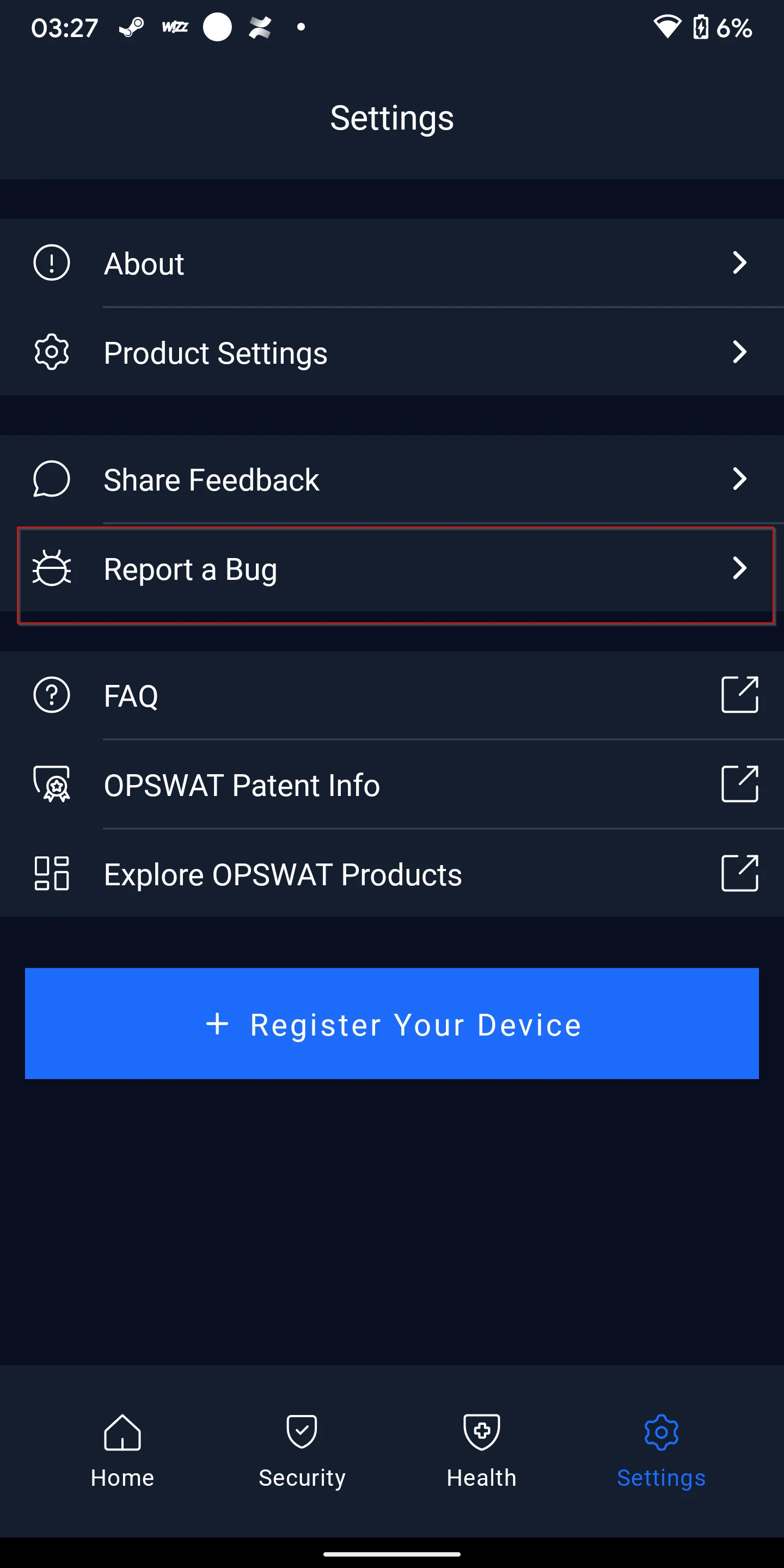
Locate and tap the Report a Bug button. This action automatically bundles the necessary diagnostic logs.
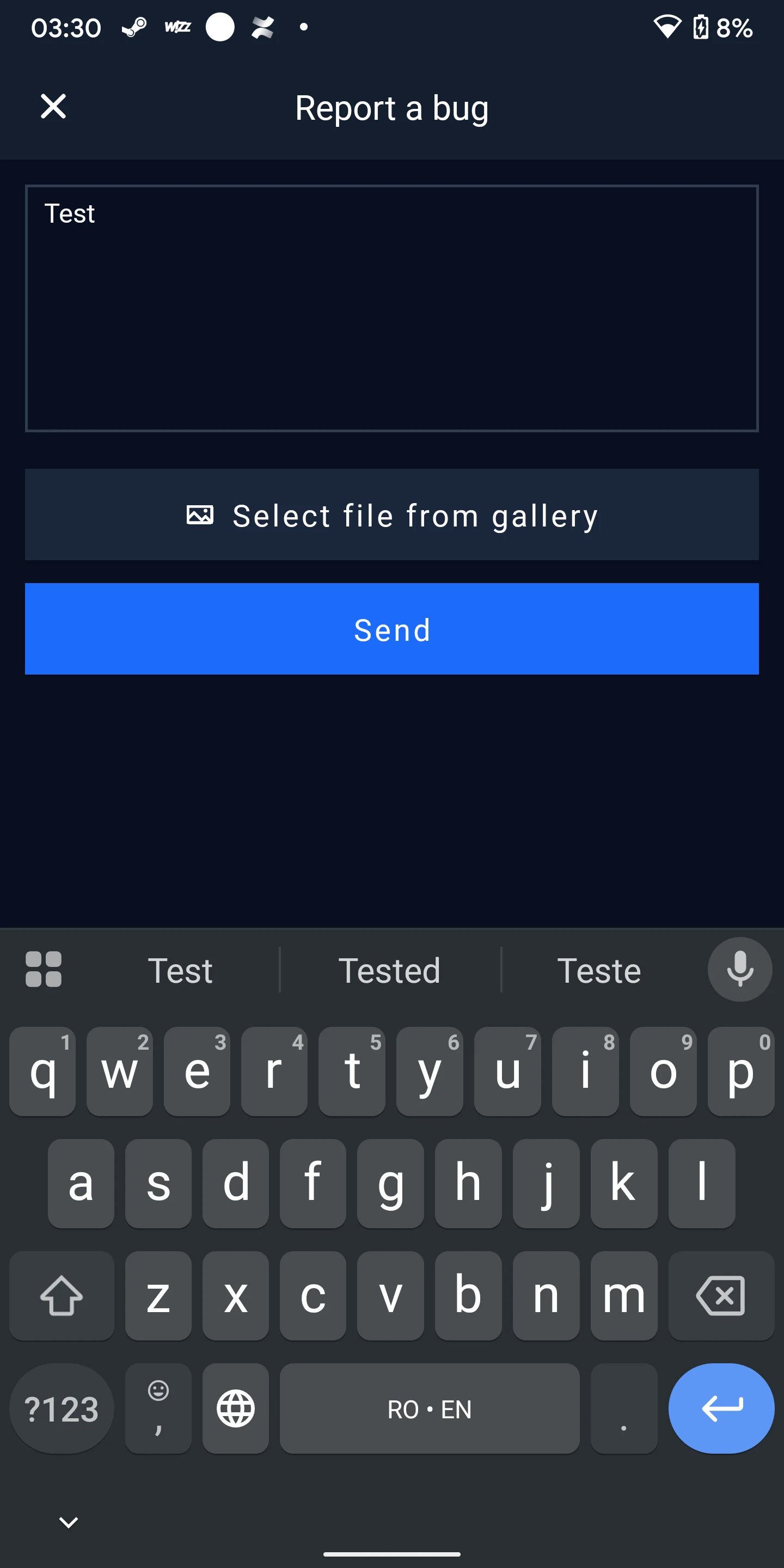
3.Enter a brief description of the problem you are encountering. Once finished, click Send.
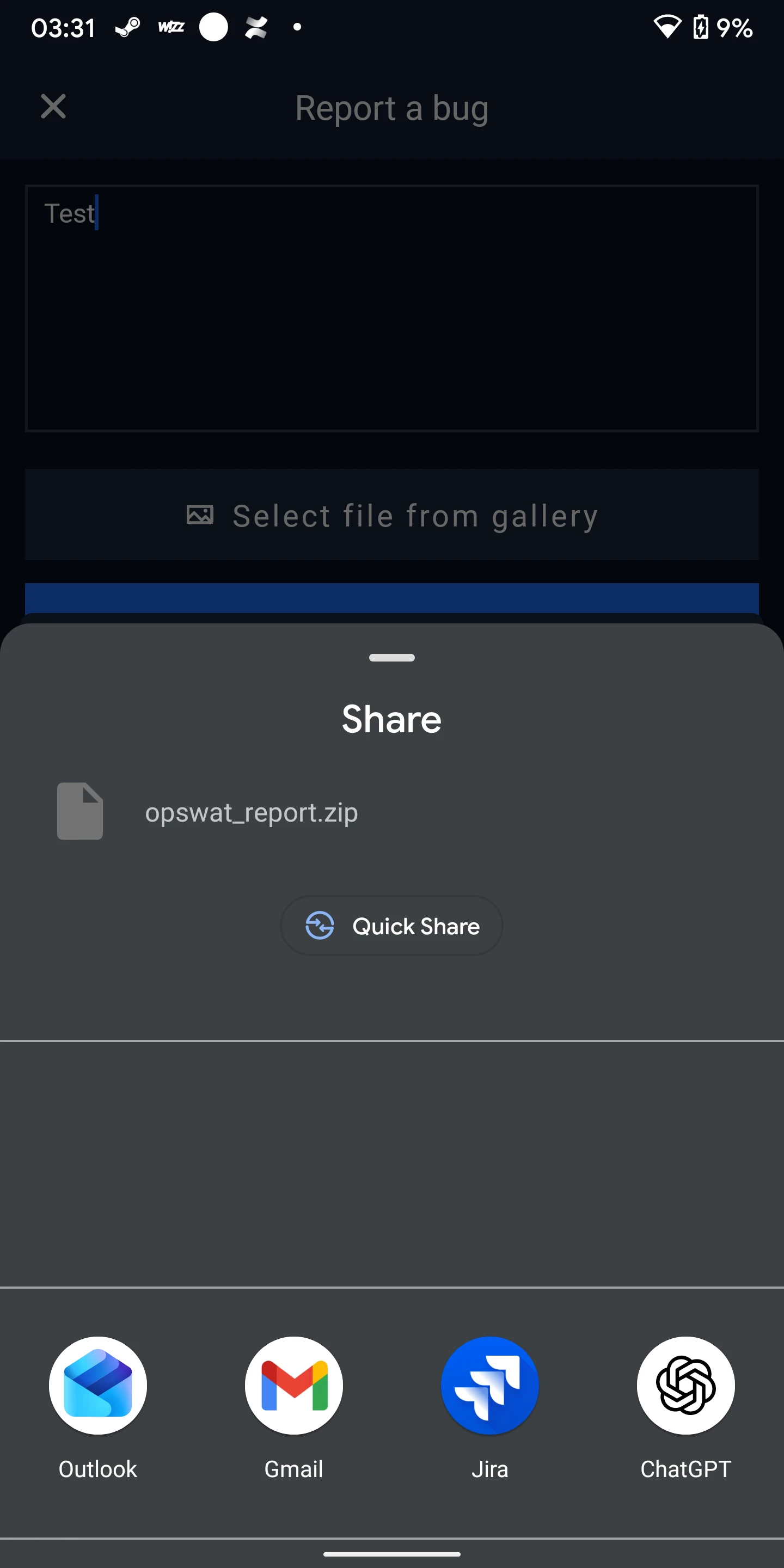
A system menu will appear asking how you want to share the file. Select your preferred application, such as:
Email: Outlook, Gmail, or Mail.
Messaging: Teams, WhatsApp, or Slack.
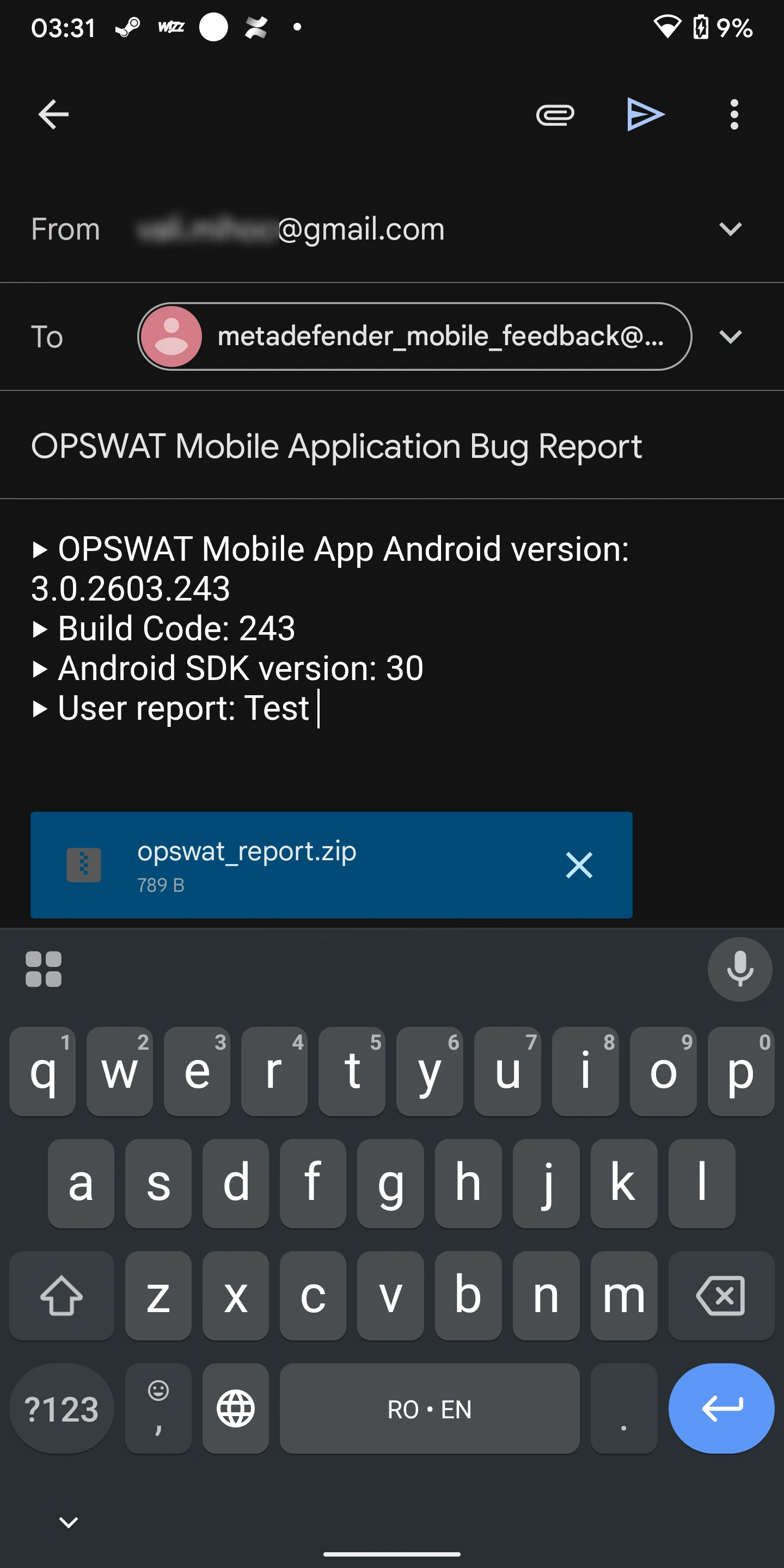
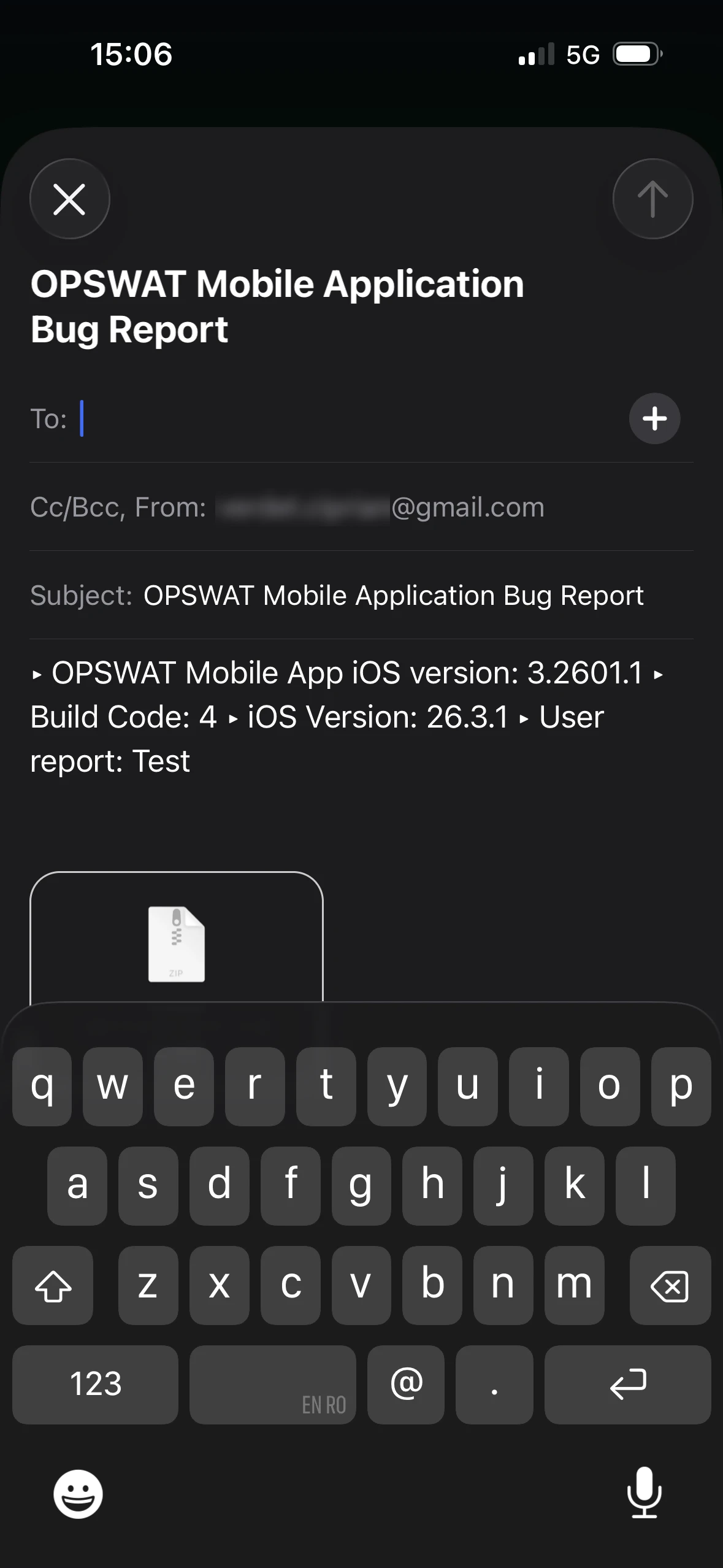
If you selected an email client, enter the recipient's address. You can send it directly to an OPSWAT representative or to your own inbox.
Android:
SApple iOA:
If you sent the logs to yourself:
Open the email on your computer or mobile device.
Save the ZIP attachment
Upload the file directly to your active OPSWAT support ticket.
If Further Assistance is required, please proceed to log a support case or chat with one of our support engineers.