
MetaDefender Drive with Smart Touch
Copy Files to Secure File Storage
- Insert MetaDefender Drive with Smart Touch -- with Secure File Storage enabled -- to the target device and wait for a new partition to appear in your file browser with the size of 32 GB and NTFS file system.
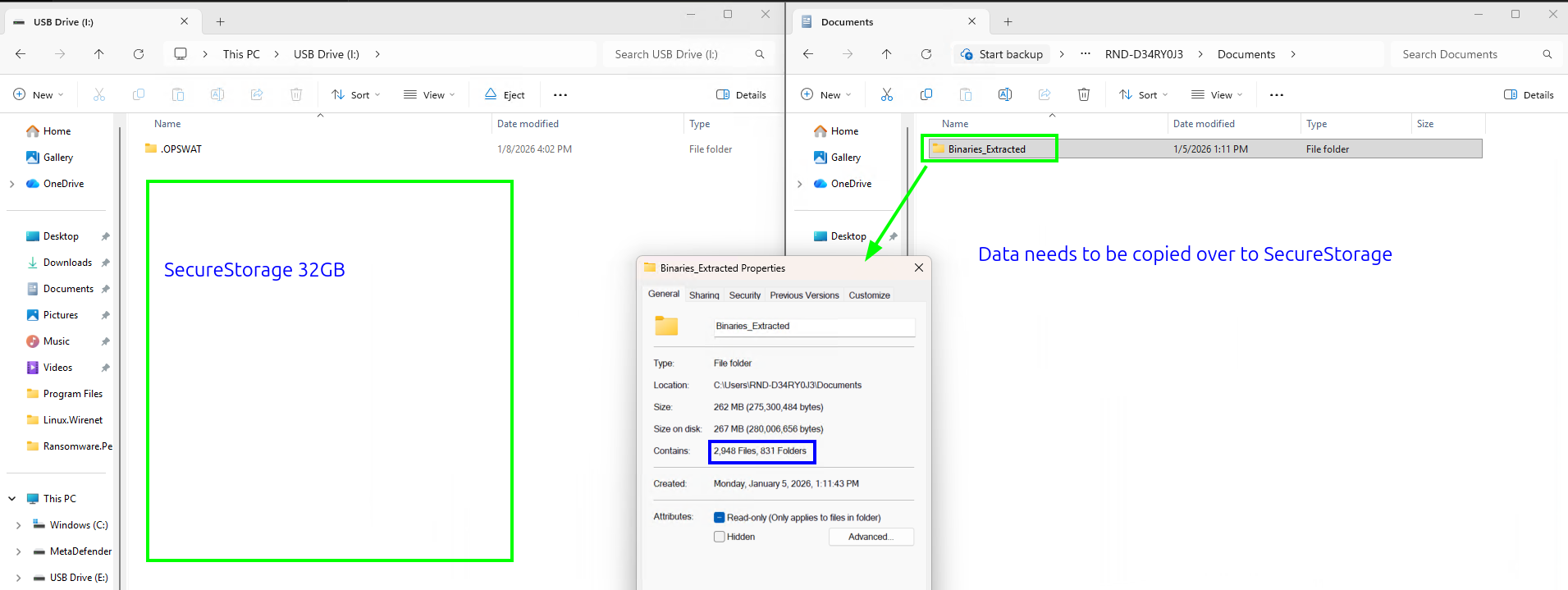
- After the copying files is completed and the USB cable is safely unplugged, Secure File Storage will recount the files.
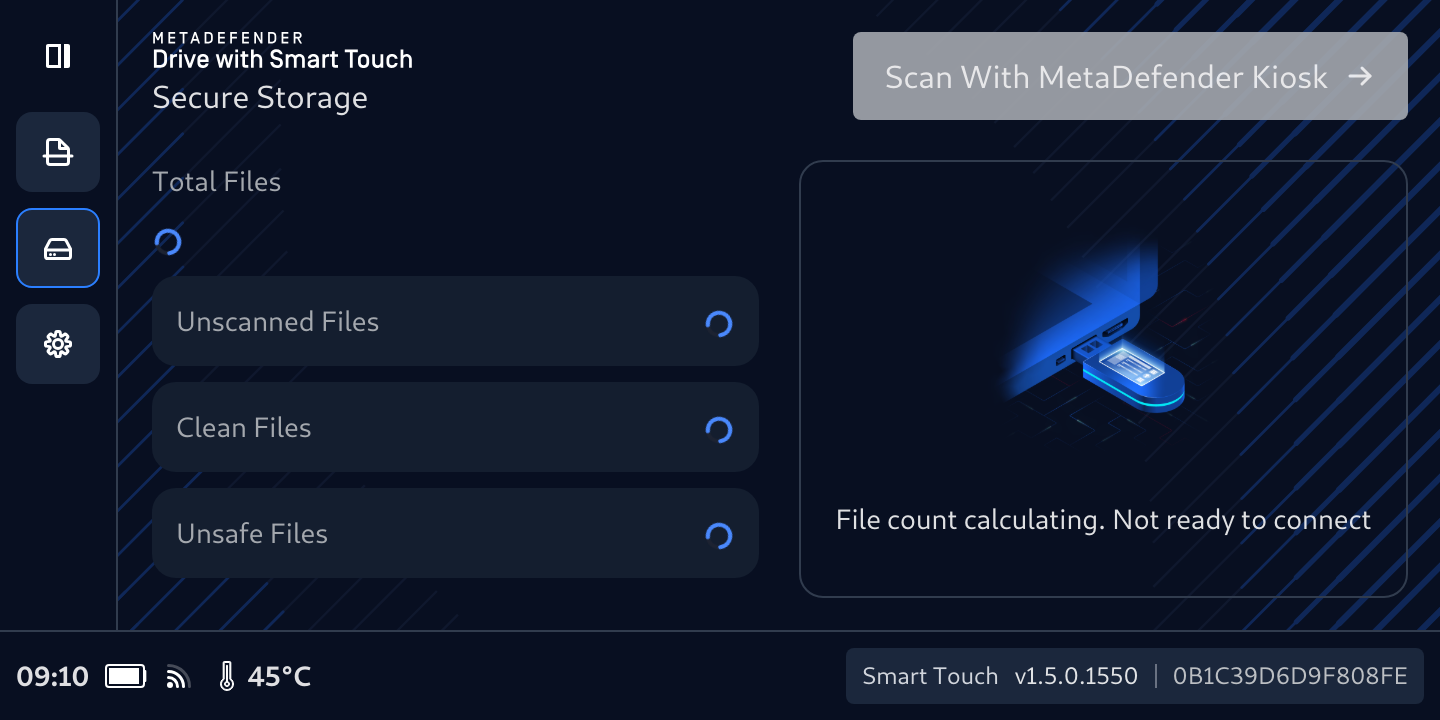
- The total number of files in secure storage will be calculated after the file calculation is done.
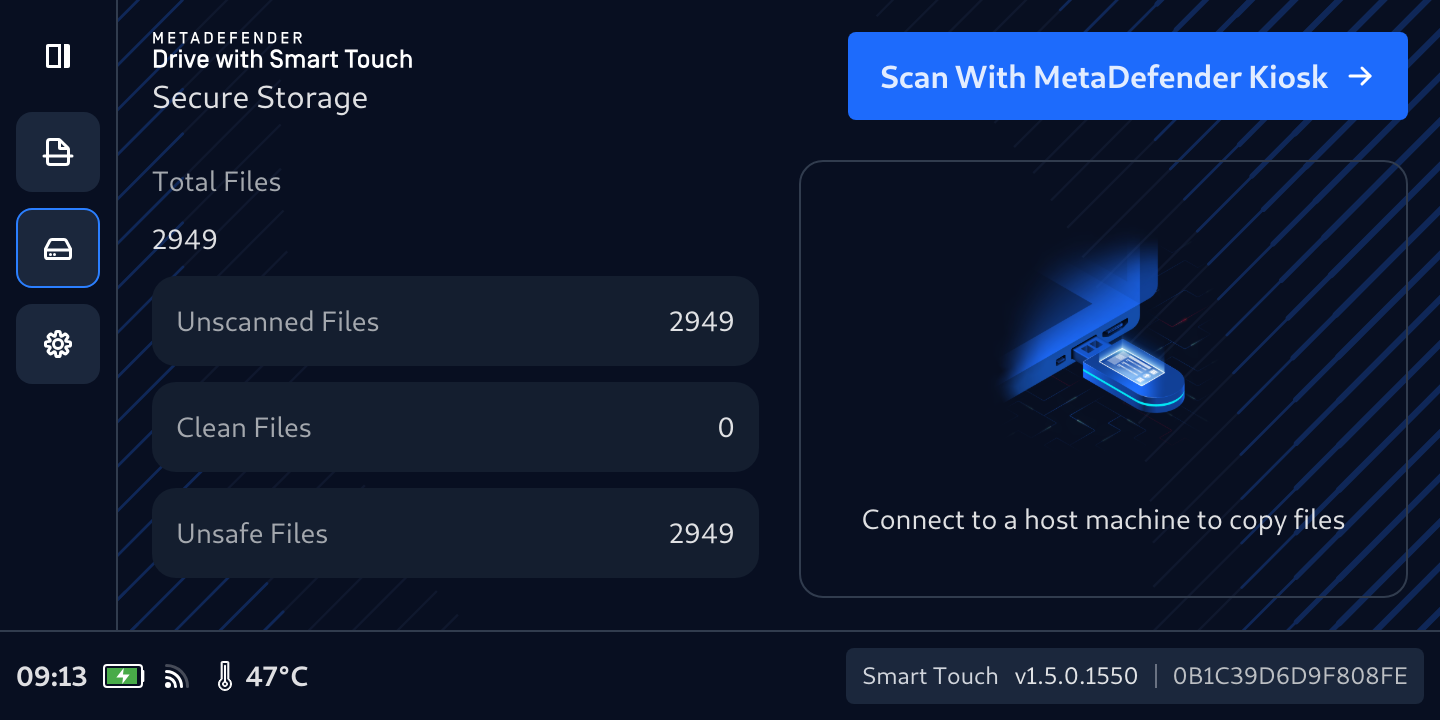
If you plug the Secure File Storage into a host you will see an empty 32GB storage that is ready for another copy session, and the files that were previously copied into Secure File Storage can only be accessed from a computer only when they have been scanned and confirmed safe by an OPSWAT MetaDefender Kiosk.
- The Scan With MetaDefender Kiosk button will be enabled when the file calculation is complete.

Was this page helpful?

