
MetaDefender Drive with Smart Touch features a mobile form factor to add more flexibility and connectivity to transient device scanning.
Similar to other form factors, it ships as an out-of-the-box solution with the latest software and scanning engine versions installed.
If your system's hardware is below the recommended specifications, please expect slow processing and performance reduction
This device currently supports WPA2 security and does not offer compatibility with the WPA3 standard.
If you insert MetaDefender Drive into the target device while this device is already booted, please DON'T format the Drive's partition if prompted by the operating system. Such formatting will erase MetaDefender Drive's software and prevent it from functioning.
The user should only use the provided cable or similar, and avoid using any converter to have the best compatibility and performance
Product Package & Dimensions
MetaDefender Drive with Smart Touch is shipped ready for deployment, with all essential components included.
What’s in the Box
- 1× MetaDefender Drive with Smart Touch
- 1× USB-C to USB-C cable
- 1× USB-A to USB-C cable
Package Physical Specifications
- Dimensions: 9 × 9 × 9 inches
- Weight: Approximately 1 lb
First Use With MetaDefender Drive
For first-time use, please follow these steps:
- Power on MetaDefender Drive with Smart Touch
- Unlock it using the default password: 123456 (or 386135 for Smart Touch v1.6.0 and before]
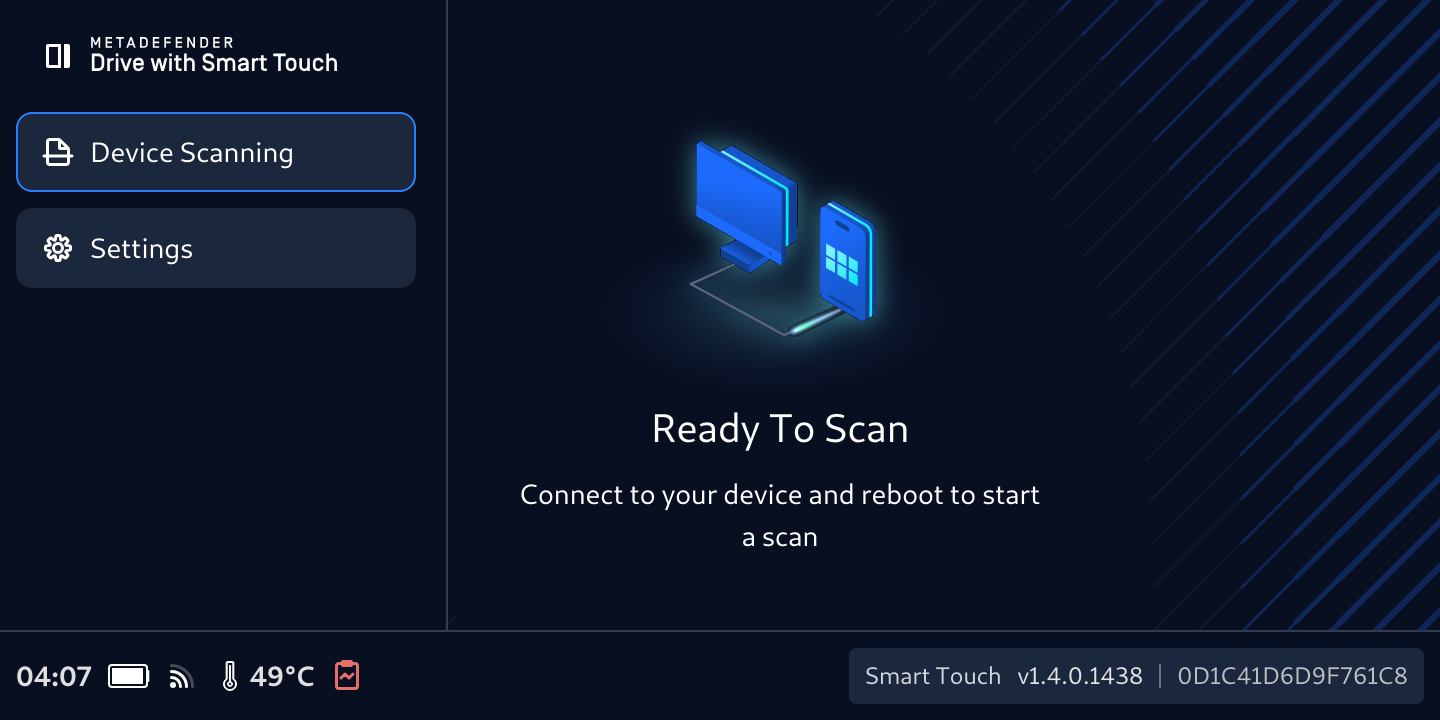
- The device will be ready when it shows the Ready to Scan message
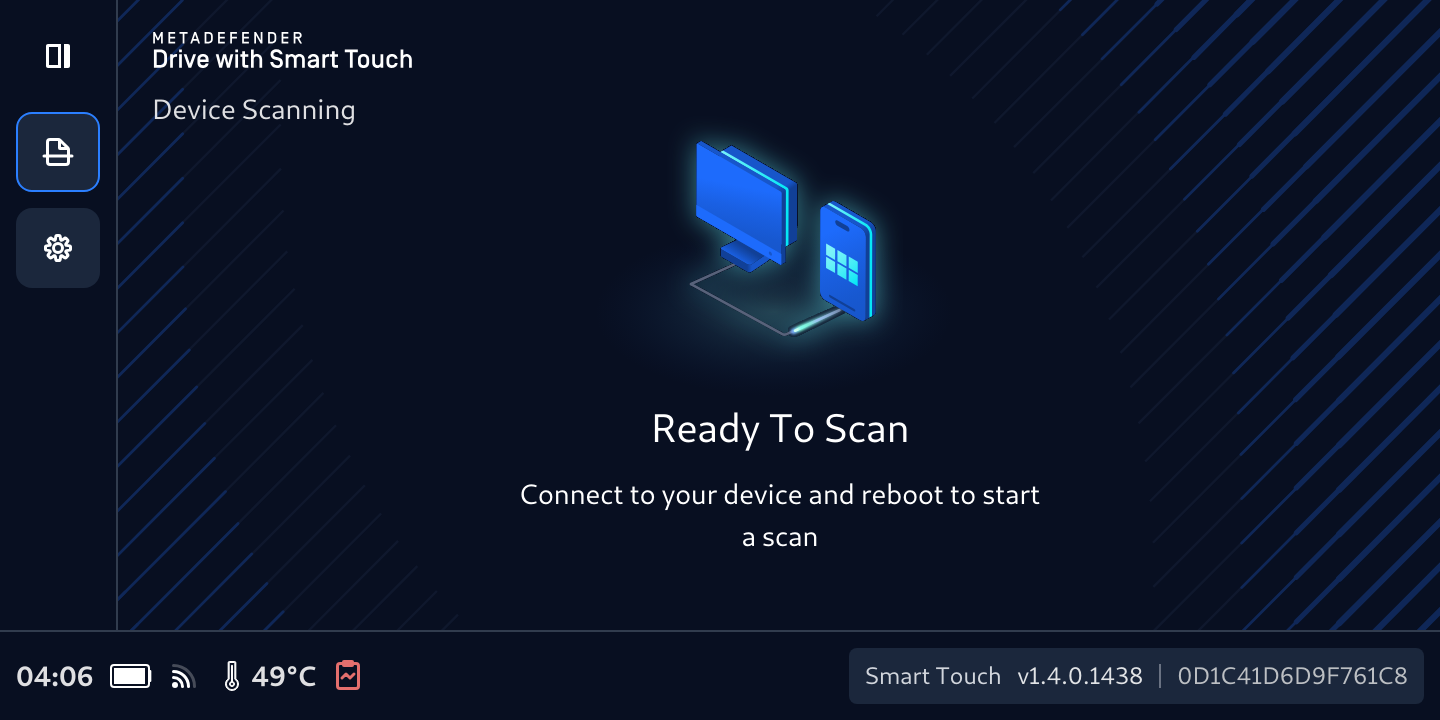
- You can expand the navigation bar by tapping the top left icon to show full icon names
Continue with Activation, then Get Updates, and Connect, Boot, and Run your First Scan.

