
MetaDefender Drive with Smart Touch
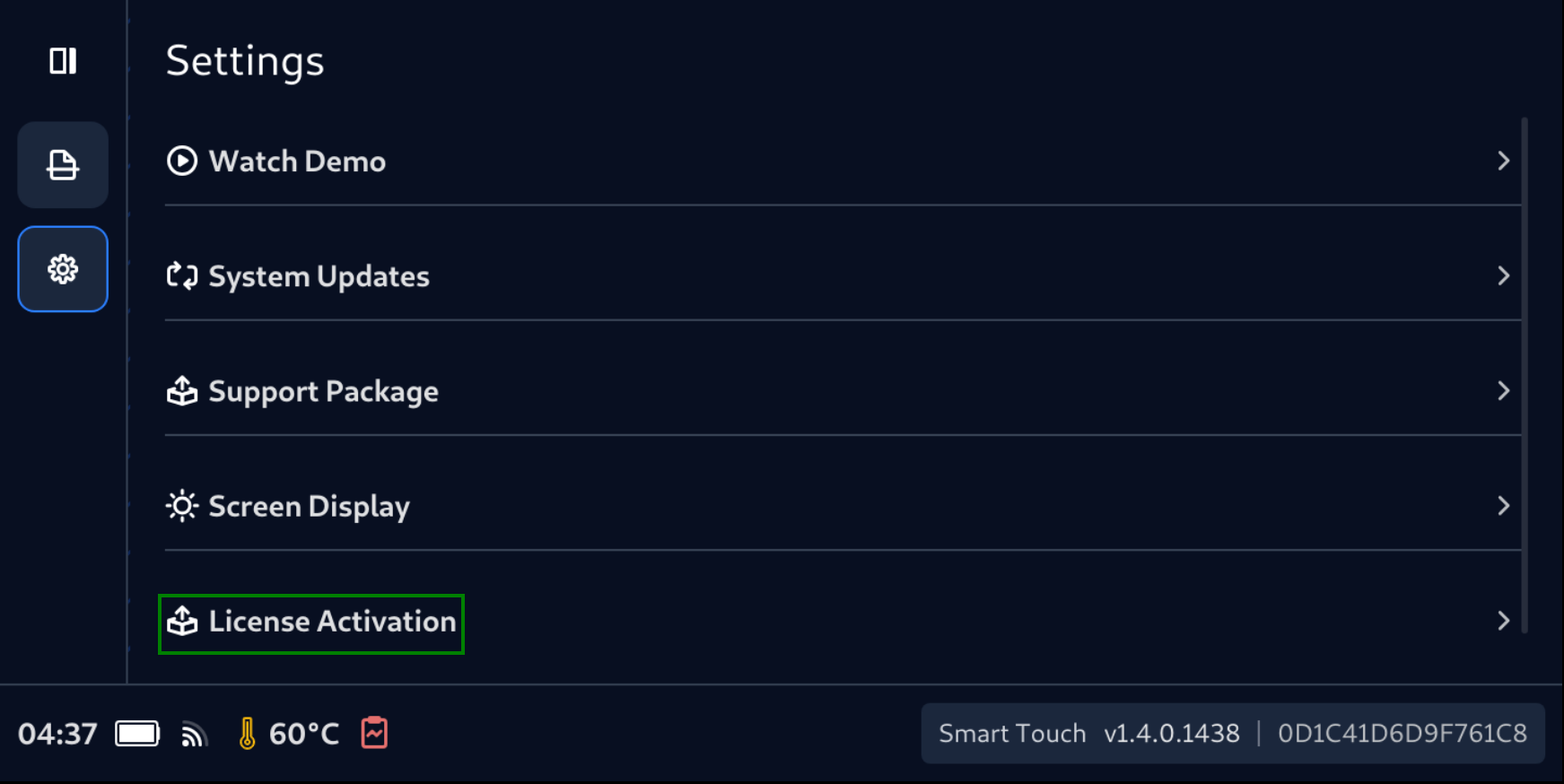
- From anywhere, tap Settings (the Gear icon) on Navigation bar.
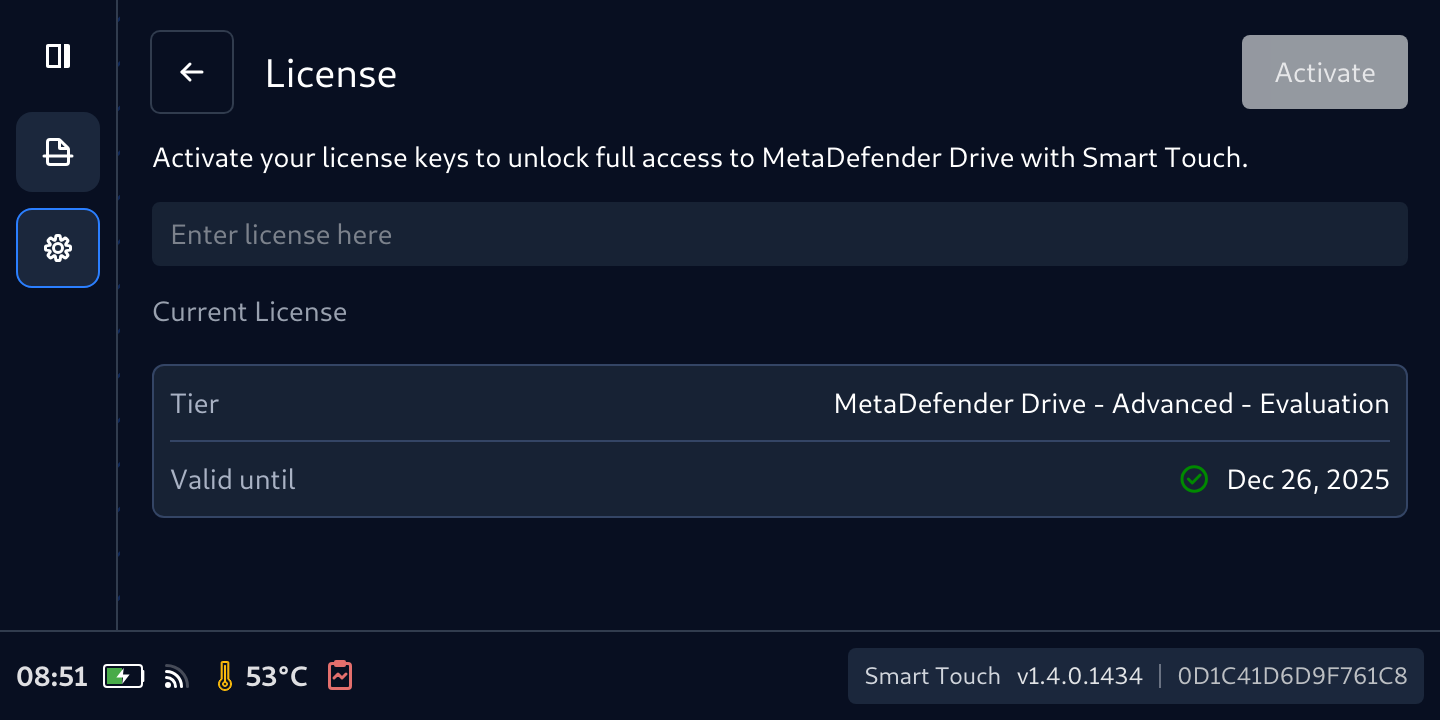
- Tap License Activation
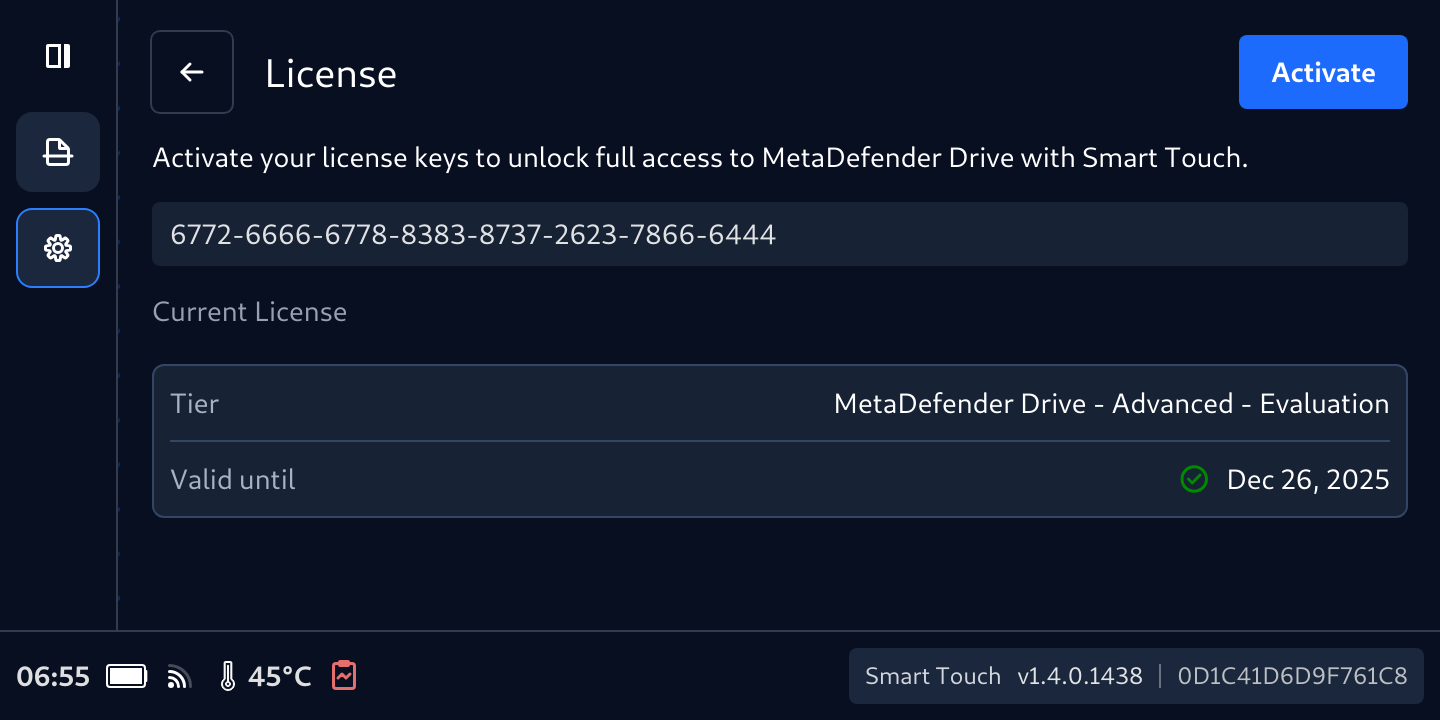
- From this License screen, type in a valid license
- Tap Activate button
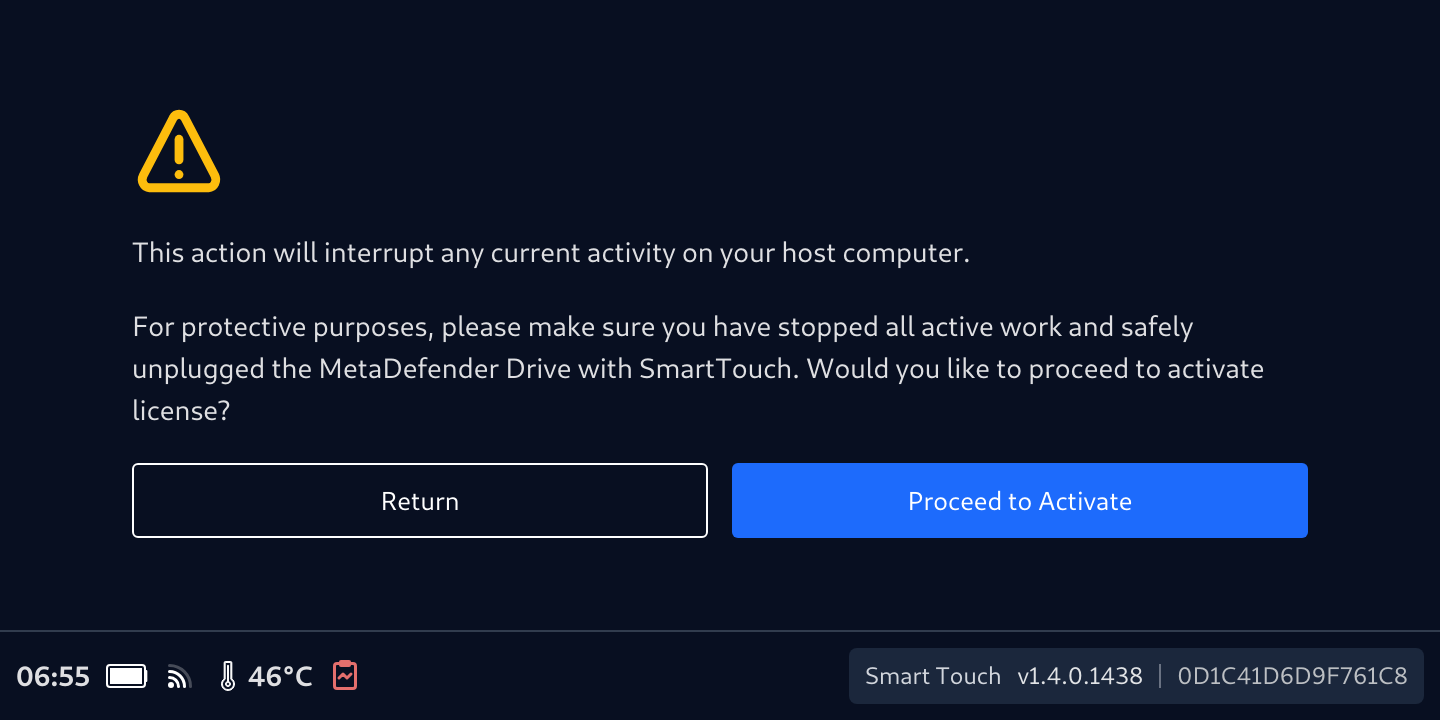
- Make sure you don't currently have any activity on the host computer. Tap Proceed to Activate
- MetaDefender Drive with Smart Touch will validate the input license within 1 or 2 minutes
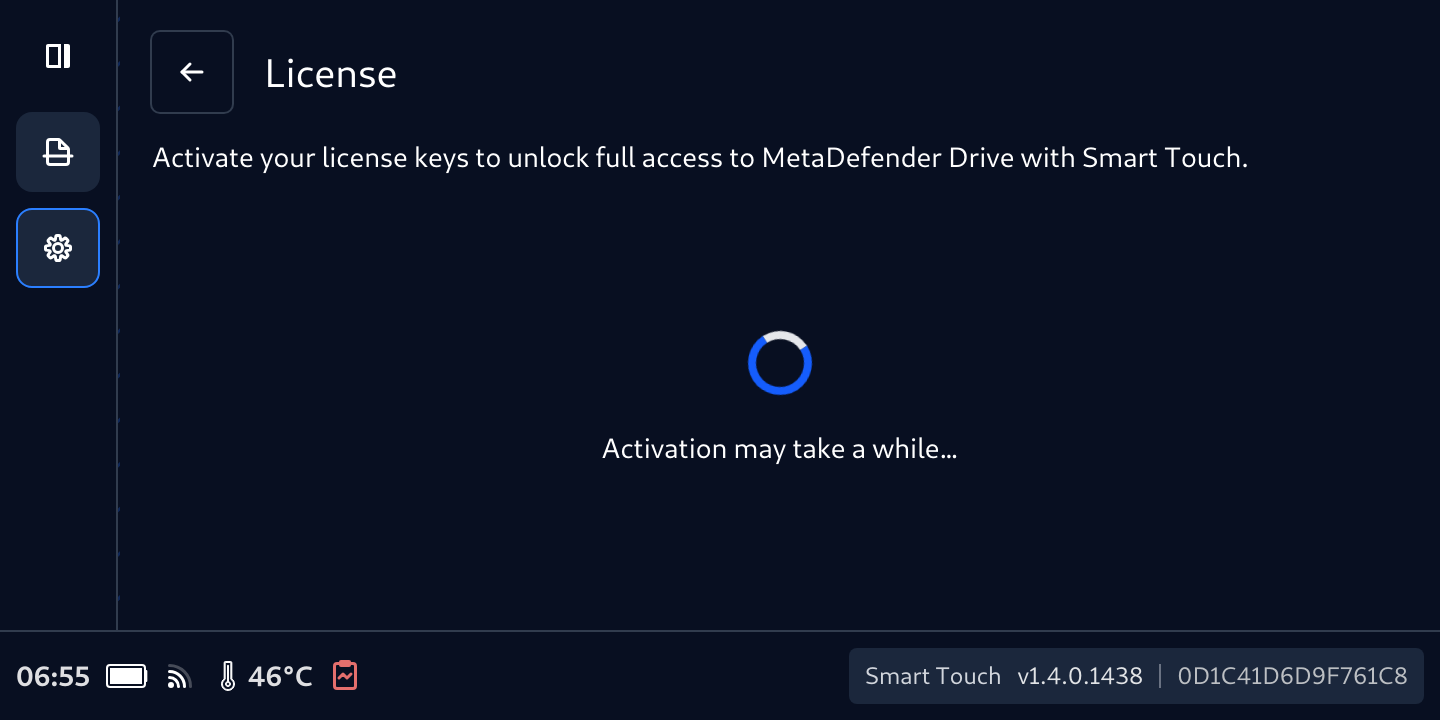
- After all, the details of license will populate accordingly
Was this page helpful?

