MetaDefender Drive with Smart Touch
v4.4.2b
Search this version
MetaDefender Drive with Smart Touch
Title
Message
Create new category
What is the title of your new category?
Edit page index title
What is the title of the page index?
Edit category
What is the new title of your category?
Edit link
What is the new title and URL of your link?
Miscellaneous
Copy Markdown
Open in ChatGPT
Open in Claude
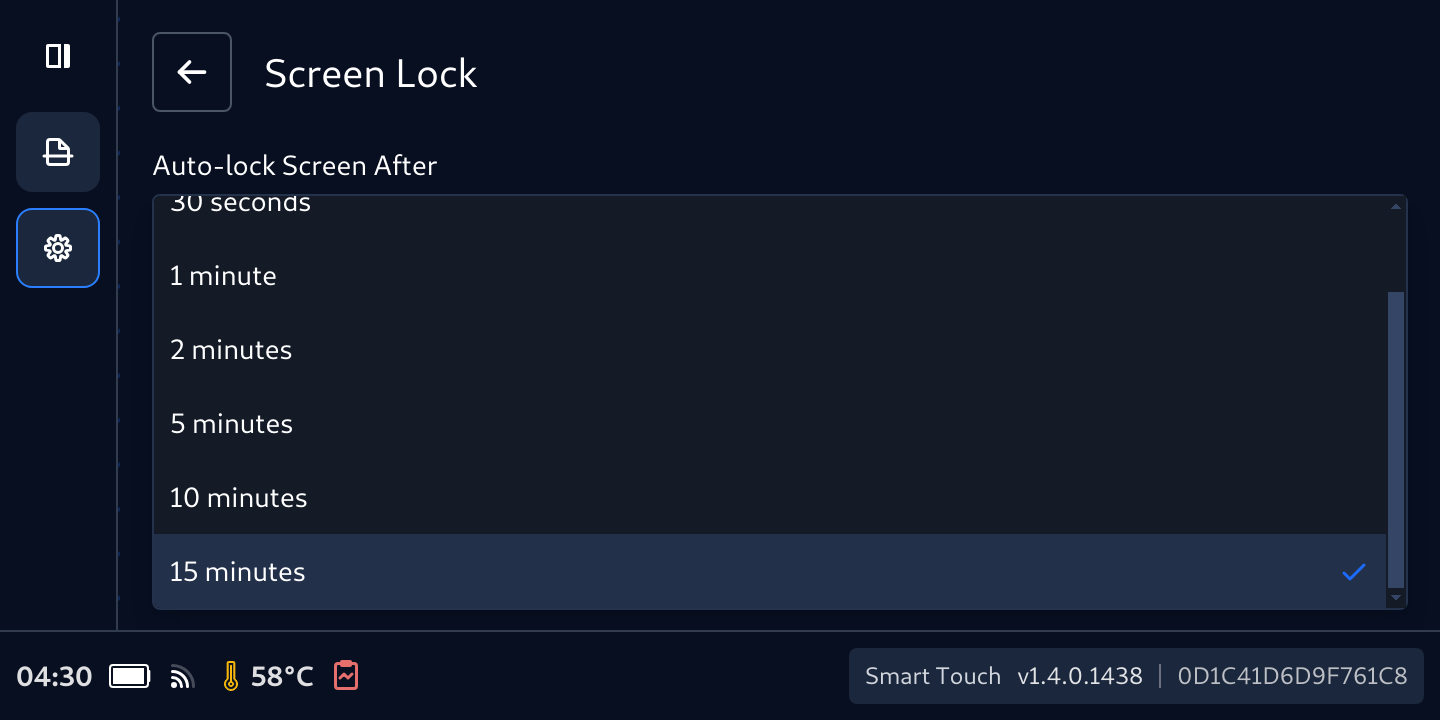
Change Screen Display Time-Out
To change screen lock time-out:
- Tap the Settings icon, then Screen Display button
- Select the desired time-out value
Change Pass Code
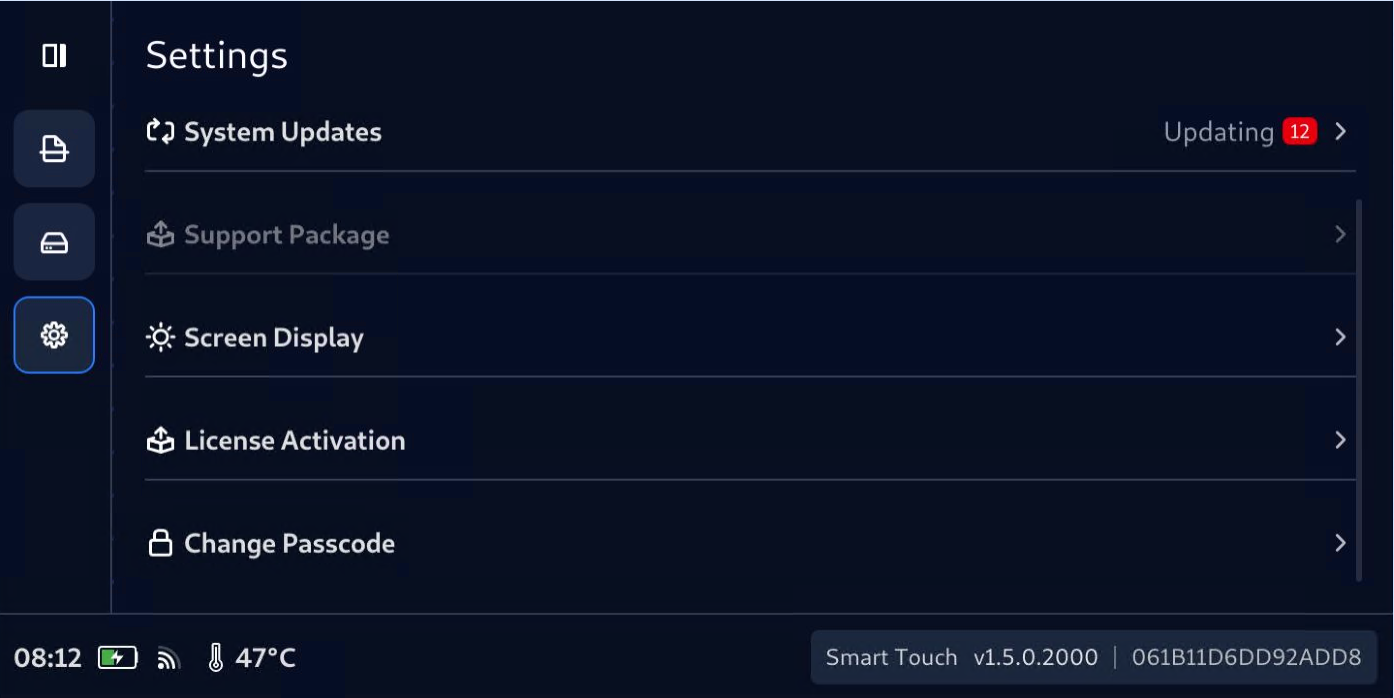
To change pass code
- On MetaDefender Drive with Smart Touch, navigate to Settings → Change Passcode
- Enter current pass-code then tap Enter (please be noted that the default pass code is 123456 (or 386135 for Smart Touch v1.6.0 and before] if you have not changed it
- Enter New Passcode, then Confirm New Passcode
Type to search, ESC to discard
Last updated on
Was this page helpful?
Next to read:
Connect, Boot, and Run your First ScanDiscard Changes
Do you want to discard your current changes and overwrite with the template?
Archive Synced Block
Message
Create new Template
What is this template's title?
Delete Template
Message
