
MetaDefender Drive with Smart Touch
Generate a support package when troubleshooting issues with Smart Touch. Ensure the device is not connected to a target or performing any operations before starting.
This procedure generates support packages for MetaDefender Drive with Smart Touch only. For USB Drive variants, follow the instructions at Generate Support Packages for MetaDender Drive
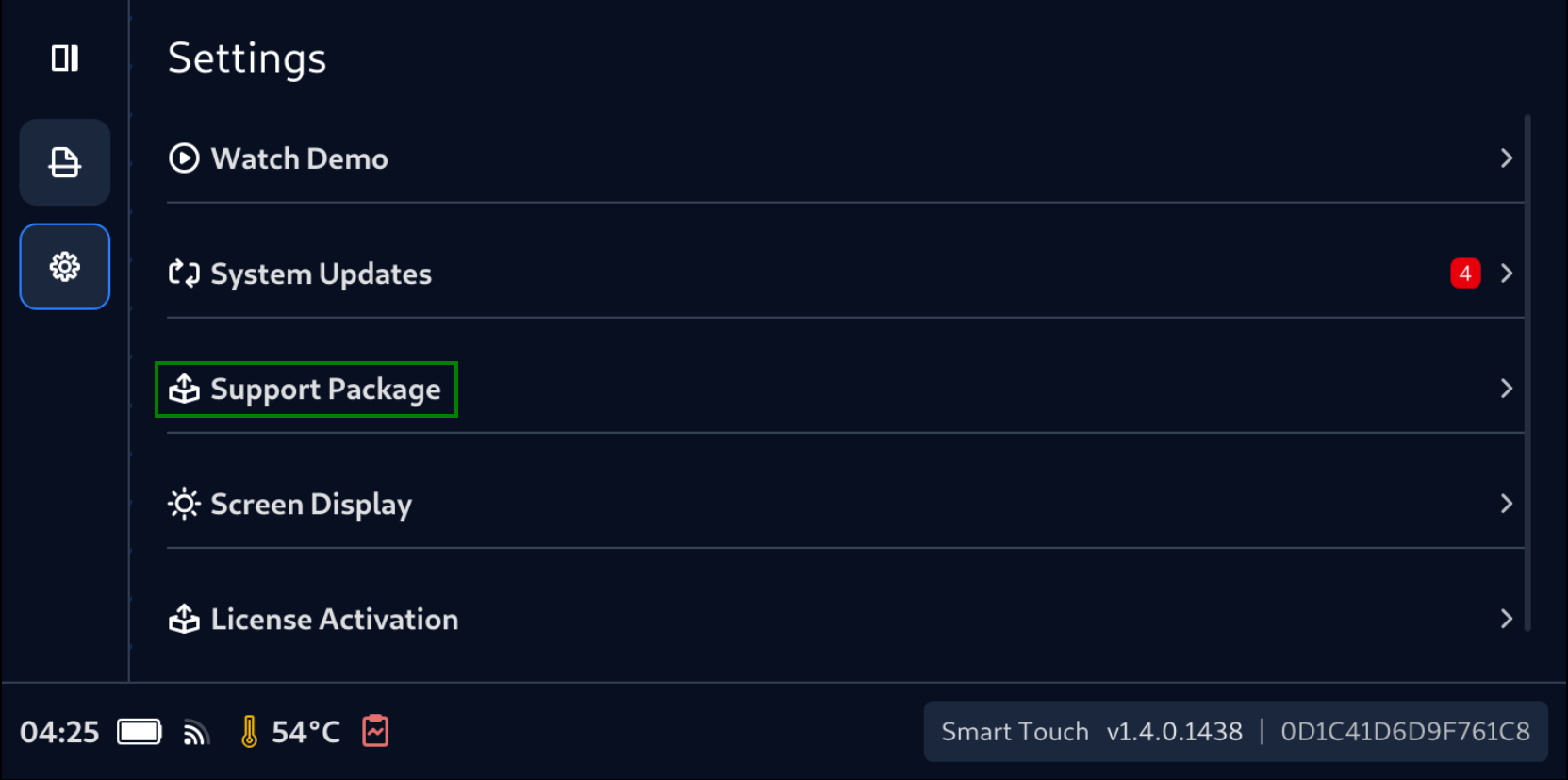
- Tap the Settings icon on the Navigation Bar, then tap Support Package.
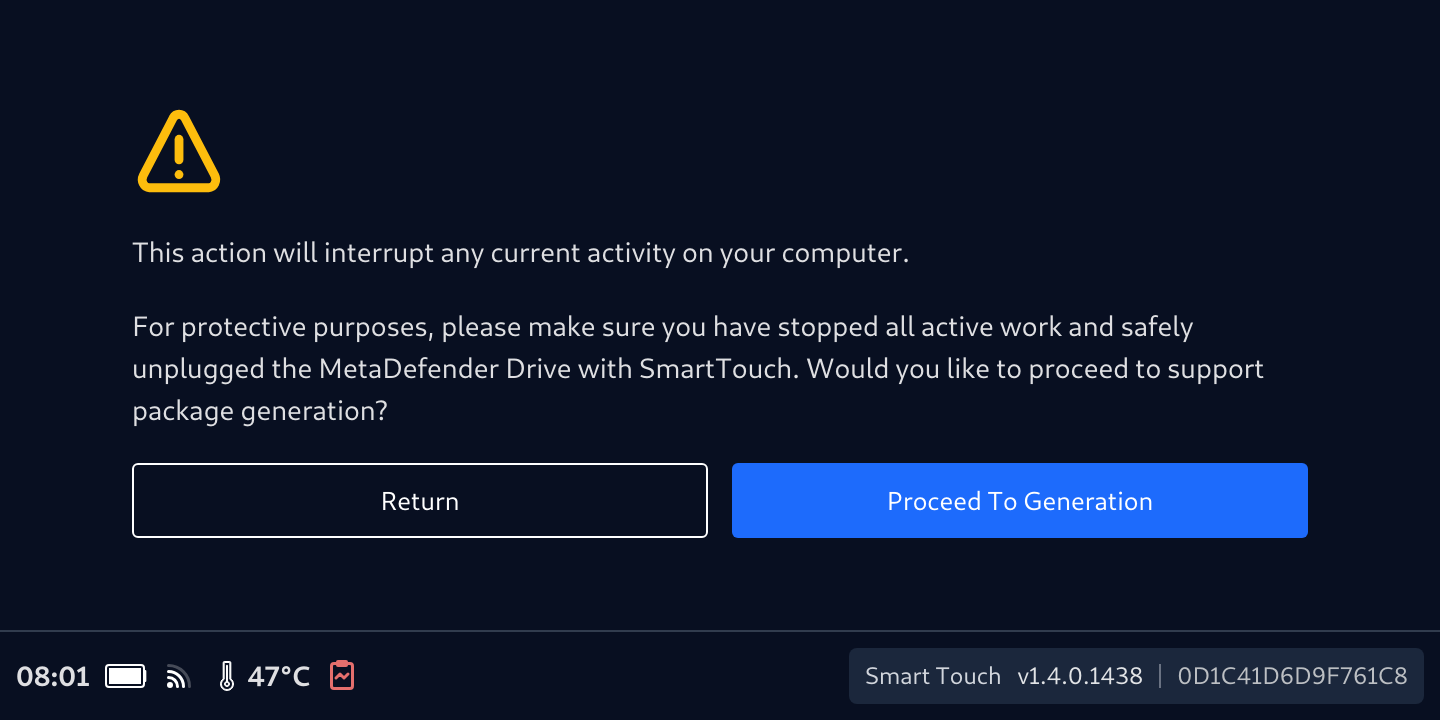
- Read the notification carefully, then tap Proceed To Generation.
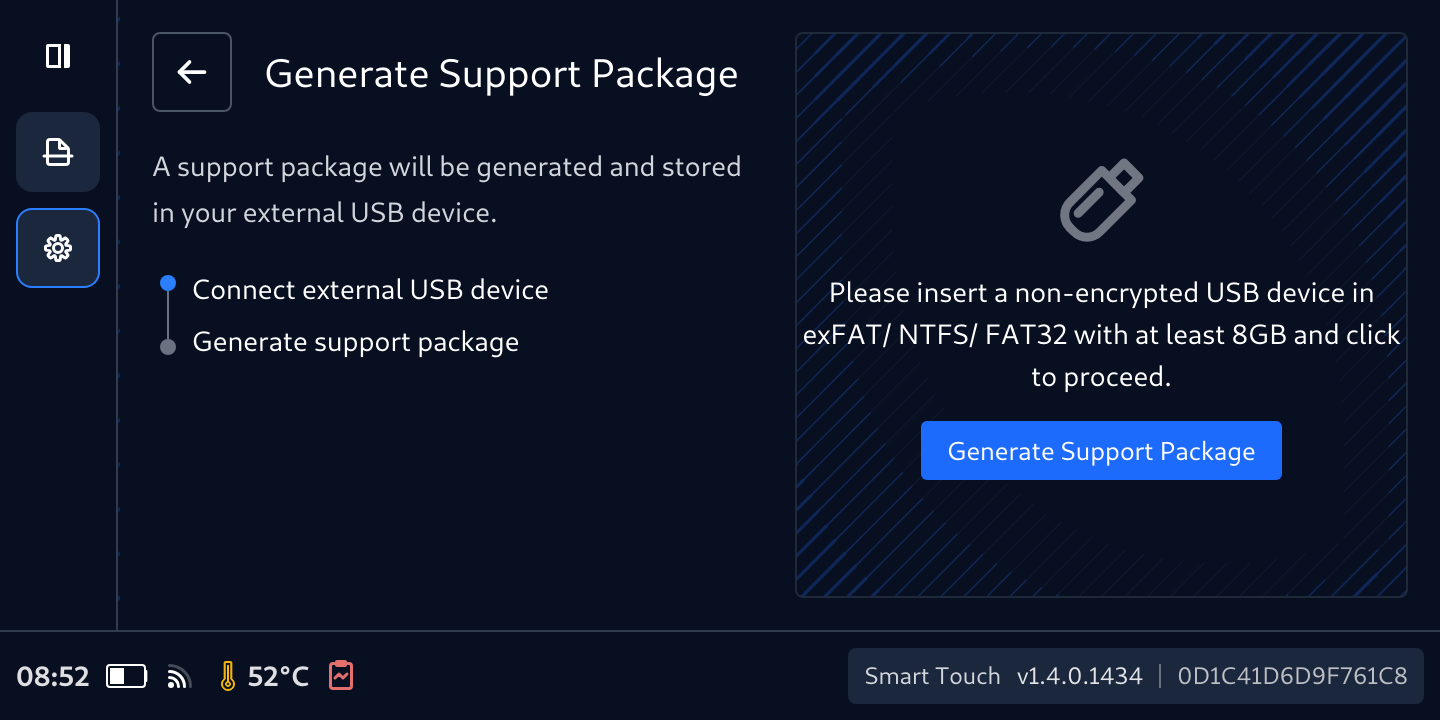
- Prepare an external USB drive (formatted as NTFS, FAT, or exFAT) with a USB-A to USB-C adaptor. Insert it into the USB-C port of Smart Touch, then tap Generate Support Package.
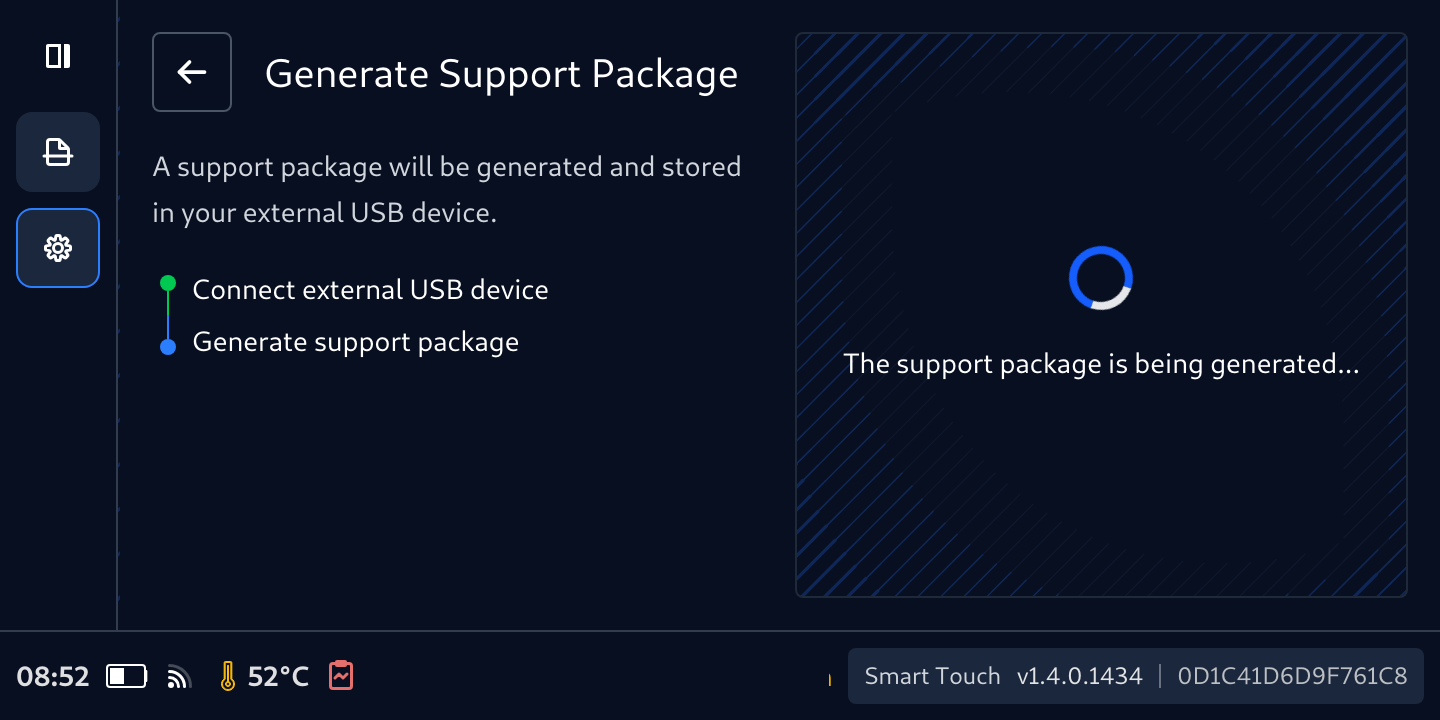
- Wait for the package creation process to complete.
- Tap Done and remove the USB storage from Smart Touch.
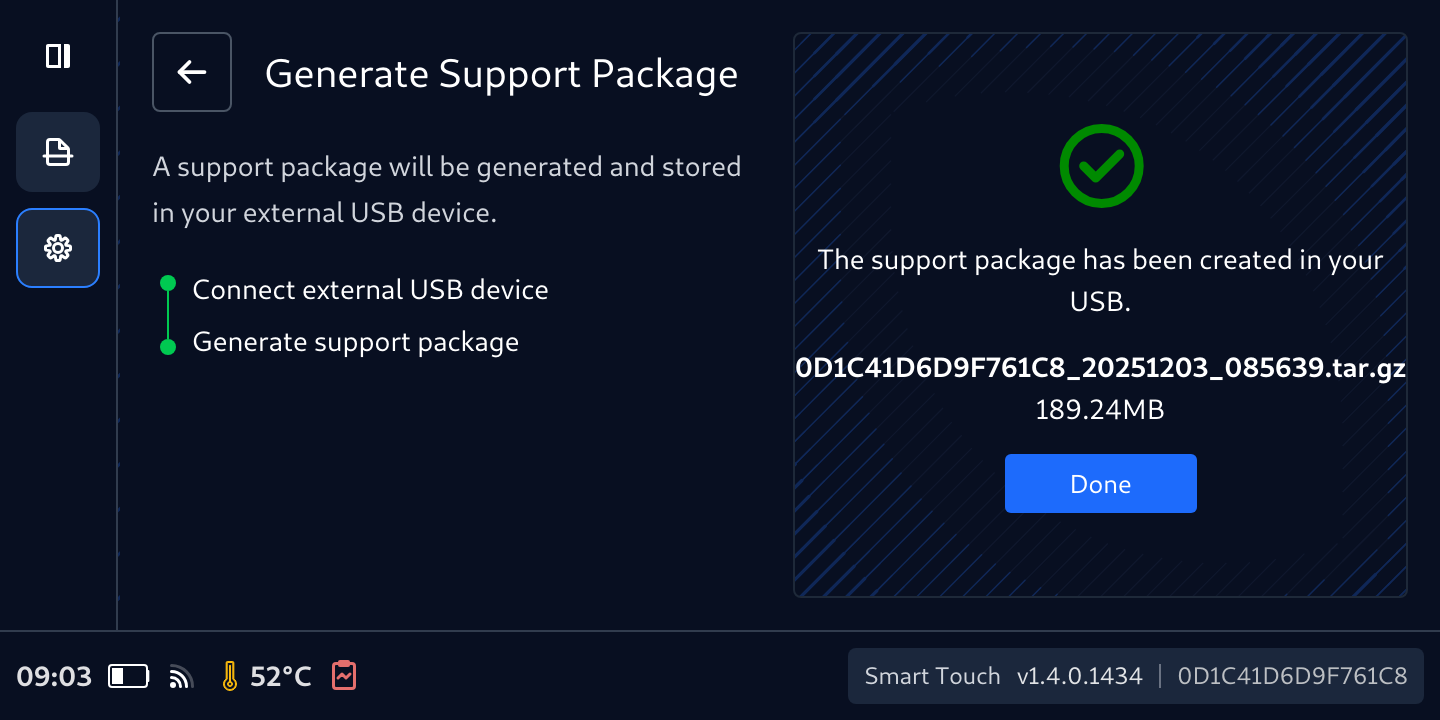
- The support package is saved to the root of USB storage under the
___ smclog_ folder.

Was this page helpful?

