MetaDefender Drive with Smart Touch performs bare metal multiscanning: it boots the target computer directly from the Smart Touch device via USB-C, bypassing the target's operating system, and scans with up to 8 trusted anti-malware engines before any software is allowed to run.
All scan configuration, engine settings, scan profiles, and Central Management integration are identical to USB Drive variants and are documented in the MetaDefender Drive — User Guide. You do not need separate procedures for the drive software itself.
Scanning Experience on Smart Touch
MetaDefender Drive with Smart Touch offers an experience similar to MetaDefender Drive’s USB variants, with additional on-device feedback via the built-in 5.7” touchscreen.
- After a scan completes, Smart Touch displays Safe Device or Unsafe Device — matching the result shown on the target computer’s screen.
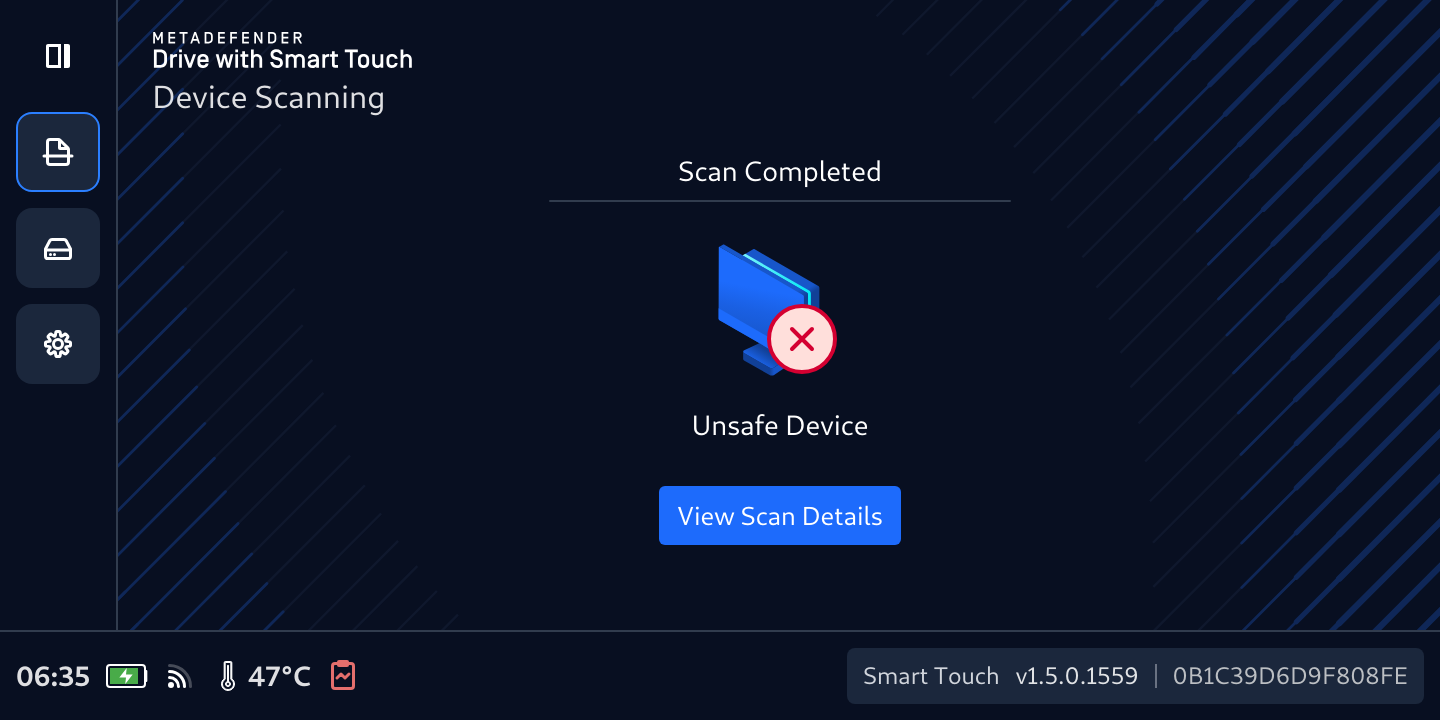
- Tap View Scan Details on the Smart Touch screen to see the full scan results overview.
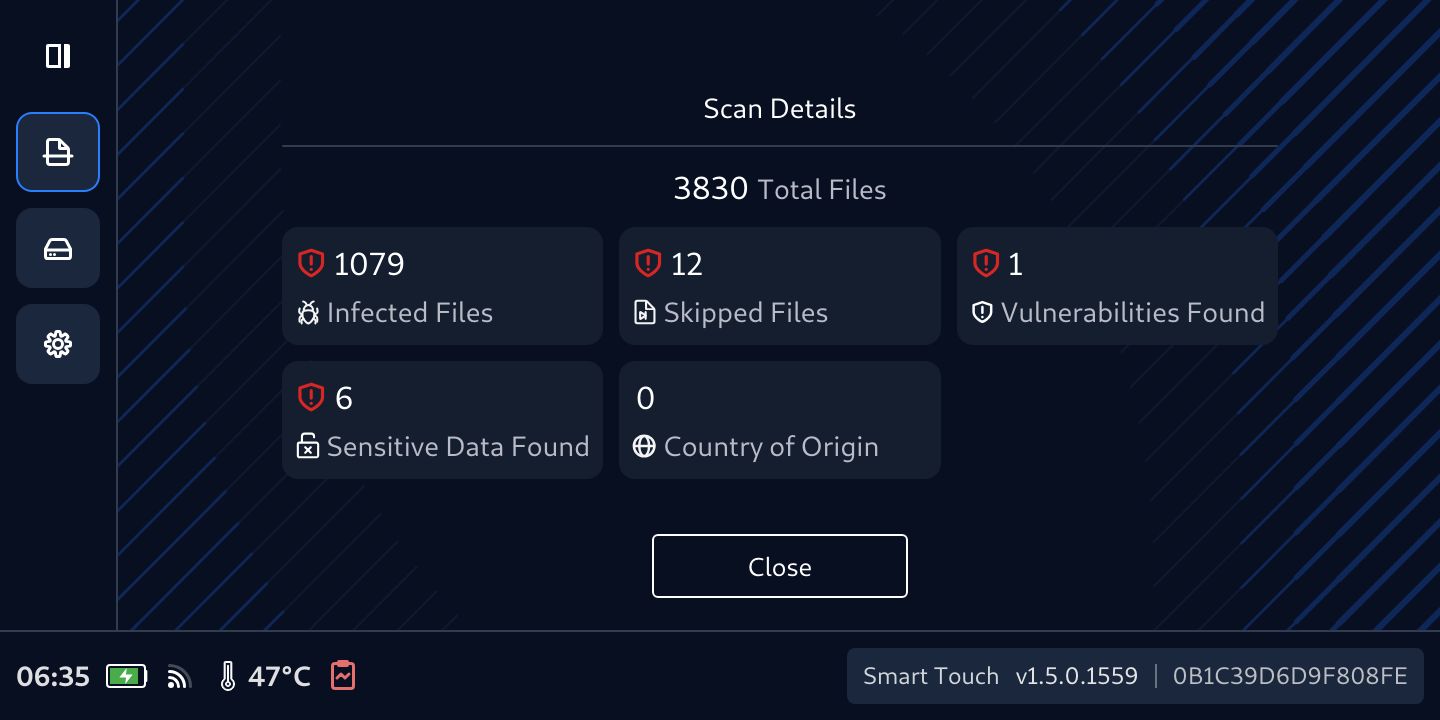
- The findings count shown on Smart Touch matches the results displayed on the target computer, confirming the scan data is consistent across both screens.
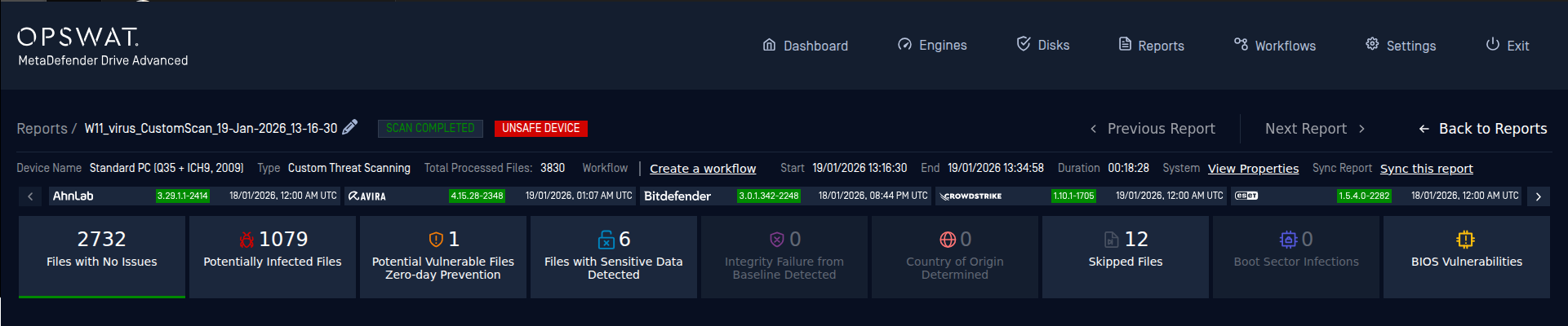
Auto Sync Reports to Central Management
If MetaDefender Drive is configured with My OPSWAT Central Management, reports sync automatically after each scan — over Wi-Fi, cellular, or via MetaDefender Kiosk for on-premises air-gapped environments.
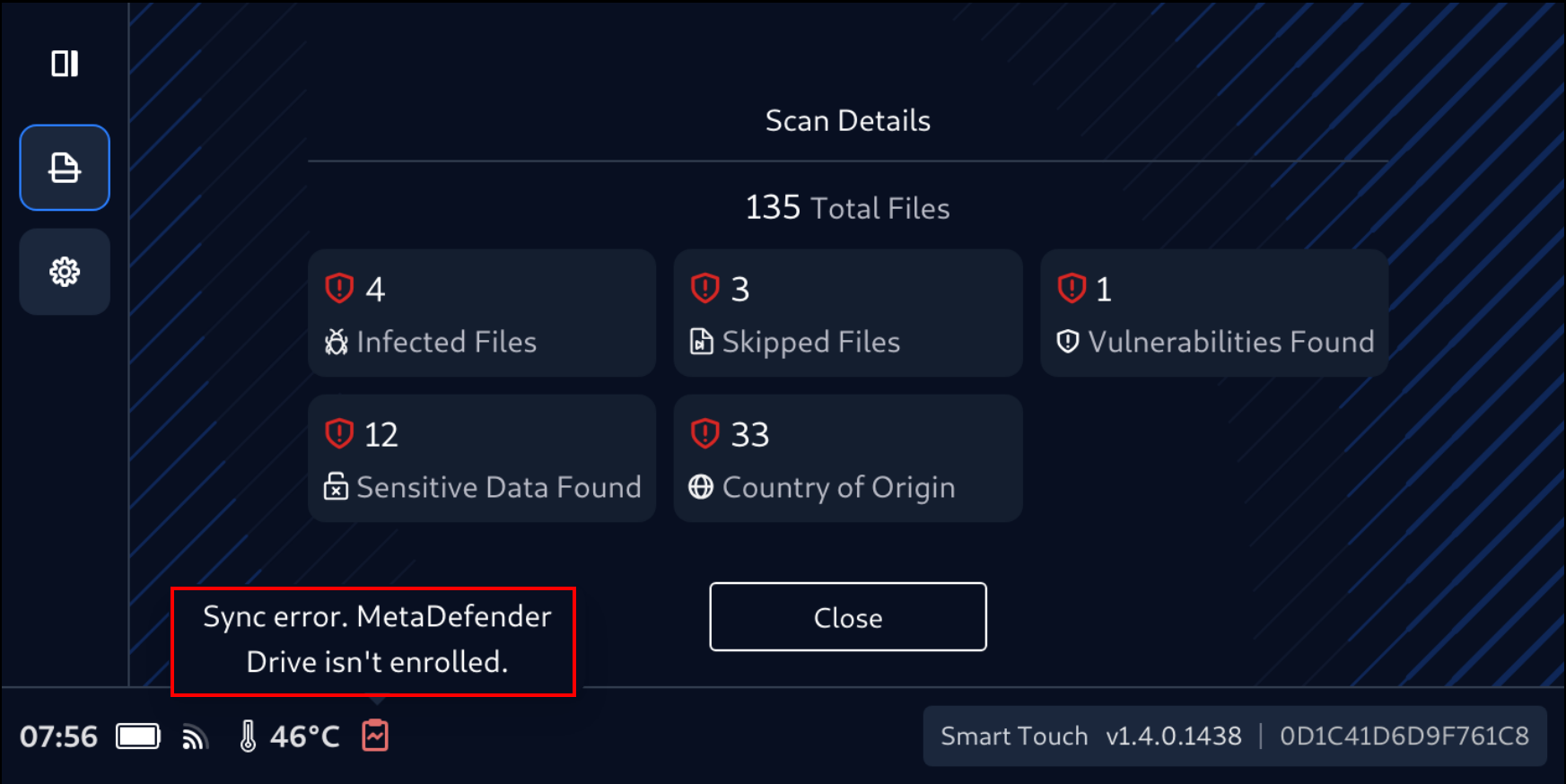
If Central Management is not configured, a Sync Error notification will be displayed on the Smart Touch screen.