
This article is applied to MetaDefender Drive releases.
Issue:
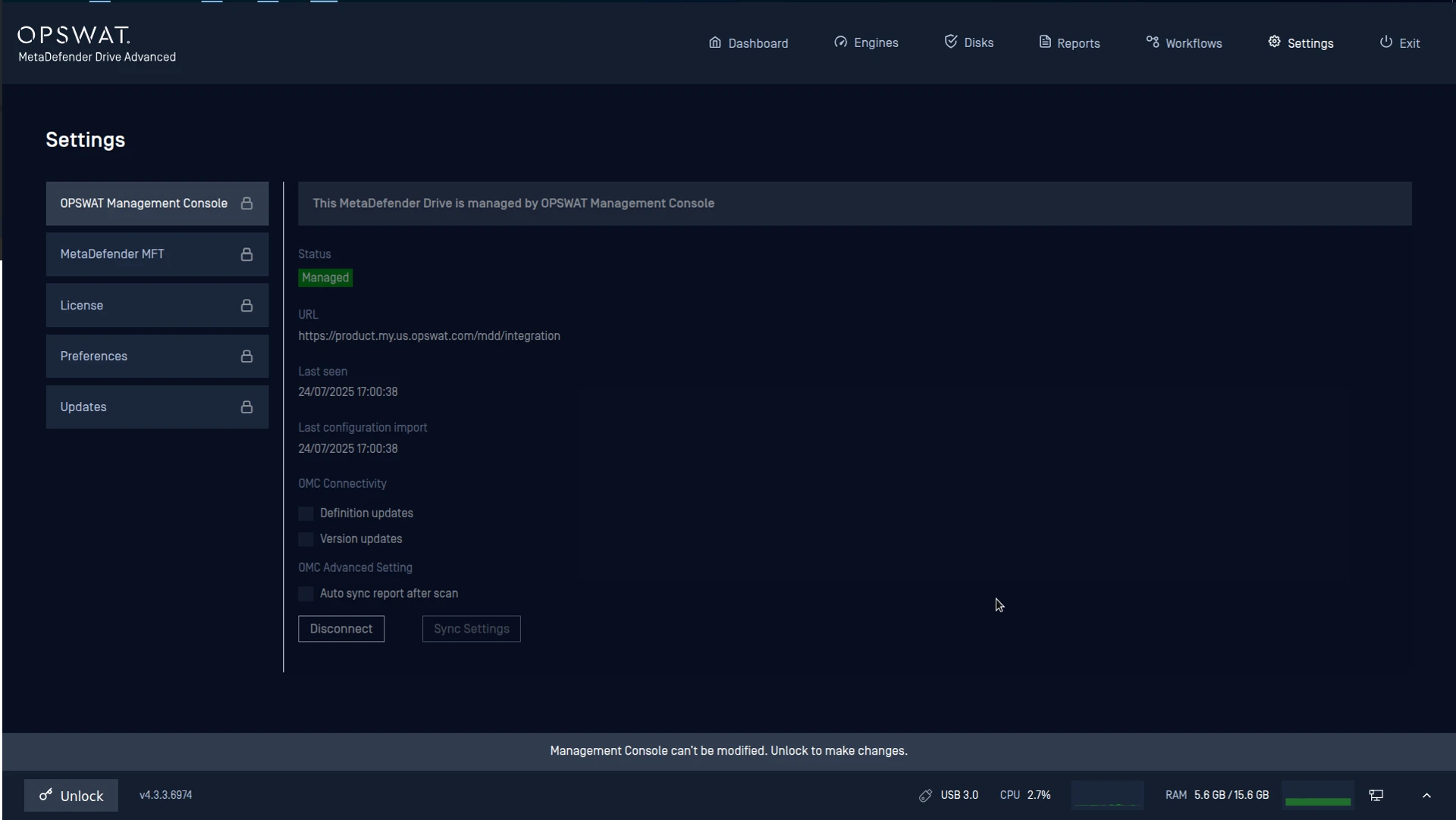
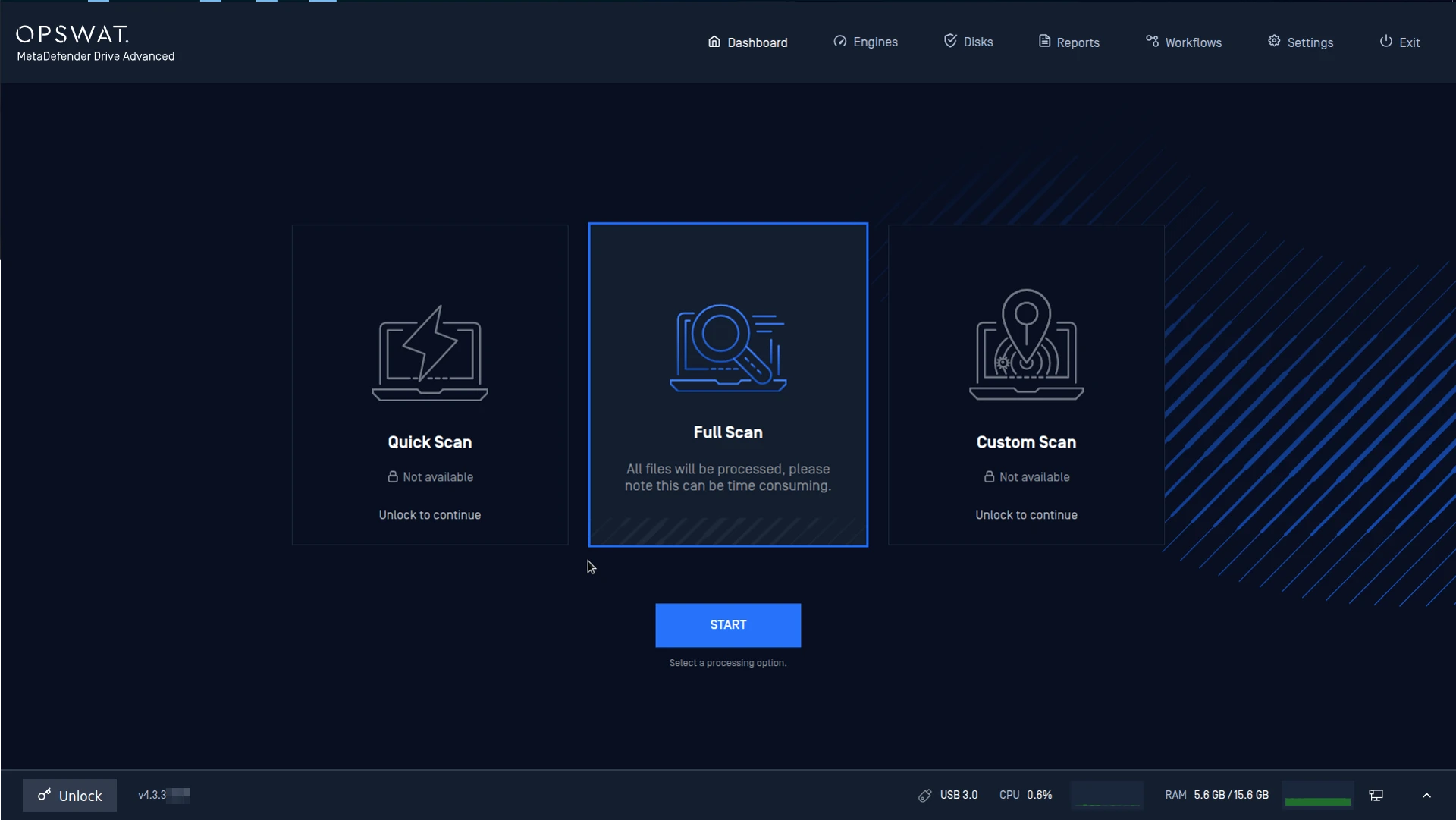
A lock icon appearing on certain settings within MetaDefender Drive indicates that access to these settings is restricted.
Reason:
Starting from version 3.7.0, MetaDefender Drive introduced a feature called Centralized Scanning Profile. This feature allows administrators to lock scanning profiles and settings using the MetaDefender Drive Toolkit.
When locked, these settings can only be modified or accessed by users who are authorized through One-Time Password (OTP) verification. This mechanism is designed to prevent unauthorized changes and enforce centralized scanning policies.
Resolution:
Please contact the person whose name is shown as the “Approver” when you click the Unlock button.
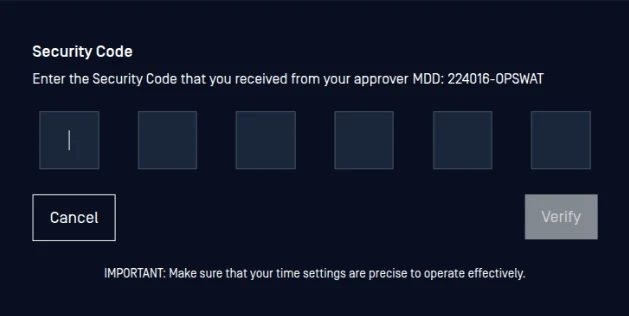
That person should then follow the steps in the following document to generate and provide you with the unlock code: Centralized Scanning Profile - MetaDefender Drive
Workaround:
You can retrieve the MetaDefender Drive lock code by referring to the article below:
How do I re-obtain the MetaDefender Drive lock code? - MetaDefender Drive
If Further Assistance is required, please proceed to log a support case or chatting with our support engineer.