
Overview:
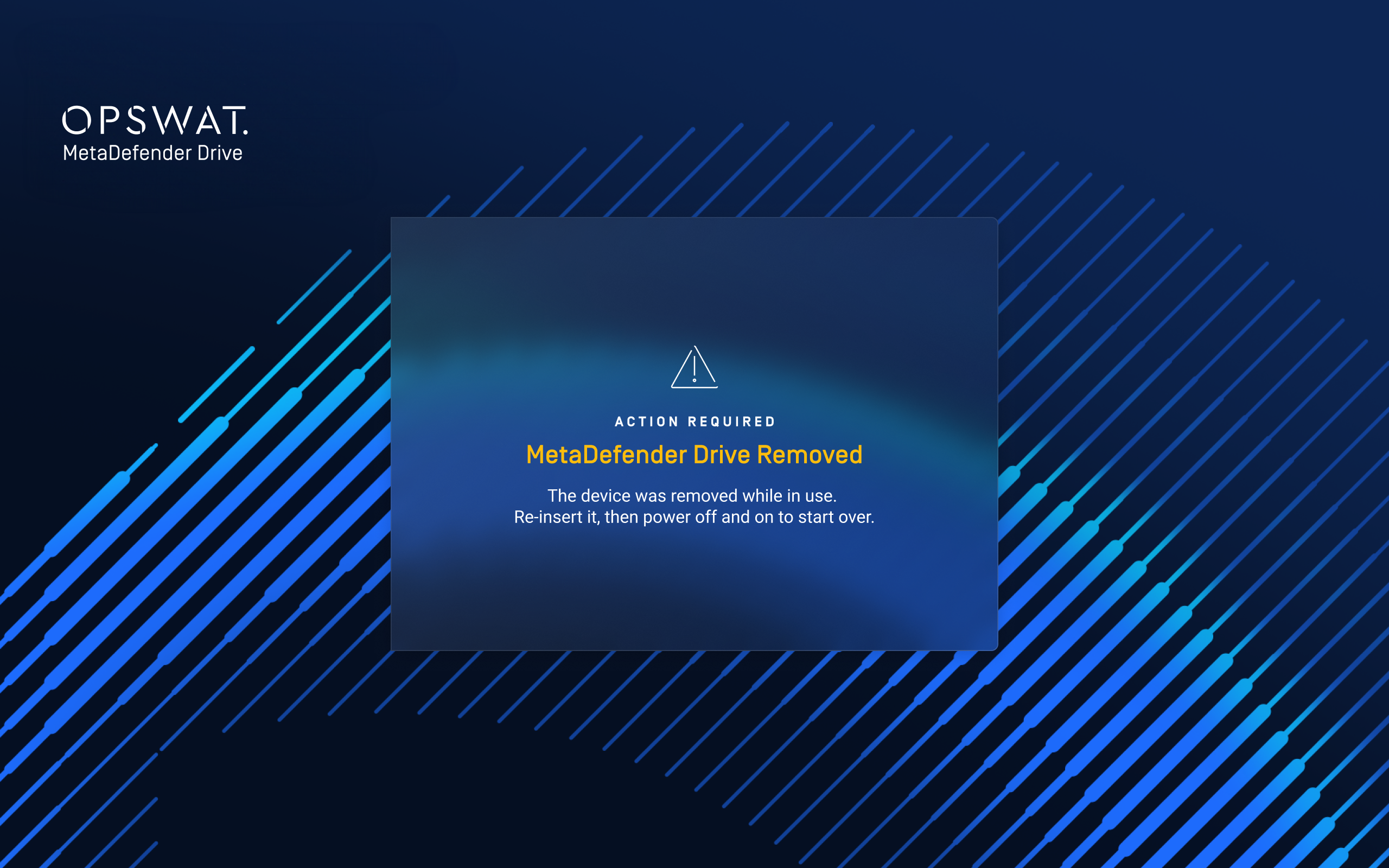
From MetaDefender Drive version 4.4.3 / 3.8.3, when the MetaDefender Drive (MDD) is physically removed while the product UI is already displayed, the system now shows a clear reboot screen indicating that a reboot is required before the drive can be used again.
This change is designed to avoid user confusion when:
The user removes the MetaDefender Drive while it is in use
Then re‑inserts the MetaDefender Drive
And expects to continue using it without rebooting the machine
Instead of silently failing or just closing the UI, the user now sees a dedicated “Need to reboot” screen.
Solutions:
Follow the instructions and normal operation is restored after a reboot and correct use of the MetaDefender Drive.
Was this page helpful?
Knowledge Base