End-User Guide
v3.11.1
Search this version
End-User Guide
End-User Guide
Title
Message
Create new category
What is the title of your new category?
Edit page index title
What is the title of the page index?
Edit category
What is the new title of your category?
Edit link
What is the new title and URL of your link?
Signing In with Windows
Copy Markdown
Open in ChatGPT
Open in Claude
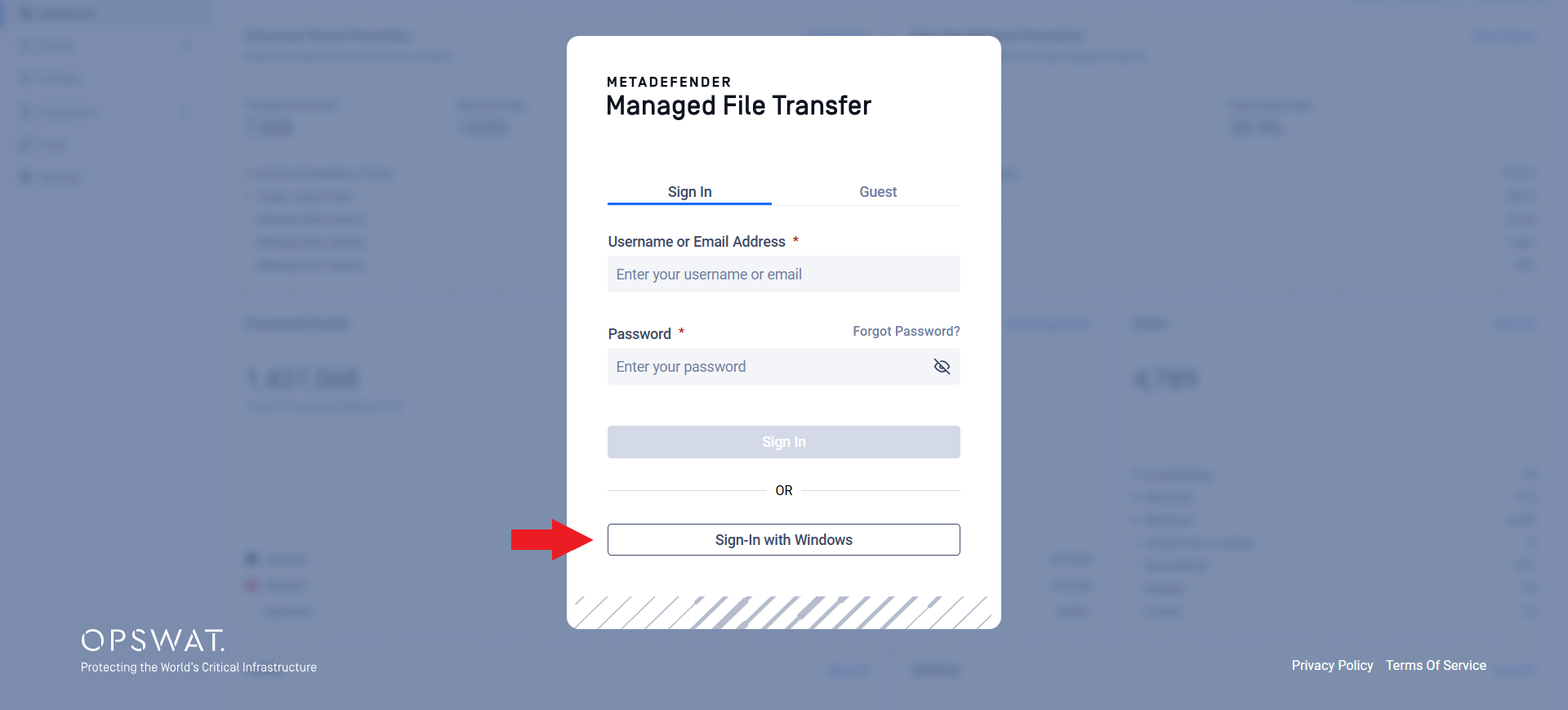
If MetaDefender® MFT is set up to use Active Directory with Integrated Windows Authentication, you can sign in quickly using your Windows account.
- If your computer is joined to the Active Directory domain and you are already logged in with your domain account, simply click Sign In with Windows on the login page, no need to re-enter your credentials.
- If you are not already authenticated, your browser may ask for a username and password. In this case, enter your Active Directory account details to continue.
Type to search, ESC to discard
Last updated on
Was this page helpful?
Next to read:
Logging OutDiscard Changes
Do you want to discard your current changes and overwrite with the template?
Archive Synced Block
Message
Create new Template
What is this template's title?
Delete Template
Message
