
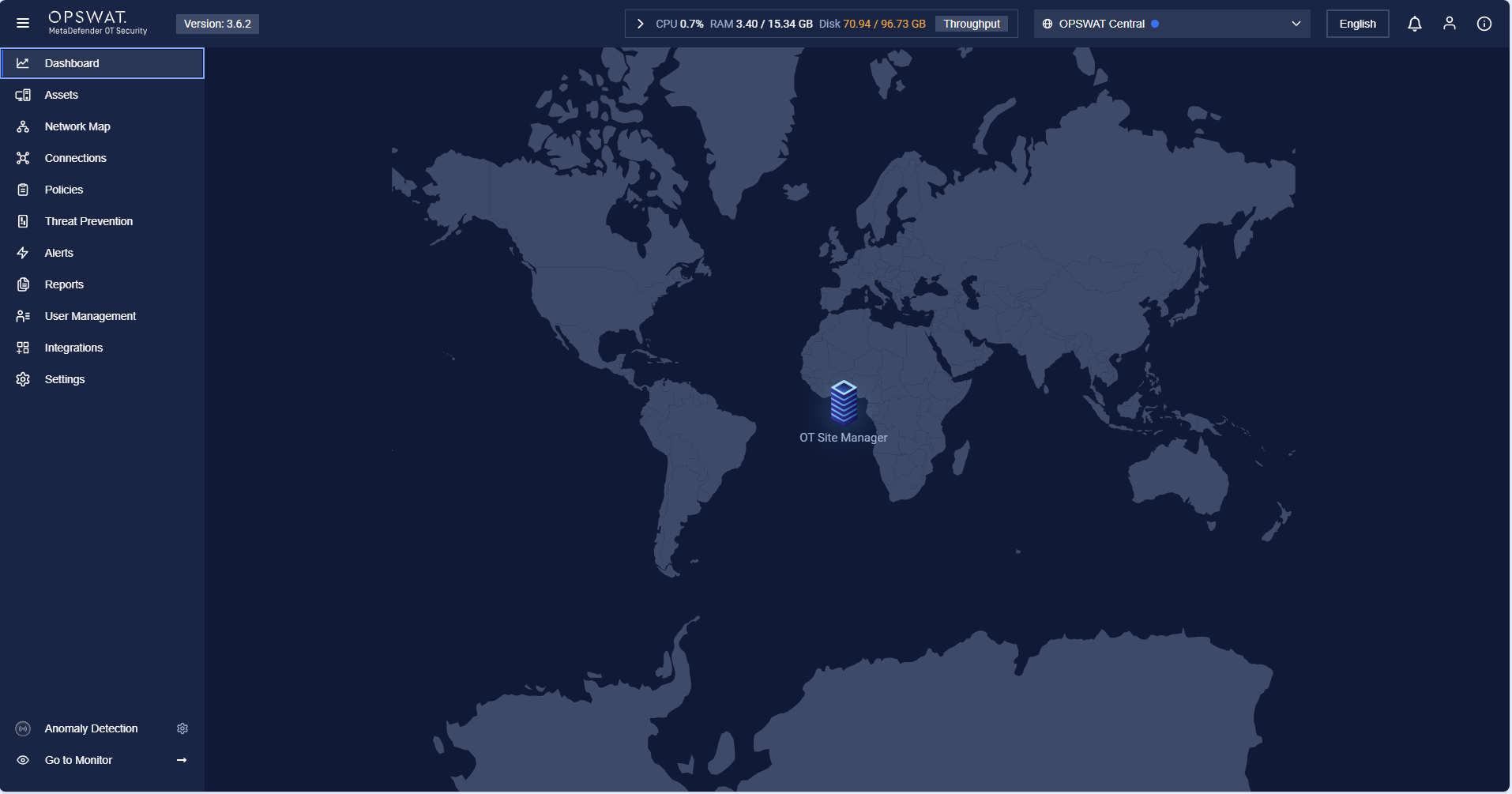
The Monitoring view can be accessed by clicking the Monitor button at the left footer or will be displayed when you do not perform any action on MetaDefender OT Security for a period of 15 minutes.
Monitoring view is a collection of screens that summarize the system status overview but are equally full of activities taking place inside the system as well as the status of alerts so that you can monitor it without any manipulation. In other words, it is like screen-saver mode.
There are 6 pages that will be changed sequentially in the form of animations. Each page displays information about the system.

Technical View
To go to the technical view, click on the button “Go to Management”.
Was this page helpful?
Operating