
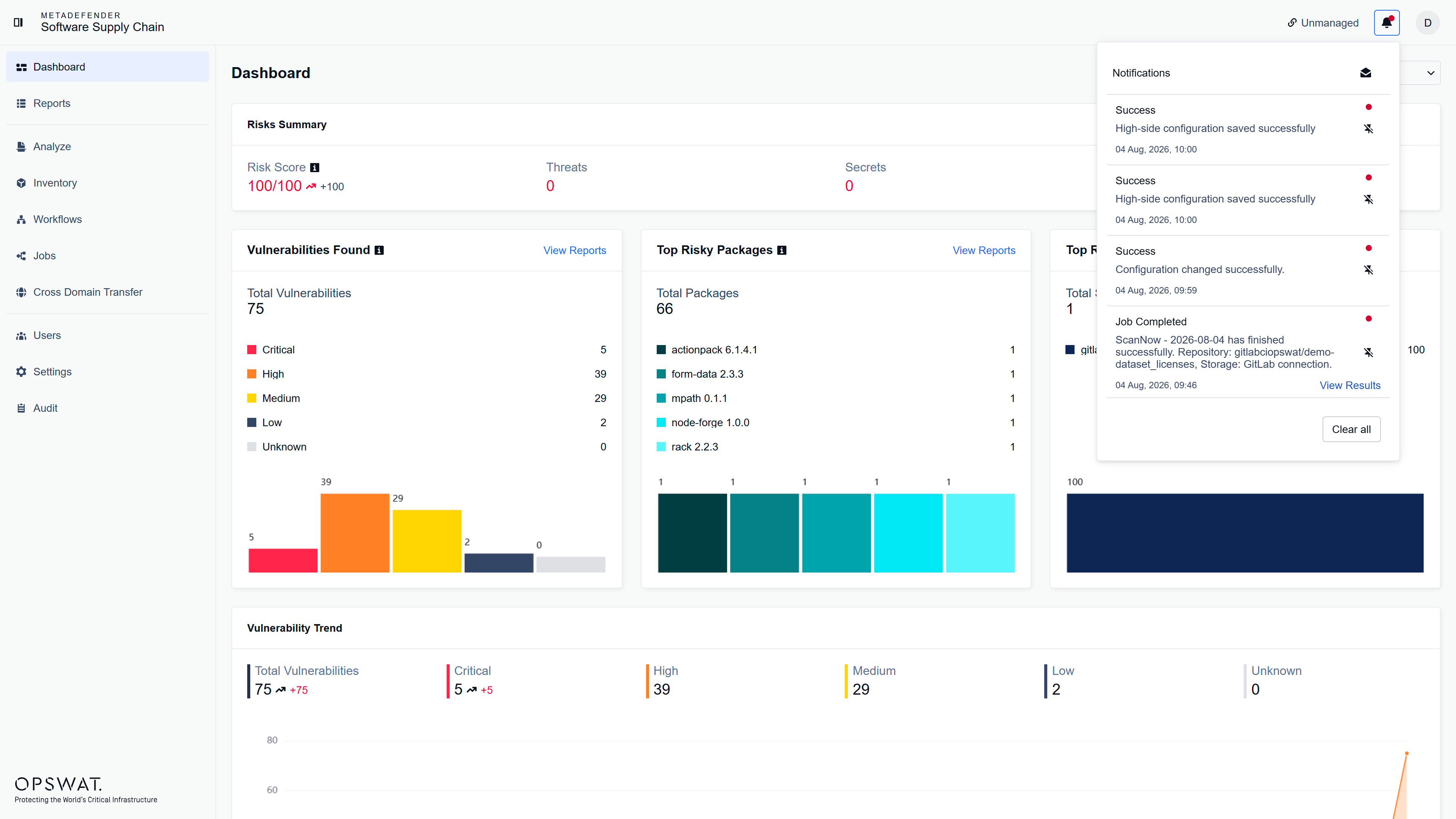
The Notification Center keeps you informed of all important activities in your workflow. Notifications appear in a dedicated panel and are organized chronologically, making it easy to track what's happening in real time.
Key Features
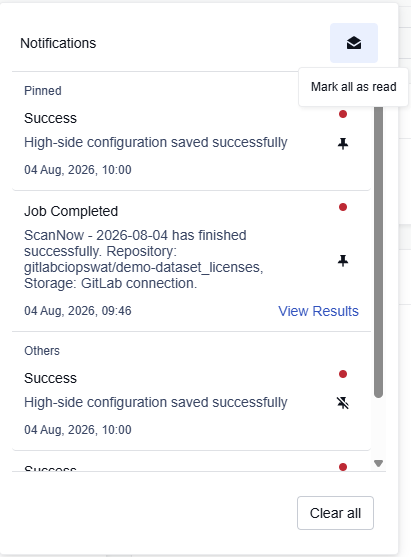
Pin important notifications to keep them visible at the top of your list. Mark notifications as read to track which updates you've reviewed. Access quick actions directly from notifications—such as viewing scan results when a job completes—without navigating through menus. Clear your entire notification history with one click. Notifications are stored during your session and automatically cleared when you log out or close your browser.
Was this page helpful?
Operating