
MetaDefender Software Supply Chain supports differential (hash) scanning: it detects whether files have changed since the last scan, and skips the files that have not. Scans run faster while still identifying new or modified content.
Configure hash scanning
Hash scanning is configured per workflow:
Go to the Workflows page and open the workflow you want to configure.
In the workflow diagram, click the Hash Scanning step. The Hash Scanning panel opens:
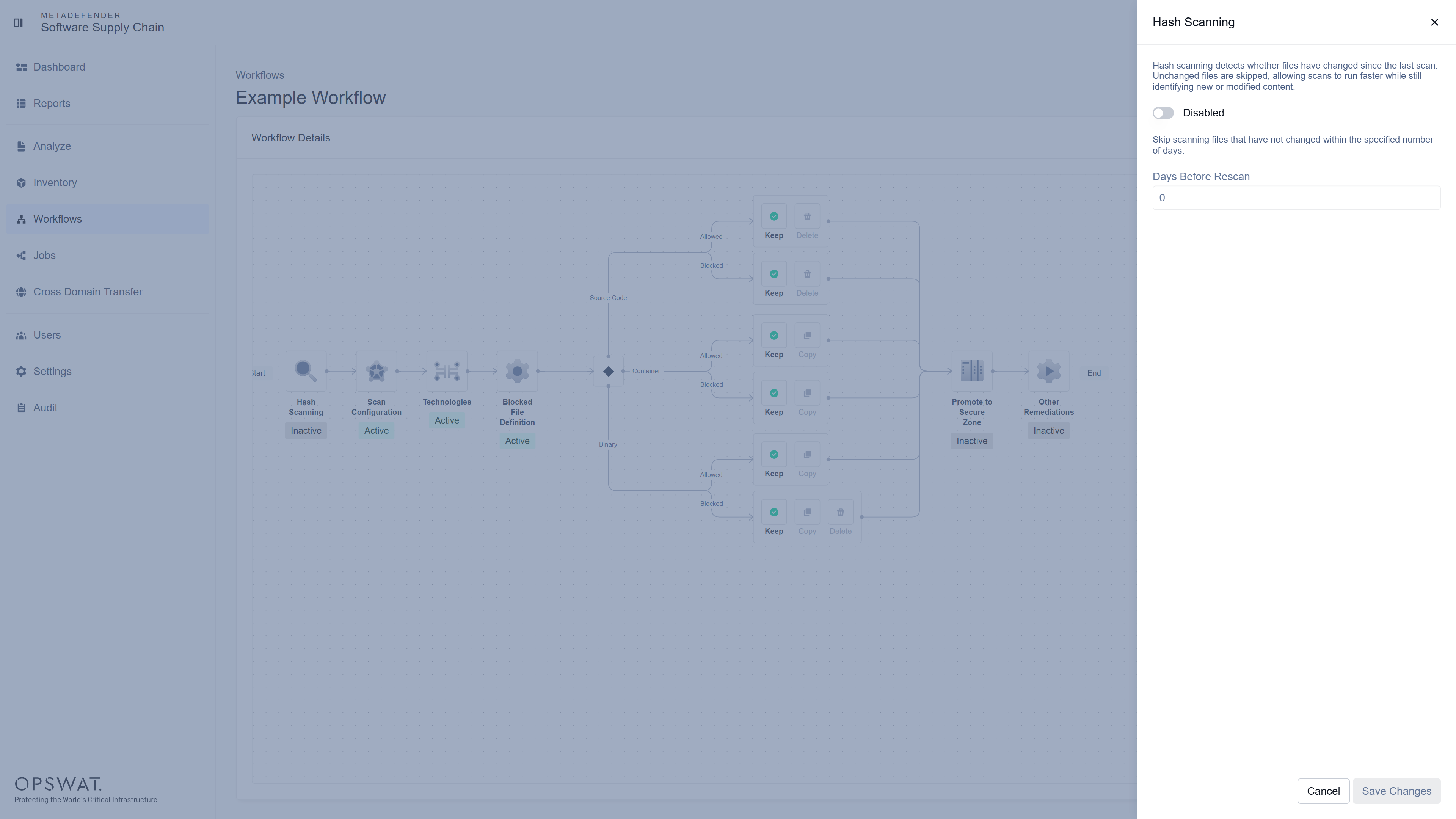
Turn the toggle to Enabled and set the scan frequency in the Days Before Rescan field - files that have not changed within the specified number of days are skipped:
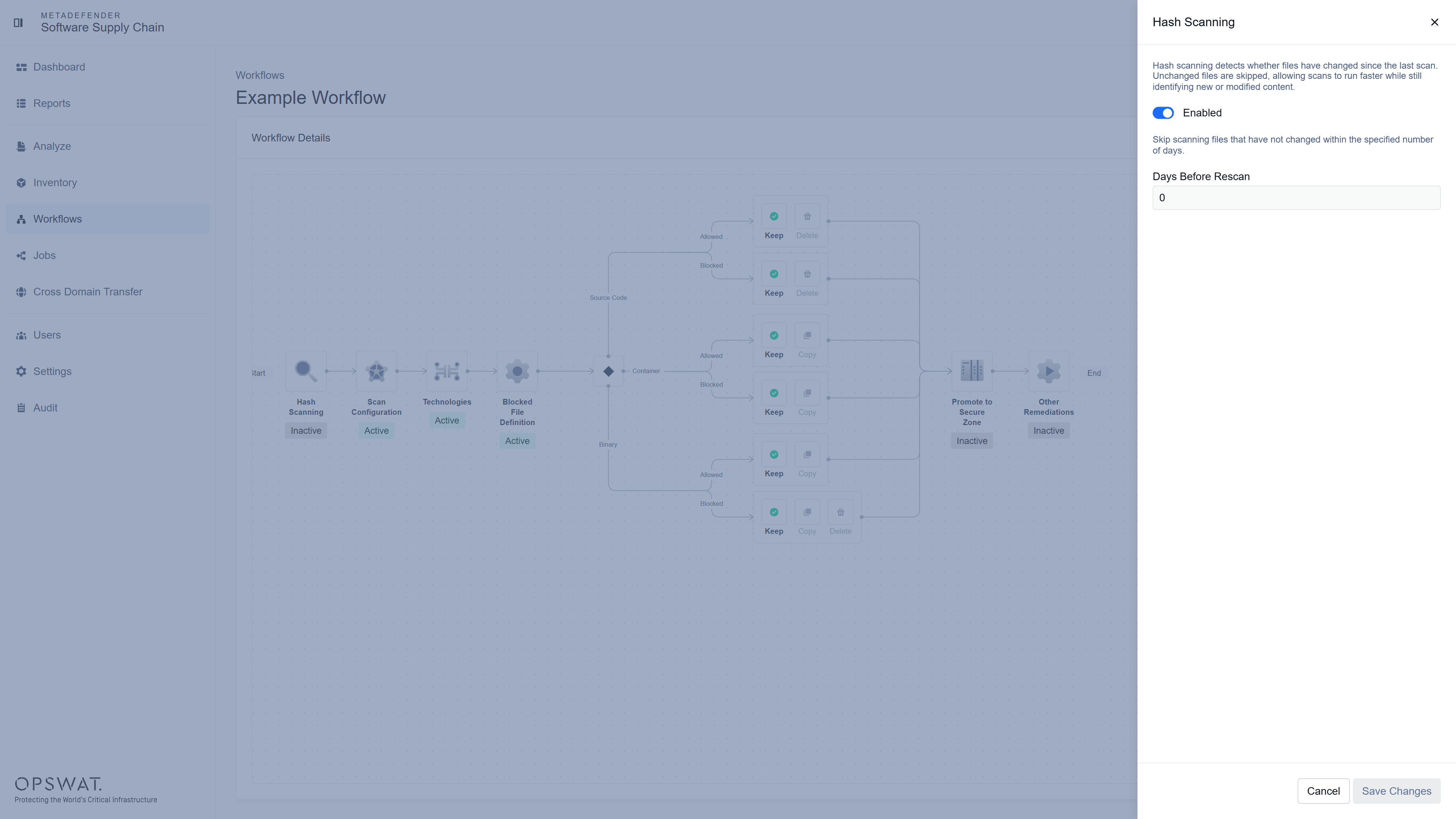
Click Save Changes.
When the next scan starts, the system compares the latest version of your repository against the previously scanned version and only scans the changes.
If Hash Scanning is not activated then all files are scanned.