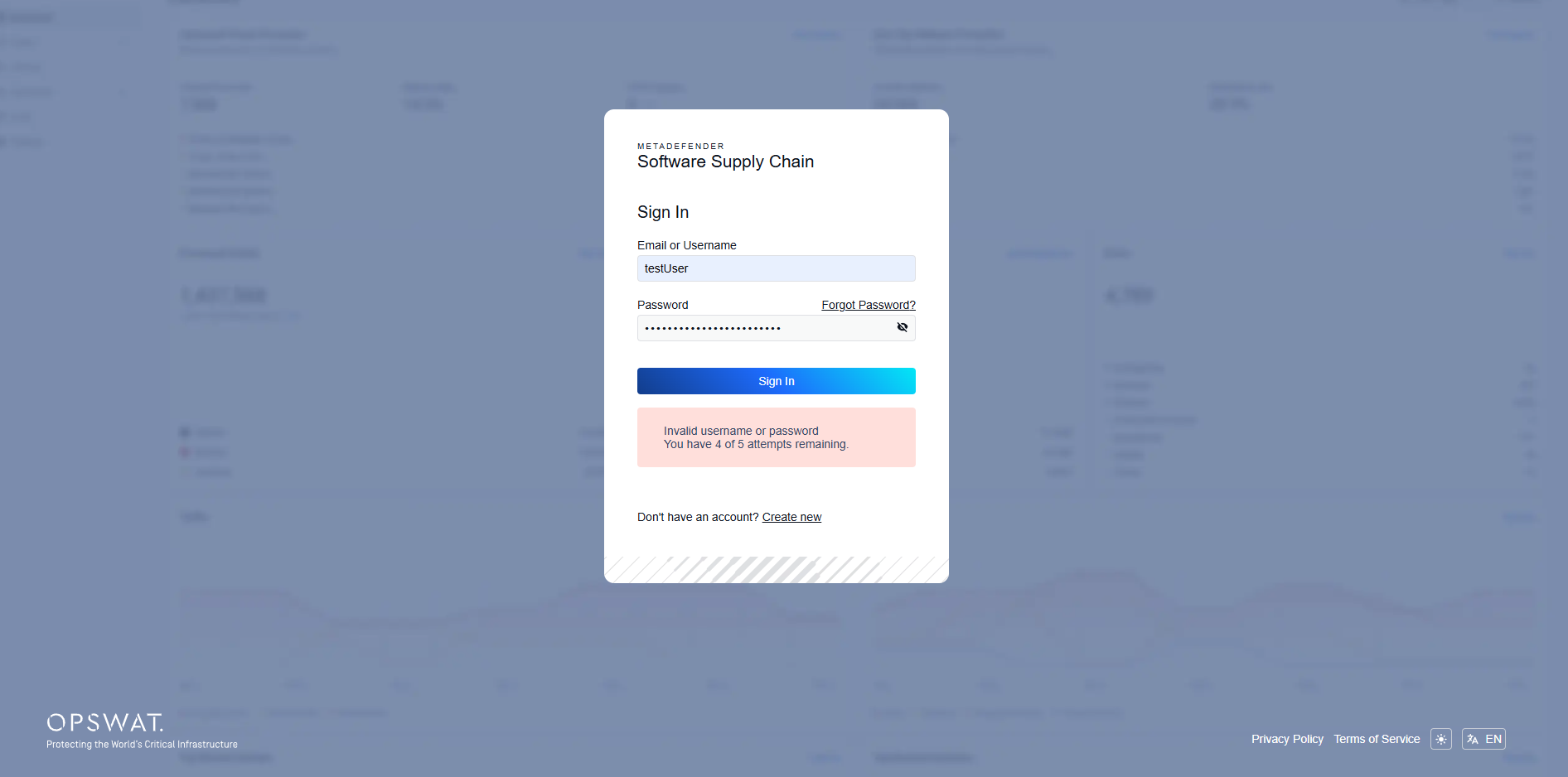
If you forgot your password, you can reset it from the login page.
Click the Forgot Password? link next to the password field:
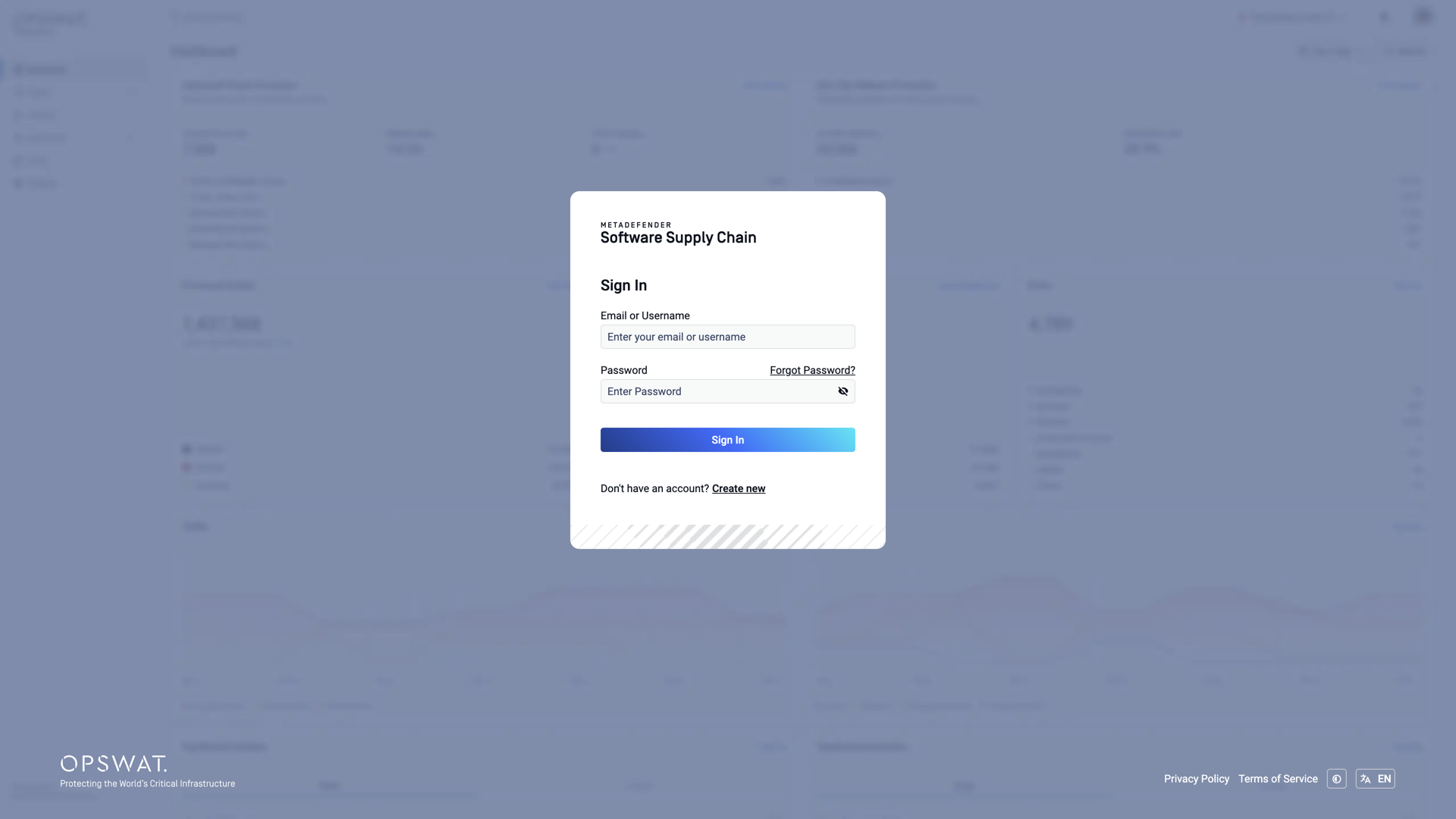
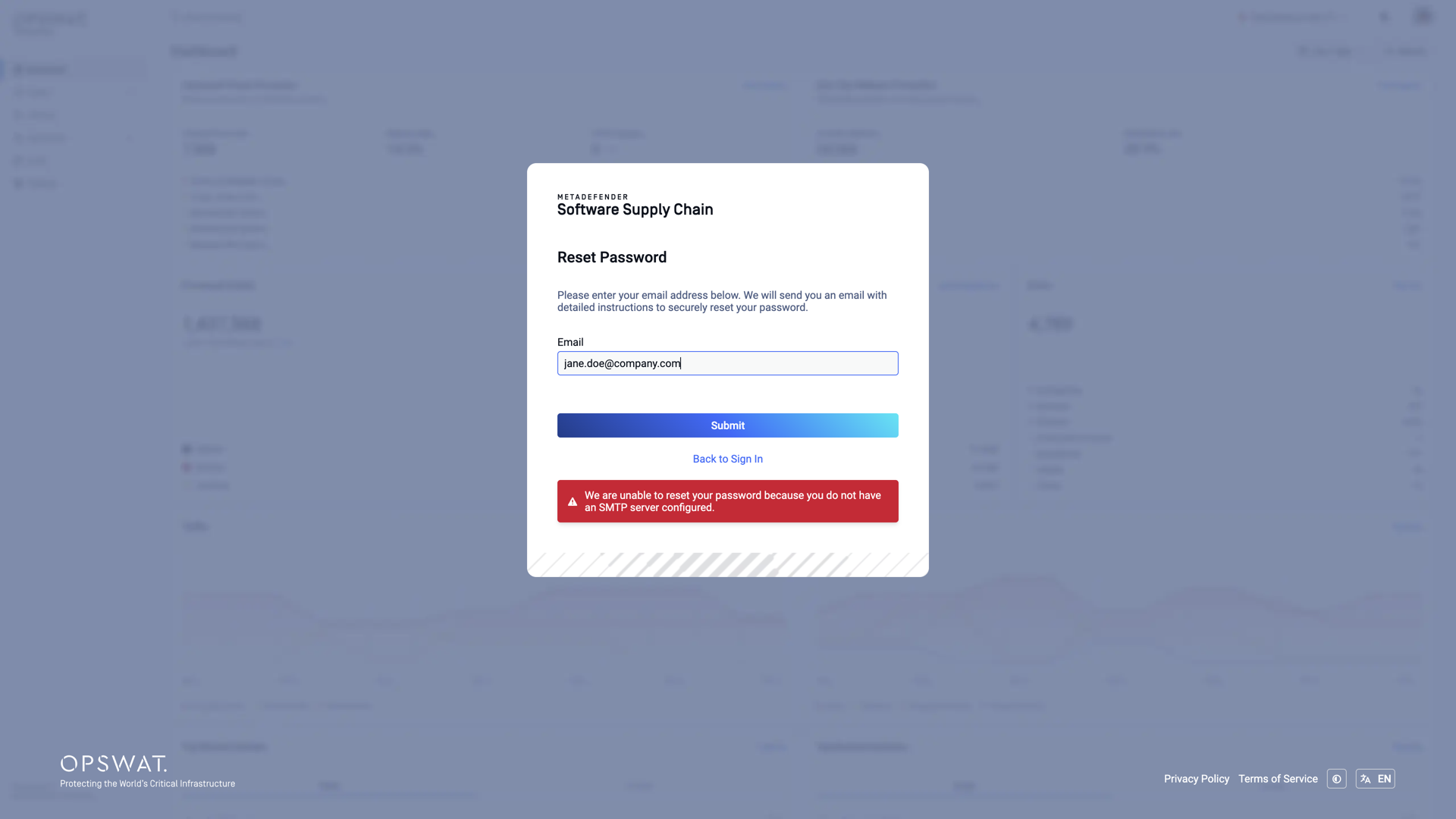
On the Reset Password screen, enter the email address of your account:
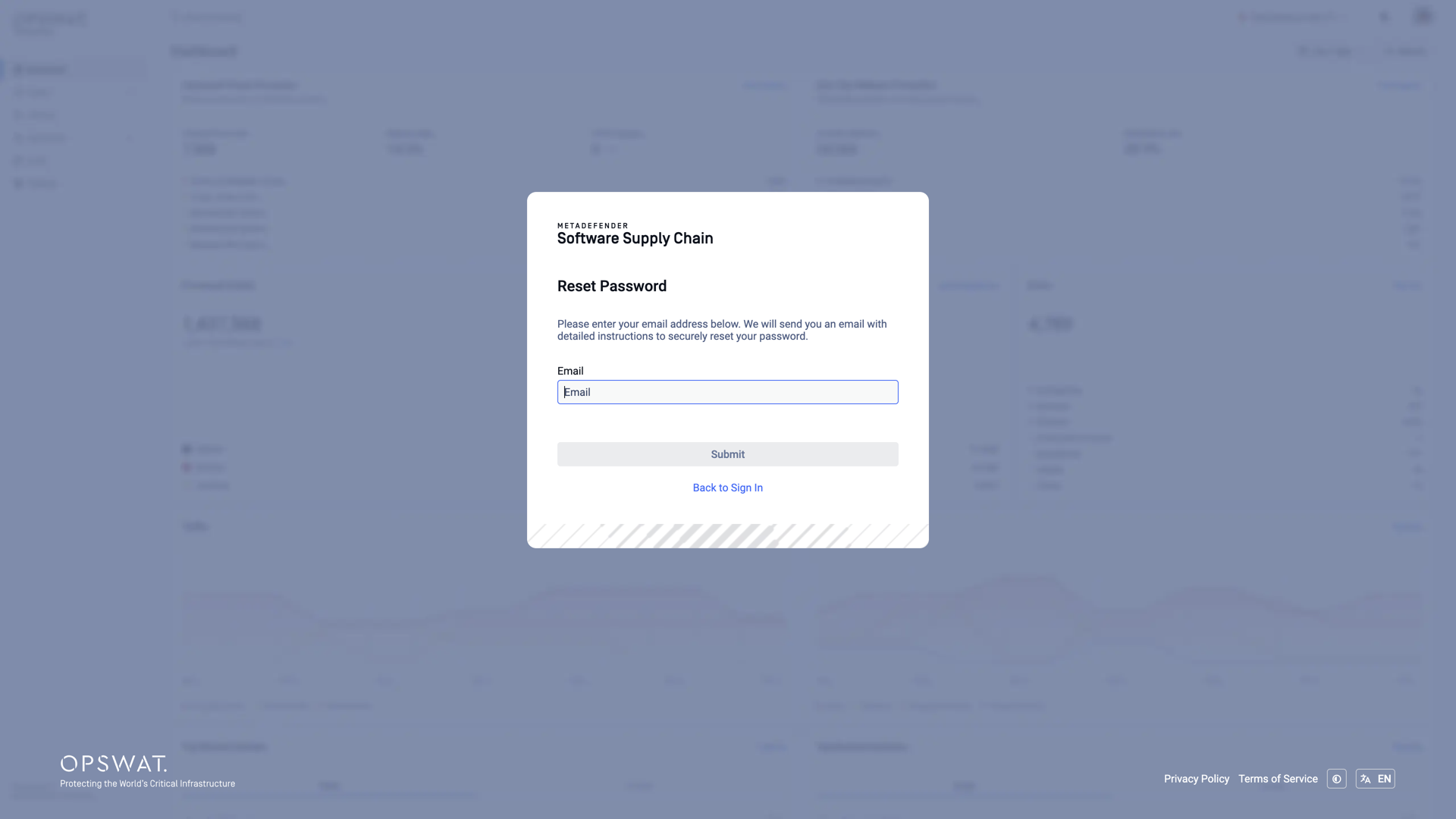
Click Submit. An email with detailed instructions to securely reset your password is sent to your inbox - open the link inside, choose a new password, and sign in with it. If the email does not arrive, check your spam folder or use the resend link on the confirmation screen:
SMTP is required
Password reset emails can only be sent when an SMTP server is configured. Without one, the reset request fails with the error below - see the SMTP page in this section for how to configure it:
Account Lockout
Keep in mind that you have limited attempts to log into your account. After 5 failed sign-in attempts within 15 minutes, sign-in is blocked for 10 minutes. The login page shows how many attempts you have left and, once blocked, how long to wait. During this time, sign-in is refused even with the correct password.
If you have forgotten your password, you can reset it using the steps above. You still need to wait for the block to end before signing in with the new password.