
To change your password:
Open the avatar menu in the upper-right corner and select Profile, or go to Settings → Profile.
In the Password card, enter your Current Password, then the New Password and repeat it. The password must be at least 12 characters long, and the strength indicator shows how strong it is:
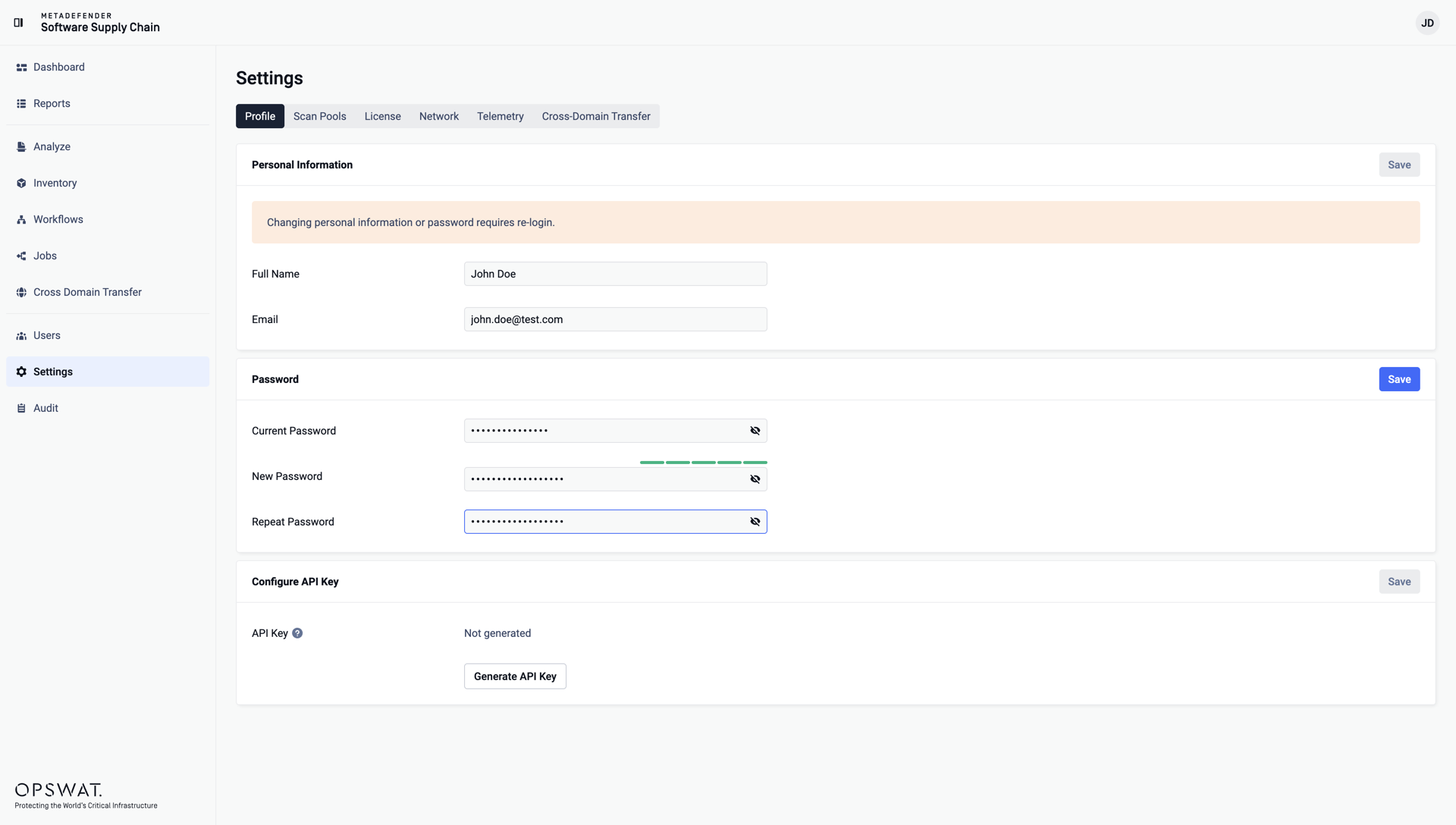
Click Save.
Changing the password requires a re-login: after saving, you are signed out and redirected to the login page, where you can sign in with the new password.
Was this page helpful?
Configuration