
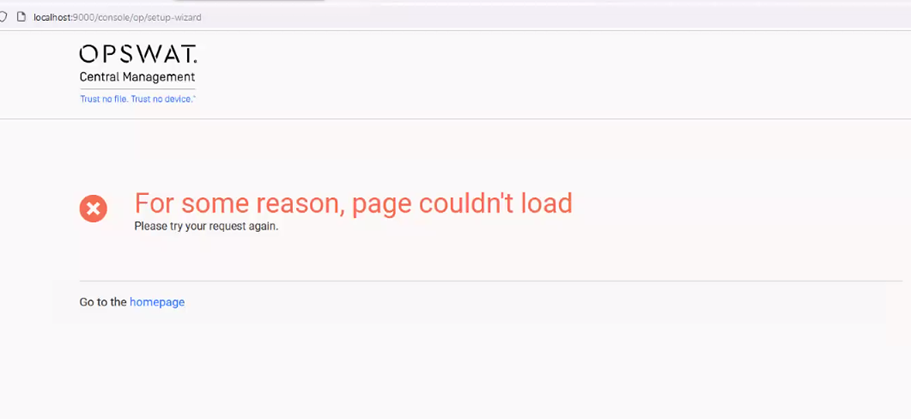
The OCM Web Management Interface page fails to load, preventing users from accessing the system.
Error message displayed: For some reason, page couldn’t load.
Cause
This issue occurs if the required Visual C++ Redistributable Packages for Visual Studio 2013 are not installed on the system. The missing dependencies prevent the web interface from functioning correctly.
Solution
Step 1: Install Visual C++ Redistributable
Download the Visual C++ Redistributable for Visual Studio 2013 using the link below:
https://aka.ms/highdpimfc2013x64enu
Run the installer and follow the on-screen instructions to complete the installation.
Step 2: Restart the OCM Service
Open Services (services.msc from Run or Start Menu).
Locate the OCM Service in the list.
Right-click and select Restart.
Step 3: Verify the Web Interface
Open your web browser and navigate to the OCM Web Management Interface.
Conclusion
Installing the required Visual C++ Redistributable package and restarting the OCM service should resolve the issue.
If Further Assistance is required, please proceed to log a support case or chatting with our support engineer.