
This article applies to all OPSWAT Central Management v7 releases deployed on Windows systems.
When should you use this?
Updates under Inventory → MetaDefender Core Modules fail, stall, or loop.
You want OCM to re-download all module packages from scratch.
What this does?
Clears OCM’s local package cache and restarts the service so OCM repopulates it with fresh packages. Your OCM configuration and product inventory remain unchanged.
Steps required:
Stop the service Open Services → find OPSWAT Central Management → right‑click Stop. (Run Services as Administrator.)
Clear cached packages Delete the contents of:
C:\Program Files\OPSWAT\Central\tomcat\webapps\core\package\(Delete files inside only; keep the folder.)Start the service In Services, right‑click OPSWAT Central Management → Start.
Trigger module updates In OCM UI go to Inventory → MetaDefender Core Modules and click Update now (blue button).
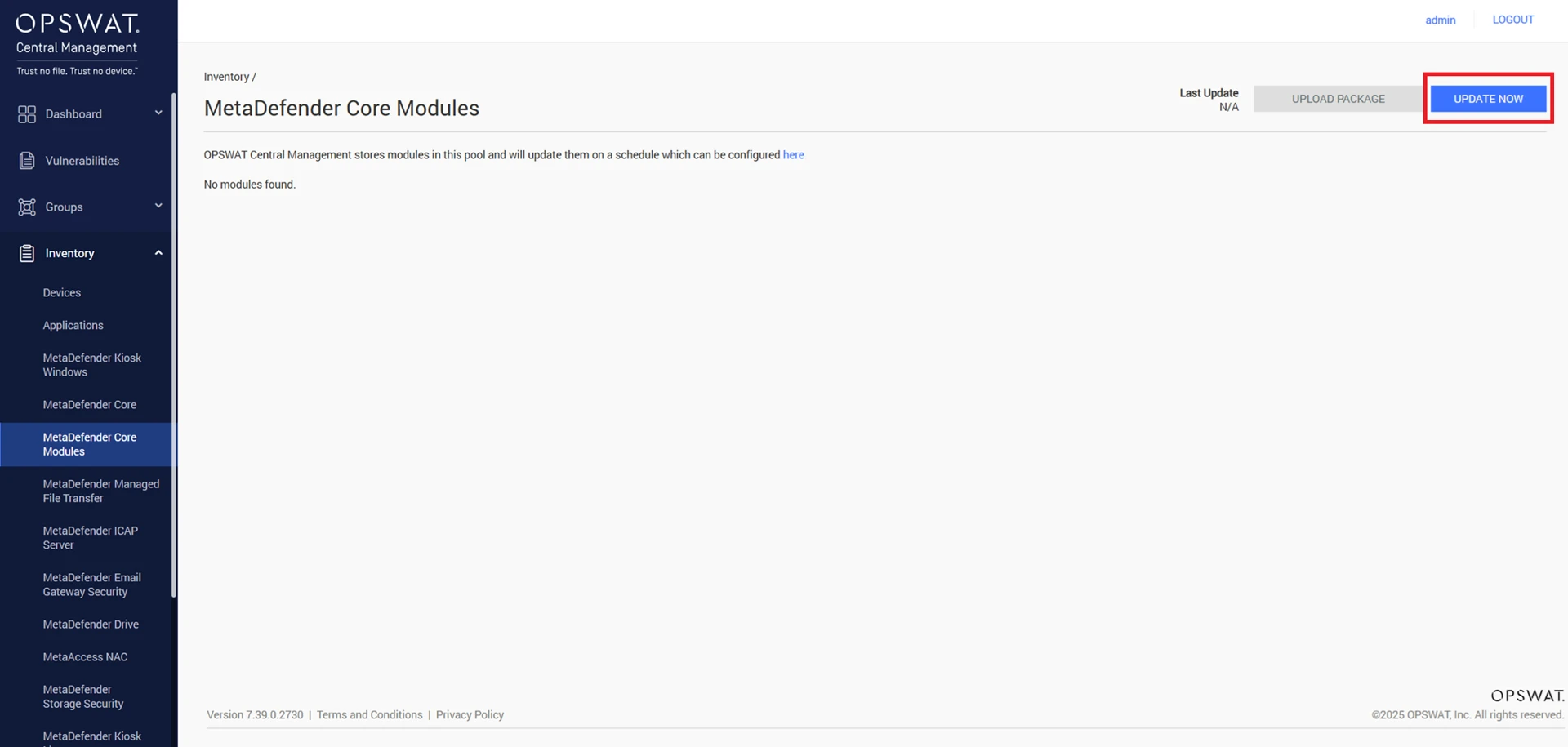
Verify Confirm all module packages download and show Up to date status.
If Further Assistance is required, please proceed to log a support case or chat with one of our support engineers.