
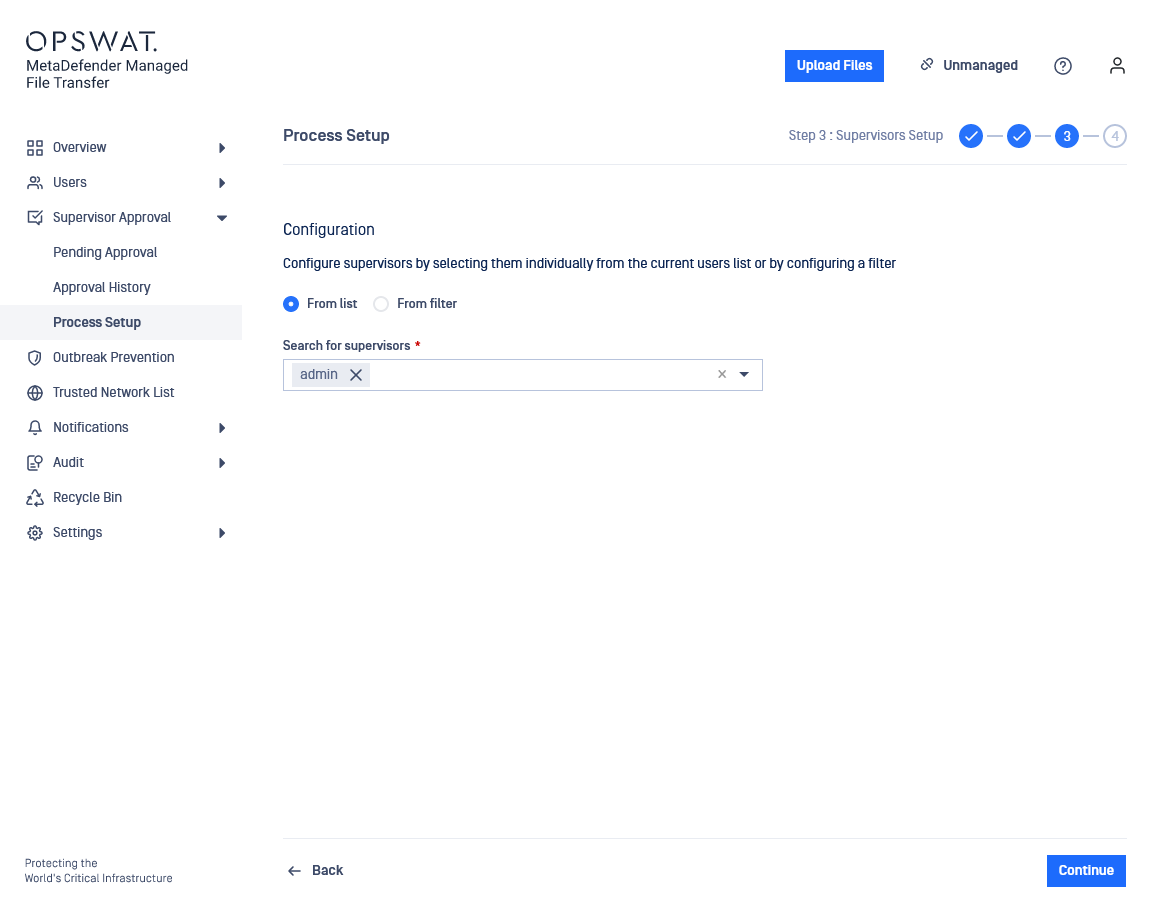
You can configure supervisors by selecting them from a list or by configuring a filter. These supervisors will have the ability to approve files uploaded by any user from any container (OU/group).
Files uploaded by local users can only be approved by supervisors defined here
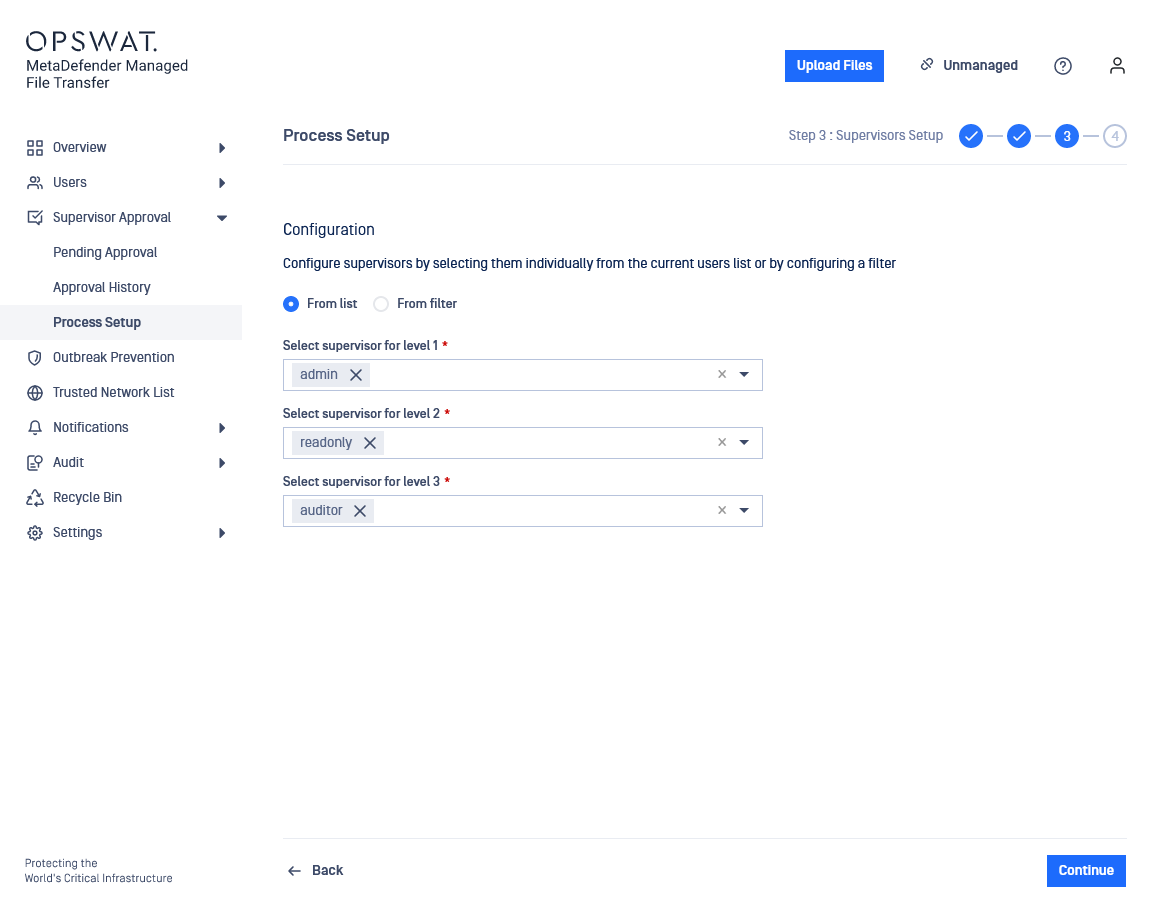
When selecting Step based as the stage approval process, the supervisor assigned to a specific level will be able to approve or revoke a file only when the file corresponds to his assigned level in the approval process.
Guests and external users cannot be set as supervisors
Depending on the Active Directory configuration settings, there are two cases of displaying Groups in the Setup Supervisors page:
When the Active Directory configuration includes only Groups, the Setup Supervisors page will display only the explicitly included Groups.
When the Active Directory configuration includes both Groups and OUs, the Setup Supervisors page will display all the Groups from the connected Active Directory. The reason for this is that the synchronized users may be part of an OU but may not a part of any explicitly included group.