
Customize the user's login page experience
Transparent Theme
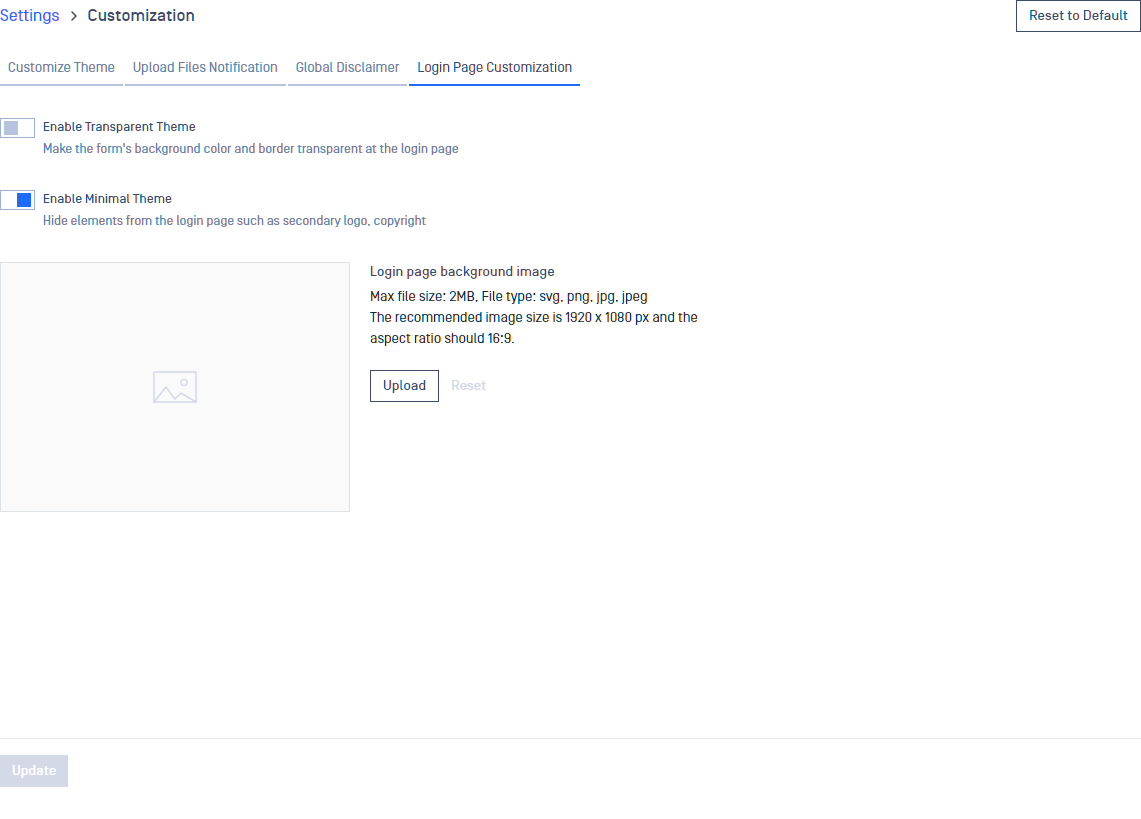
Enabling this option will make the login page's central box background color from white to transparent and also removes the border from it.
Minimal Theme
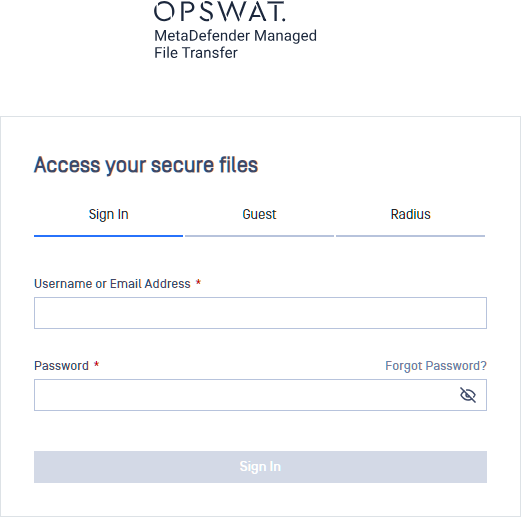
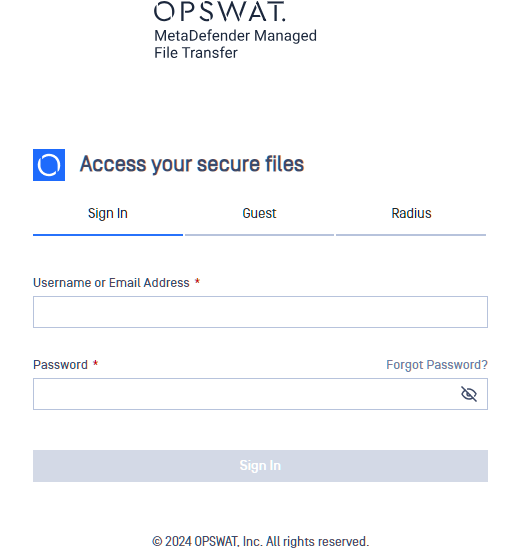
By enabling the Minimal Theme, the secondary logo and the copyright text will be hidden from the view on the login page. When only authentication method is enabled at Trusted Network List, then the authentication method tabs will also be hidden.
Customize Background Image
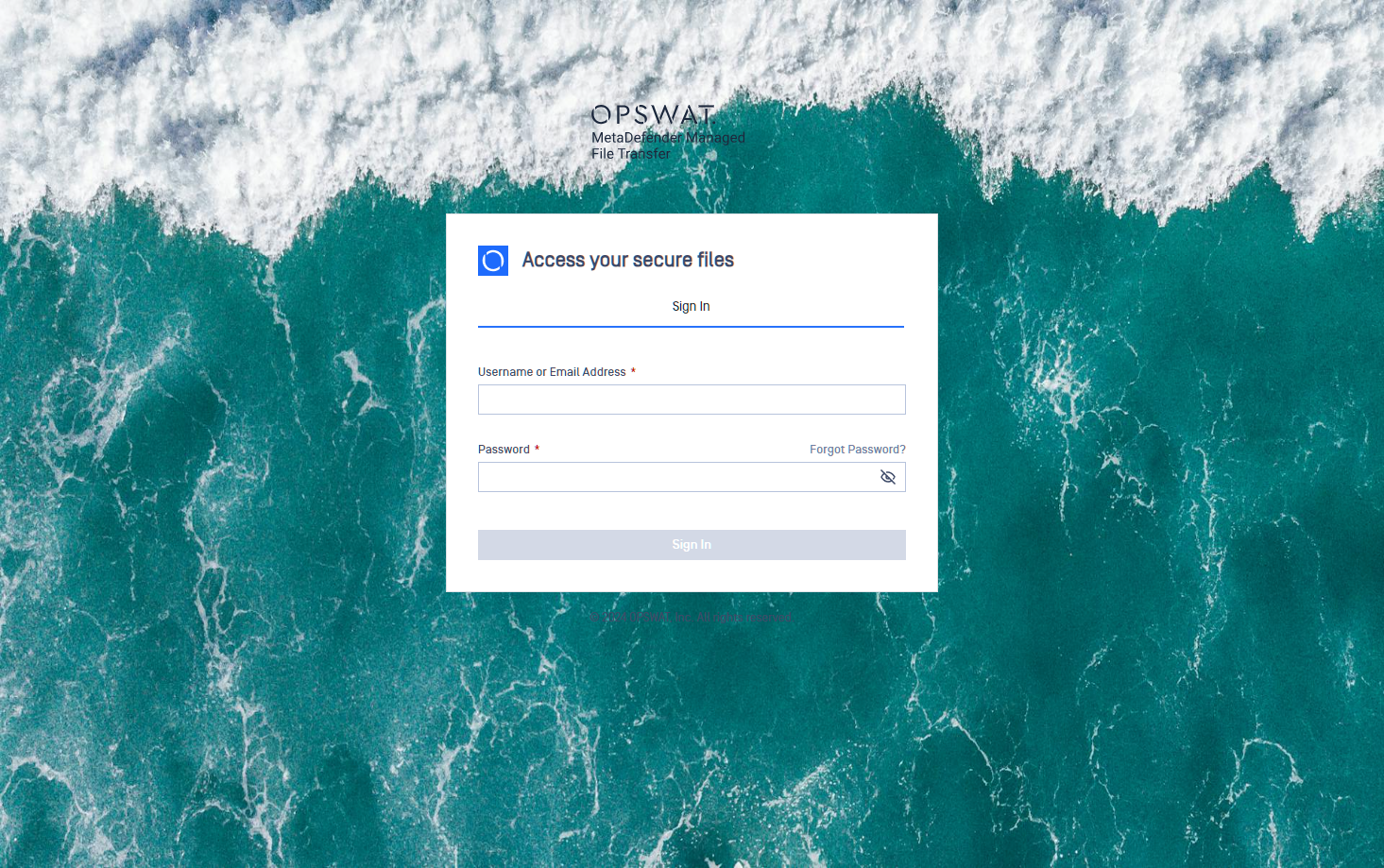
Only SVG, PNG, JPG and JPEG extensions are accepted. We recommend a ratio of 16:9, a full HD image and sizes below 2 Mb. The image will be used:
solely for the login page
Was this page helpful?
Configuration