
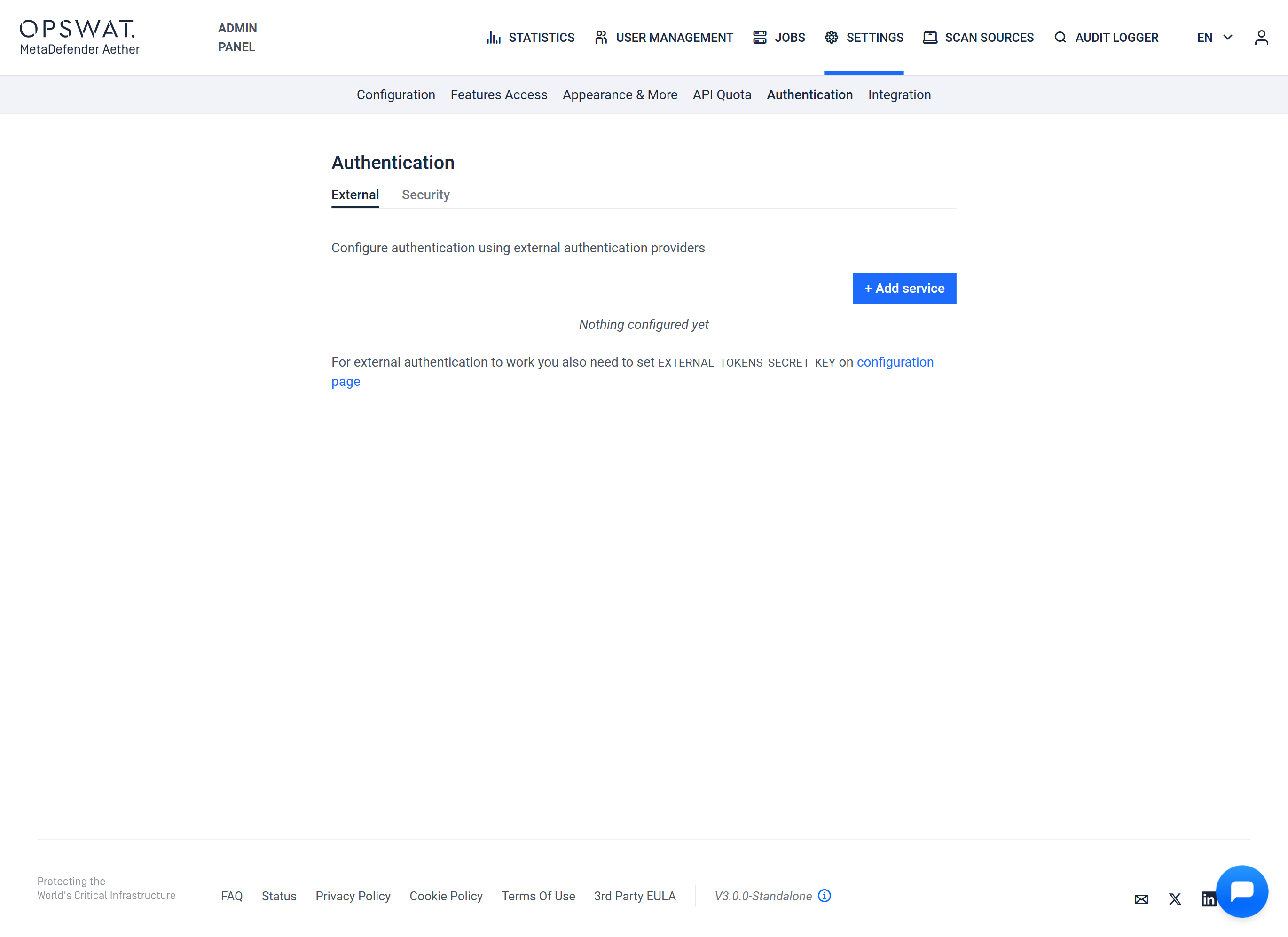
Under the Admin panel > Settings > Authentication menu, you can configure and customize the authentication methods for your application to ensure the necessary level of security. This menu provides options for both integrating external authentication services and tweaking local authentication settings.
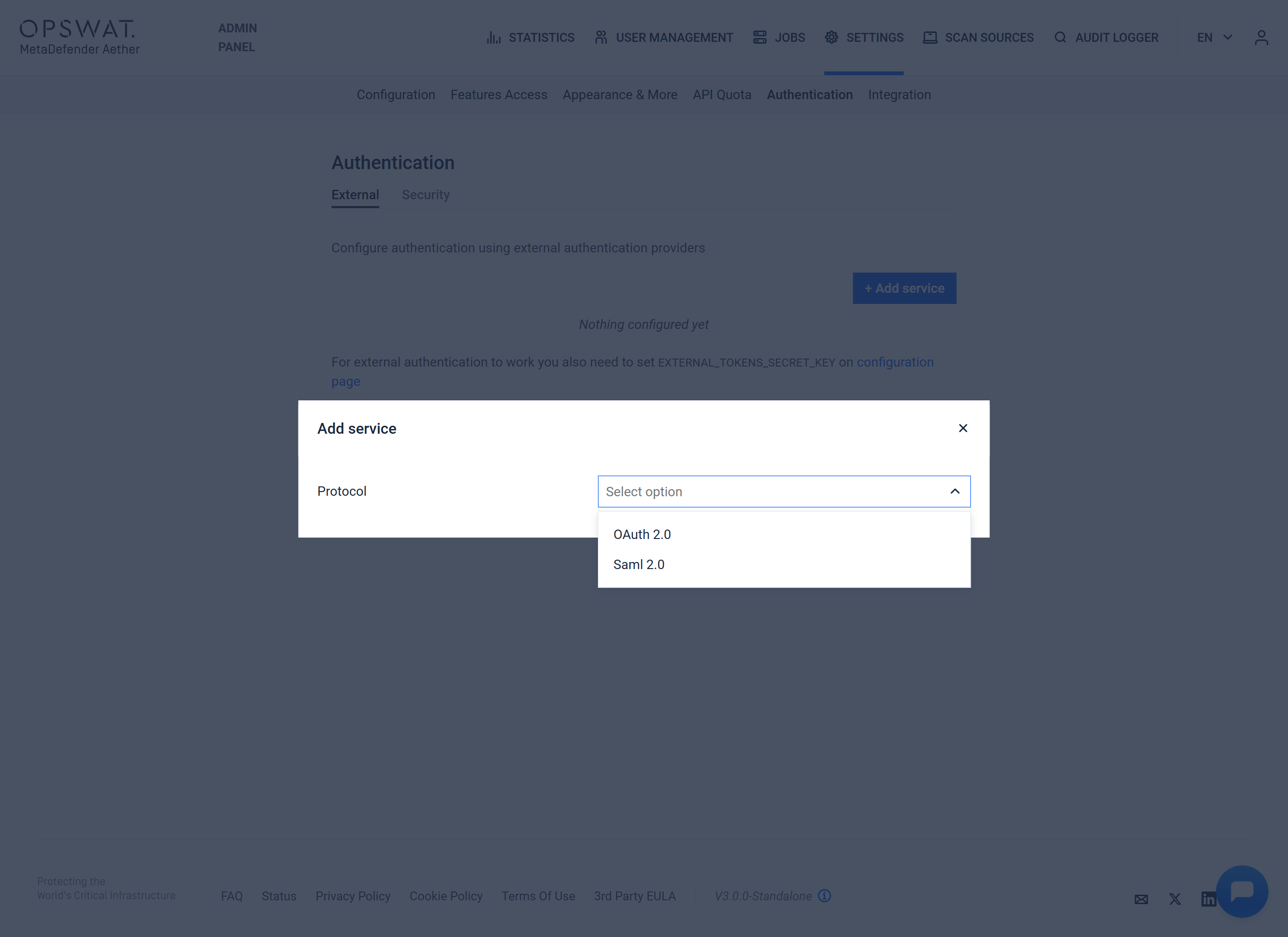
OAuth 2.0
To add a new authentication method, click the + Add service button.
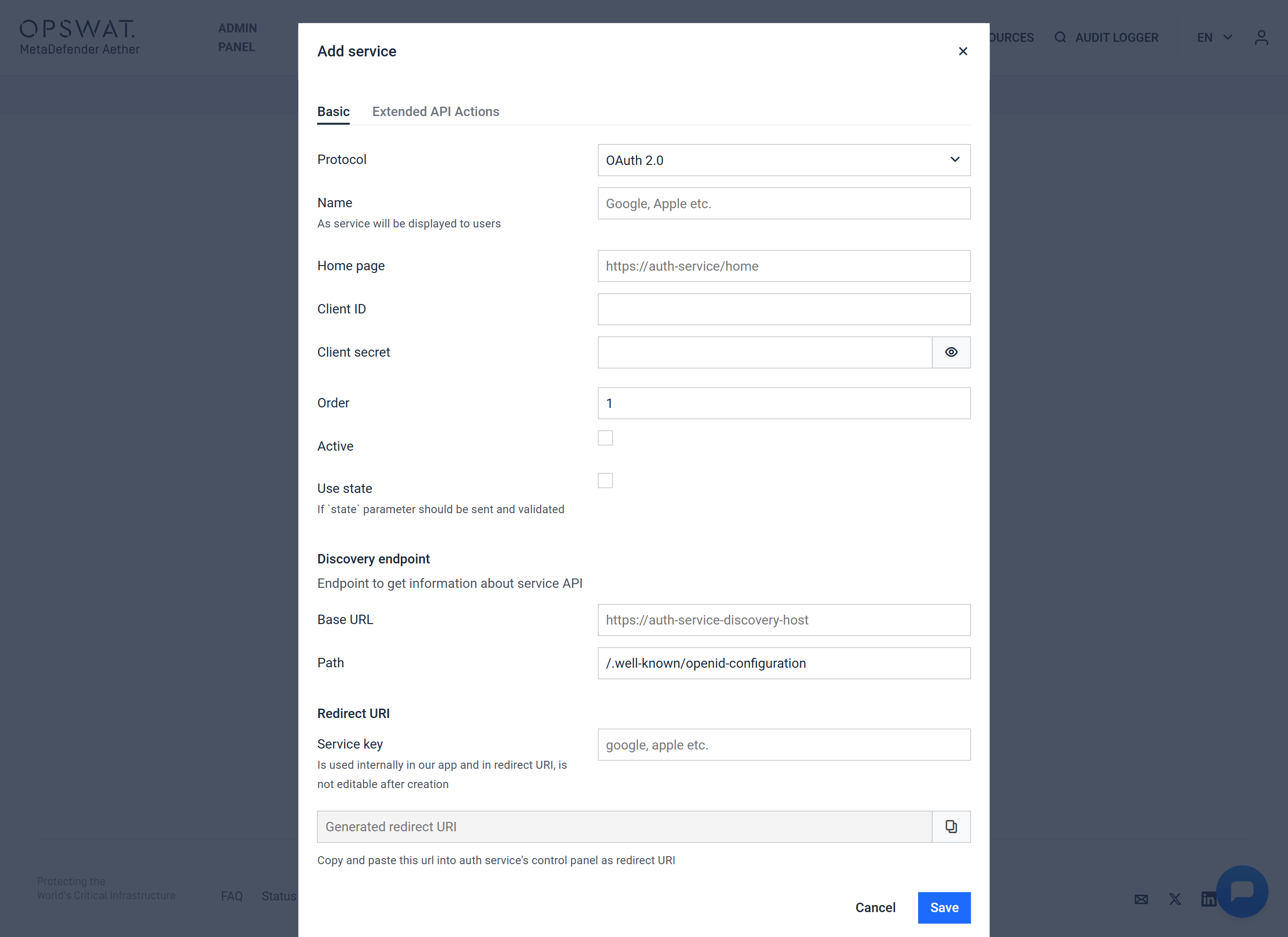
When adding a service, the following settings can be specified:
Field | Description |
|---|---|
Name | As service will be displayed to users |
Home page | You can specify which page should be the home page |
Client ID | |
Client secret | |
Order | The order of authentication can be specified |
Active | Enable or disable the authentication |
Base URL | Service endpoint to get information about OAuth API |
Path | |
Service Key | Is used internally in our app and in redirect URI |
Service Key is not editable after creation!
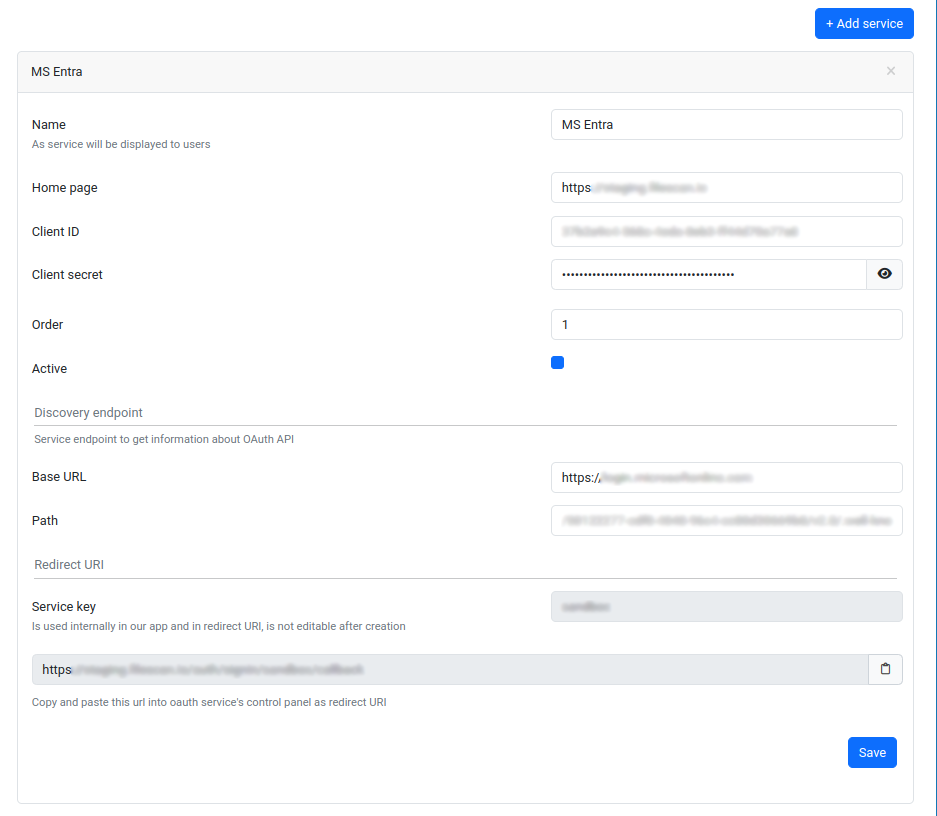
To modify an existing authentication method, click on its name. This will display the associated settings, which can be saved after making changes by clicking the save button.
Security
Under the Security tab, you can set the required password strength and the validation of usernames.
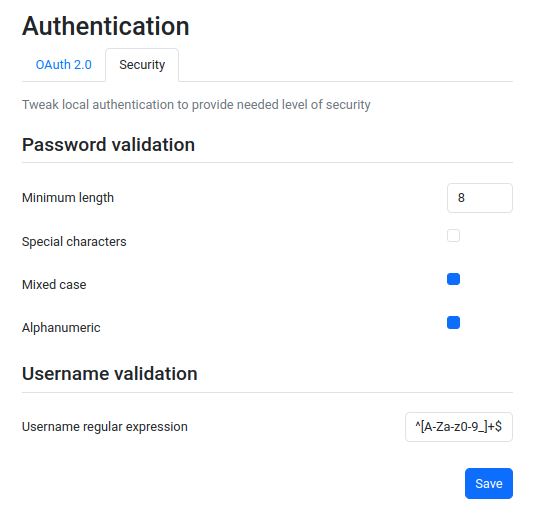
The following fields can be customized regarding password strength:
Field | Description |
|---|---|
Minimum length | Minimum password length |
Special characters | Requirement for special characters |
Mixed case | Requirement for mixed case |
Alphanumeric | Requirement for alphanumeric characters |
Under username validation, a regular expression can be specified to describe acceptable usernames.