
Database packages contain threat detection updates that keep your product's detection capabilities current. These packages are updated regularly through the update infrastructure and are deployed without disrupting ongoing operations — no restarts or downtime required.
Go to Admin Panel > Settings > Integration > Engine Database Update to see the current database package status.
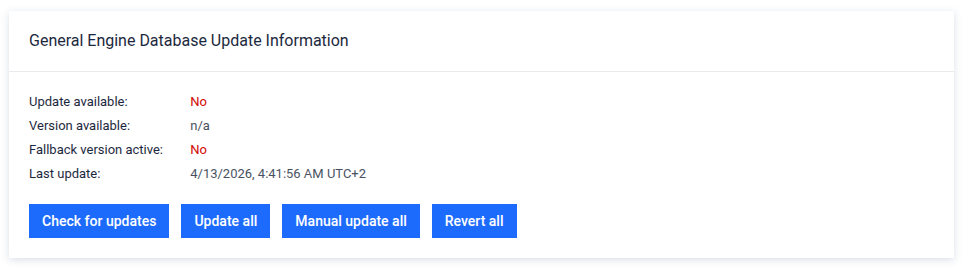
Automatic updates
The product can check for, download, and deploy new database packages automatically, without any manual intervention.
How it works:
The system contacts the update server at regular intervals.
If a newer database package is available, it is downloaded automatically.
The package is deployed after download, without service interruption.
Configuration
To configure automatic updates, go to:
Admin Panel > Settings > Configuration > Communication and Integration > Engine Database Update
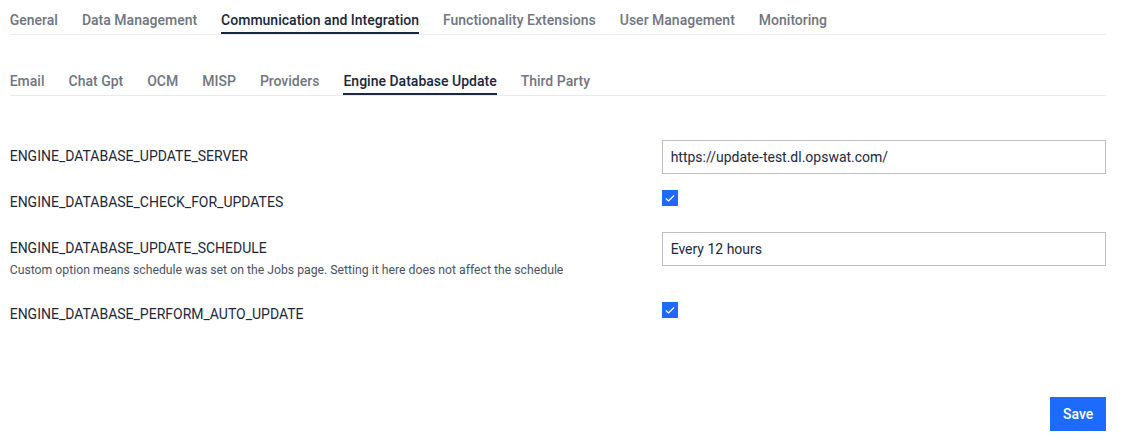
The ENGINE___DATABASE___CHECK_FOR_UPDATES setting must be enabled in order for the automatic update feature to run. If it is disabled, the automatic updates will not run regardless of the state of the other settings.
Manual updates
Online environments
If your system has internet access, you can trigger an update on demand. The product will contact the update server and apply the update.
Go to Admin Panel > Settings > Integration > Engine Database Update.
Review the currently installed database version.
Click Check for Updates.
If a new package is available, click Update all to apply it.
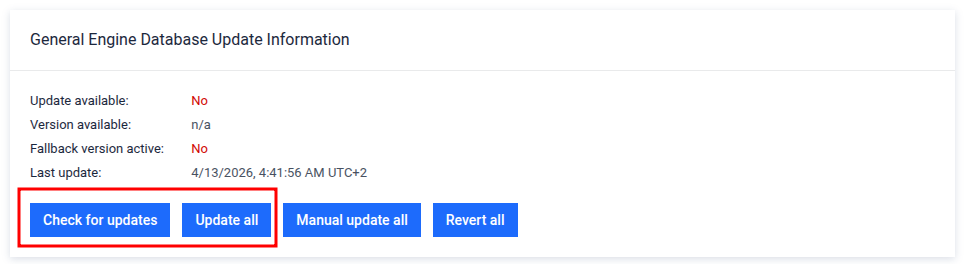
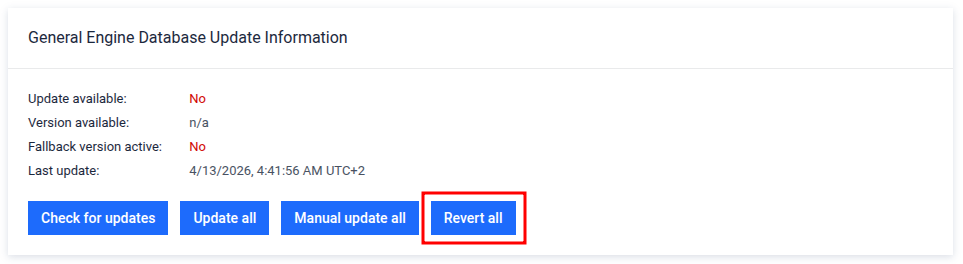
To revert to the previous database version, click Revert all on the same page.
Offline environments (air-gapped)
For environments with no internet access, use the MetaDefender Update Downloader tool to obtain the package, then upload it manually.
Available since MetaDefender Update Downloader tool, version 3.4.0.
Available since MetaDefender Aether [Sandbox], version 3.1.0.
Download the latest package using the Offline Update Downloader Tool. See the Offline Update Downloader Tool documentation for instructions.
Add your Sandbox license in the downloader tool.
The tool downloads both a database package and an engine package. Use only the database package — ignore the engine package, as it is intended for the MetaDefender Core product.
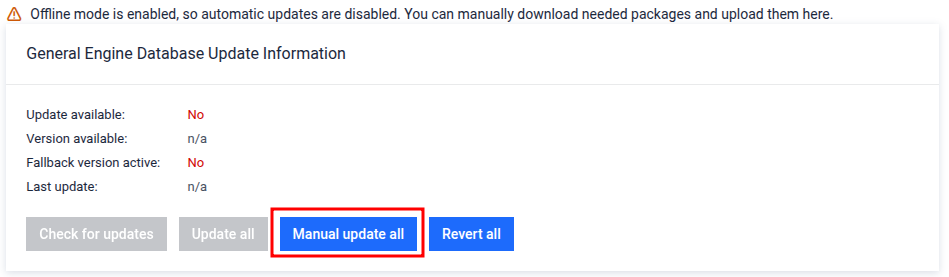
Go to Sandbox, Admin Panel → Settings → Integration → Engine Database Update.
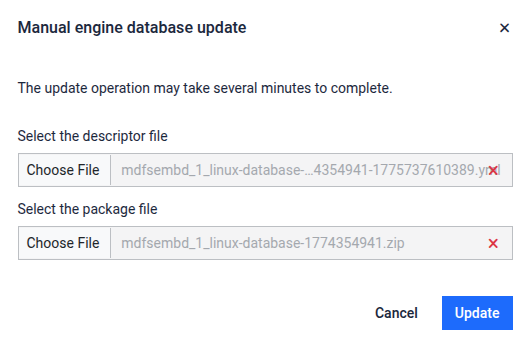
Upload the database package descriptor (yml file) and the update package itself (zip file).
To revert to the previous database version, click Revert all on the same page.