
Endpoint Management
v2501
Search this version
Setup the Multi-scanning server on OPSWAT Central Management v7
AI Tools
Summarize Page
Copy Markdown
Open in ChatGPT
Open in Claude
Go to Settings -> Global Settings -> MetaDefender Integration
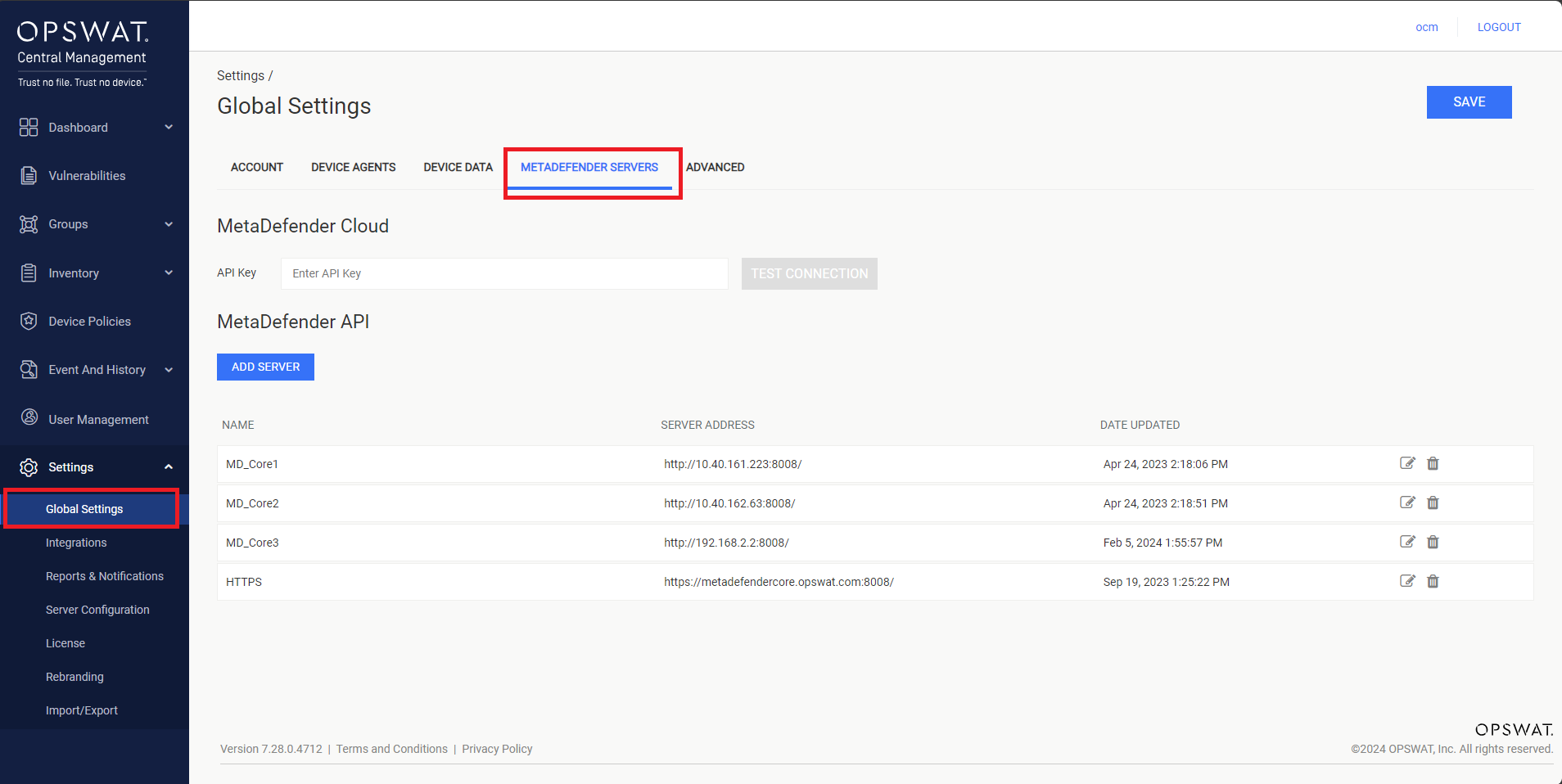
Setup MetaDefender Cloud
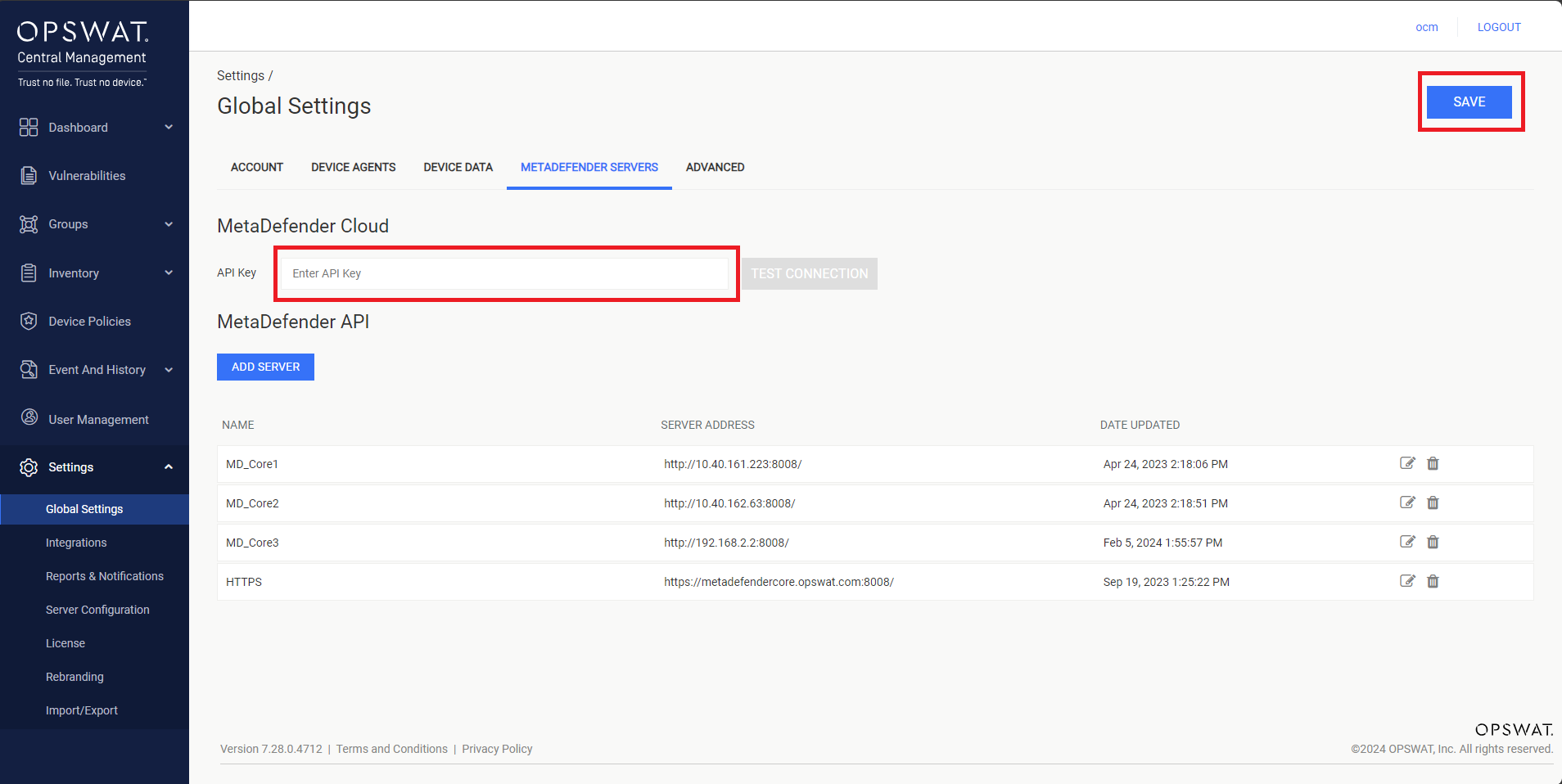
Enter API Key on the text box, then click SAVE button to apply the configuration, as illustrated in the screenshot below.
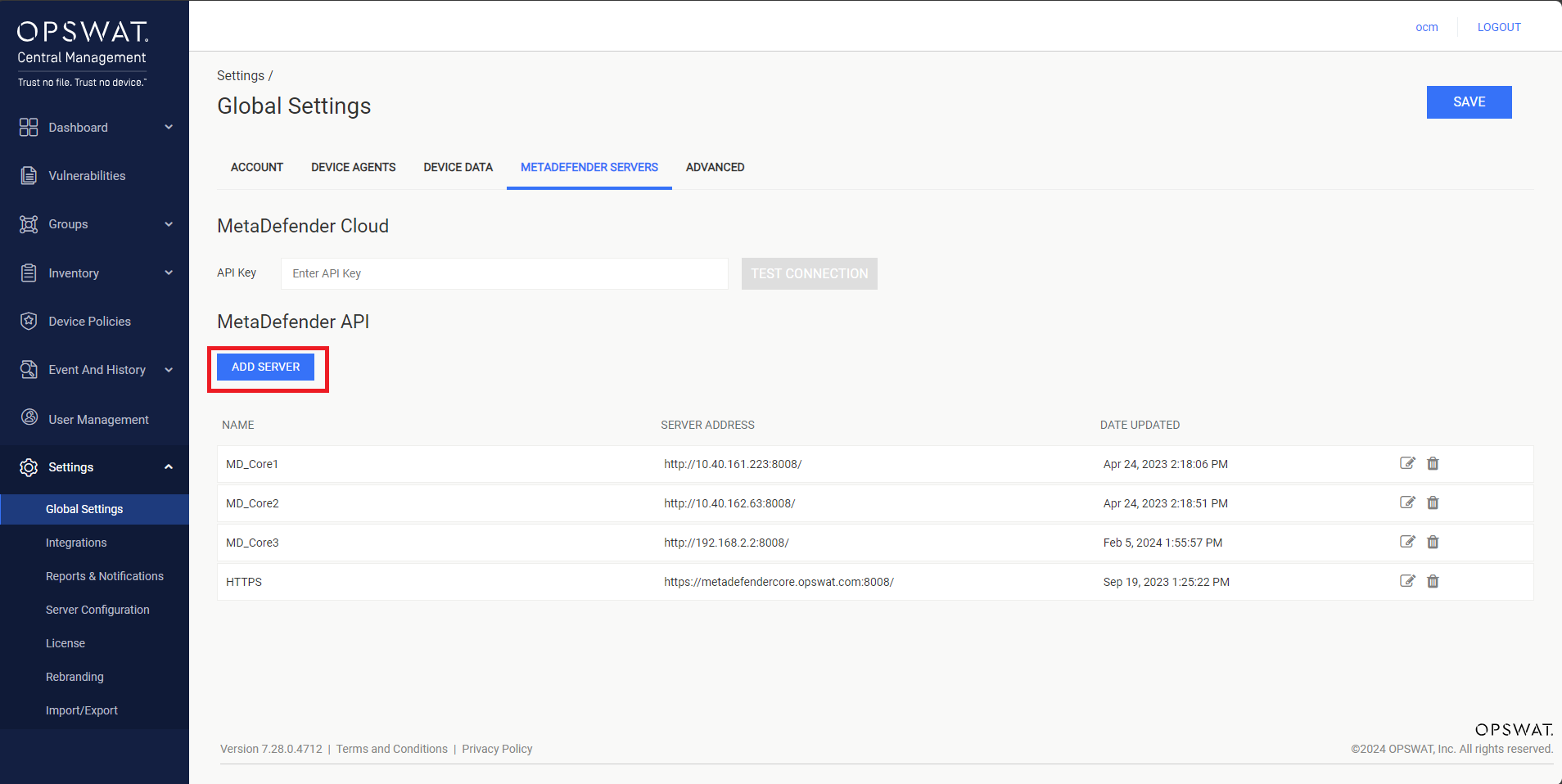
Setup MetaDefender Core
Click Add Server button, as illustrated in the screenshot below.
Enter the multi-scanning server information to the popup, as illustrated in the screenshot below.
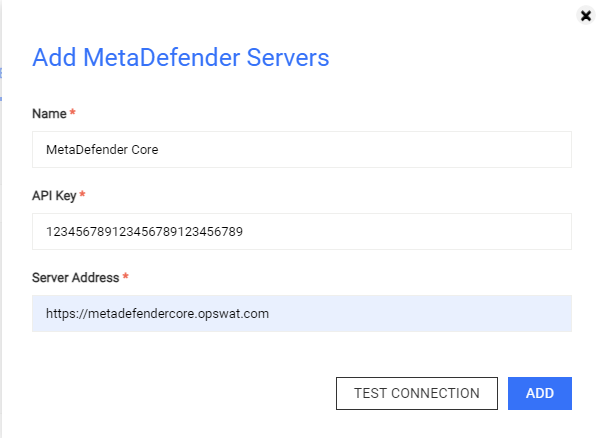
Then, you can click on the TEST CONNECTION button to verify the server connection before clicking on ADD button to finish the setup.
Last updated on
Was this page helpful?
Next to read:
How do I retrieve the MetaDefender logs?Endpoint Management
Endpoint Management
OPSWAT Central Management
MetaDefender IT-OT Access - Endpoint Management