
Login to the MetaDefender IT Access admin console.
Go to Policy Management and select the policy.
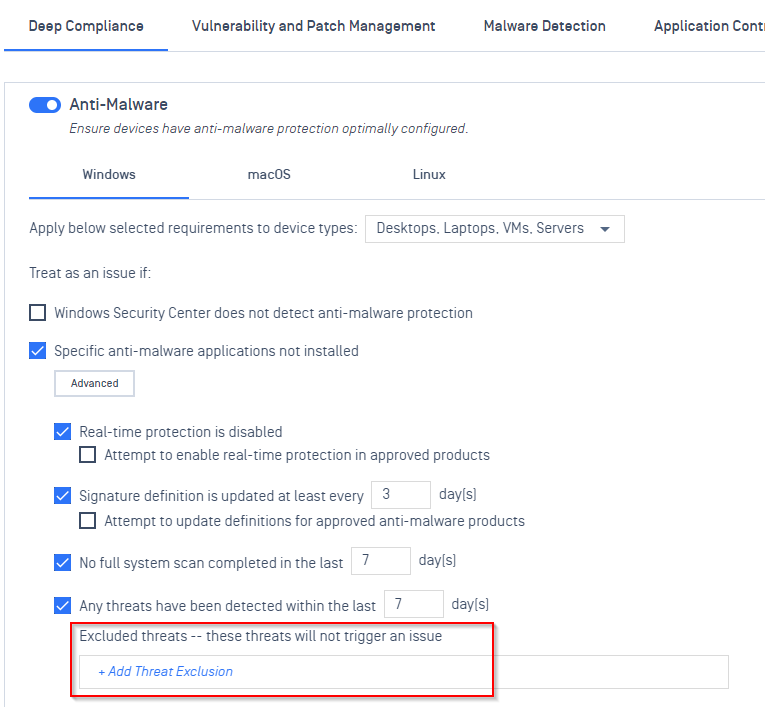
In Deep Compliance – Anti Malware, add the threat exclusion you want.
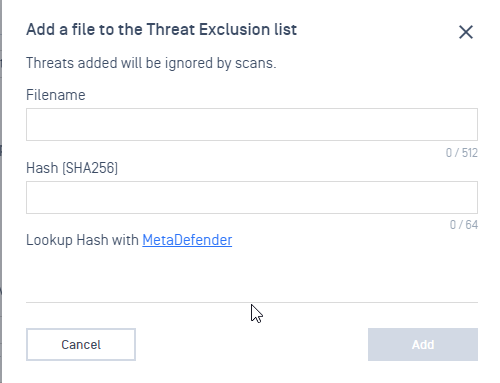
Enter the file name and hash of the threat to be excluded, then select Add.
Once all of your exclusions have been entered, select Save to save all changes to your policy.
Was this page helpful?
Knowledge Base