
NAC Edges are components that communicate directly with network devices to enforce policies, while simultaneously receiving configuration updates from My OPSWAT Central Management. These components can be deployed across multiple sites, with their status displayed on the My OPSWAT Central Management portal.
Create Edge RADIUS Server
Login to your My OPSWAT Central Management
Navigate to RADIUS NAC
Click on Add Edge RADIUS Server
Fill in your Edge Server name
Upon create successfully, an associate API Key will be generated. Later, that API Key will be used to setup the NAC VM
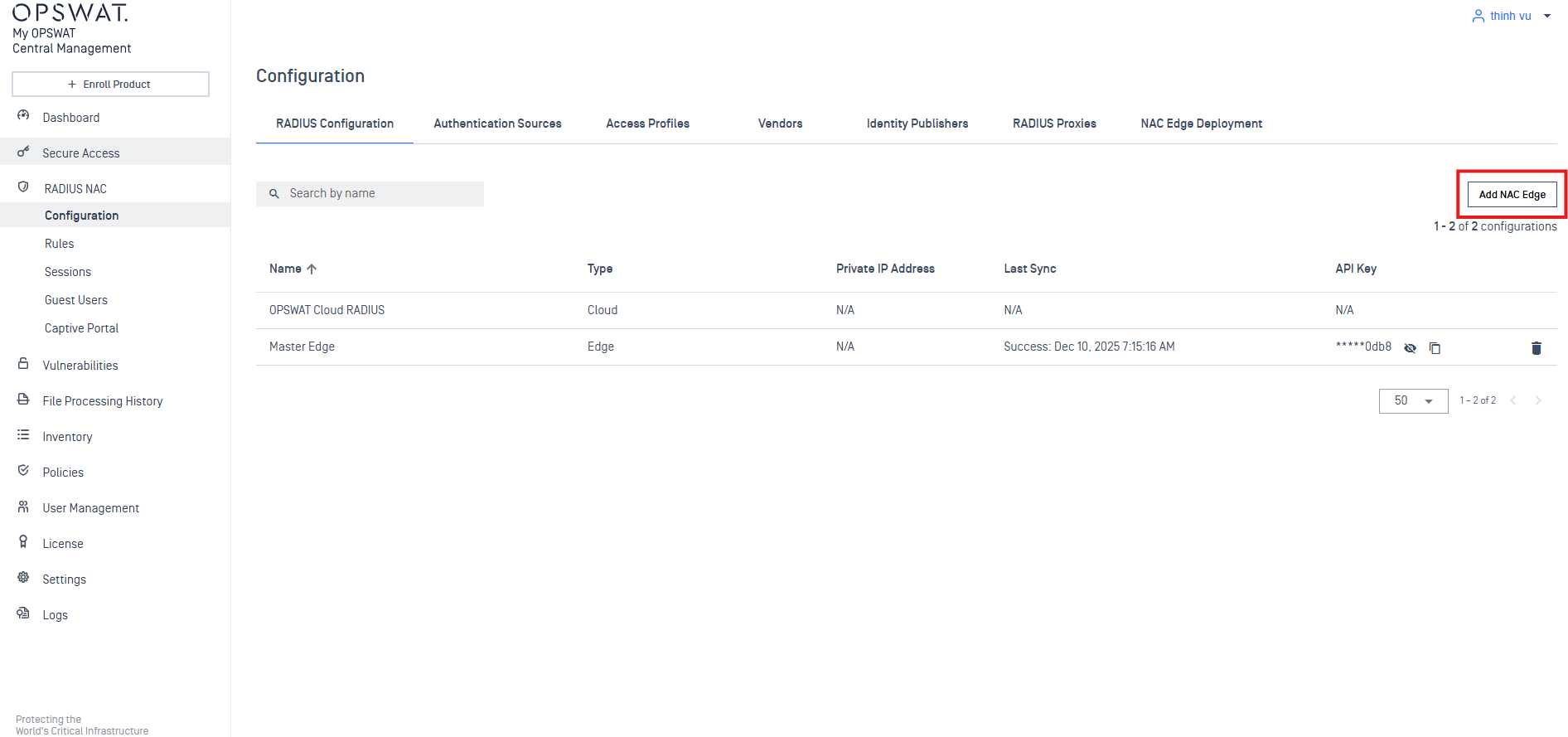
Note: Each NAC Edge can integrate with only one Virtual Machine (VM). If you are deploying multiple NAC Edges across your network, each Edge will require a dedicated VM for integration. This ensures proper functioning and enforcement of security policies for each site. By default, we have "Master Edge" when we deploy NAC Edge VM.