
Step-by-step guide
Once the appliance is powered on, connect to the console and login with the username “admin” and the password “admin”.
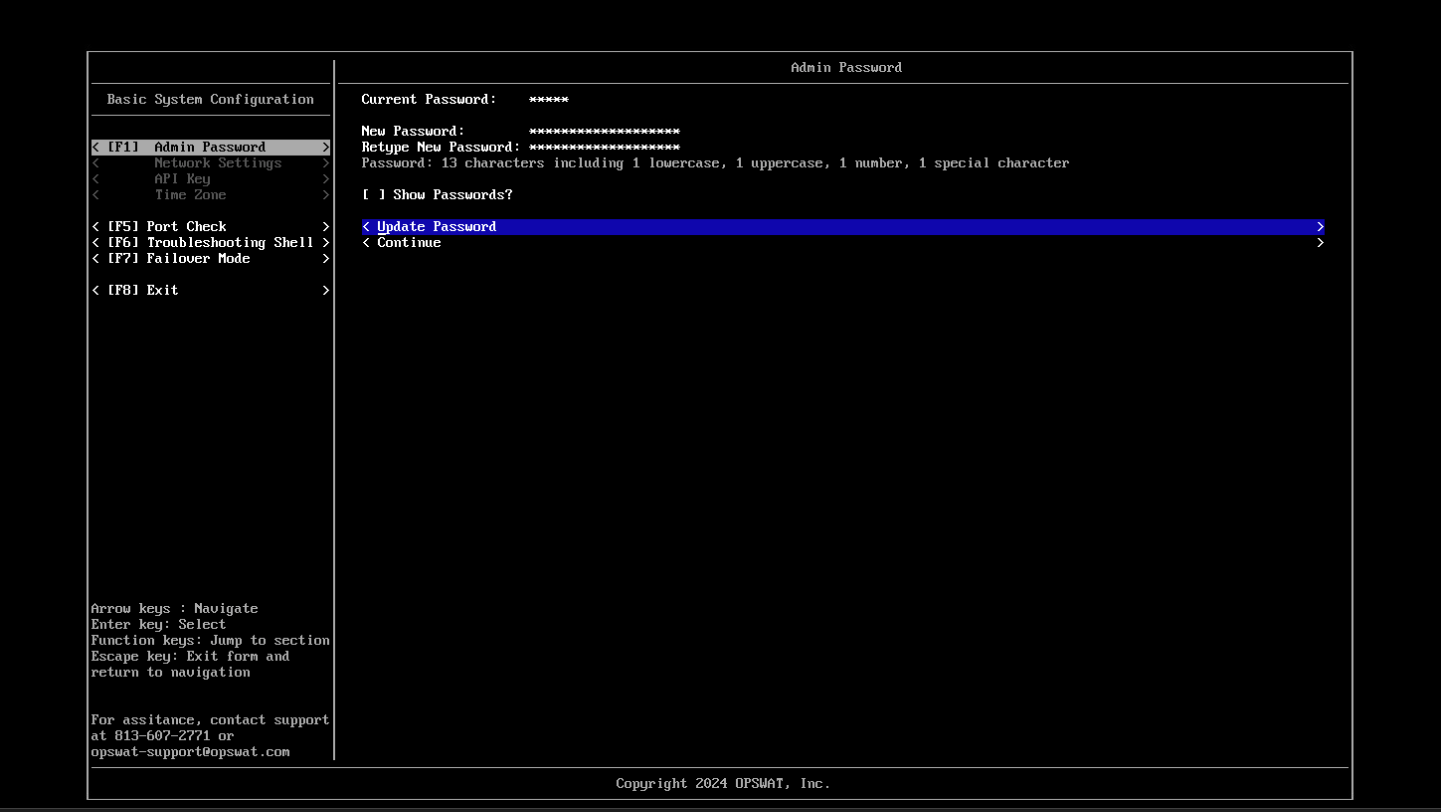
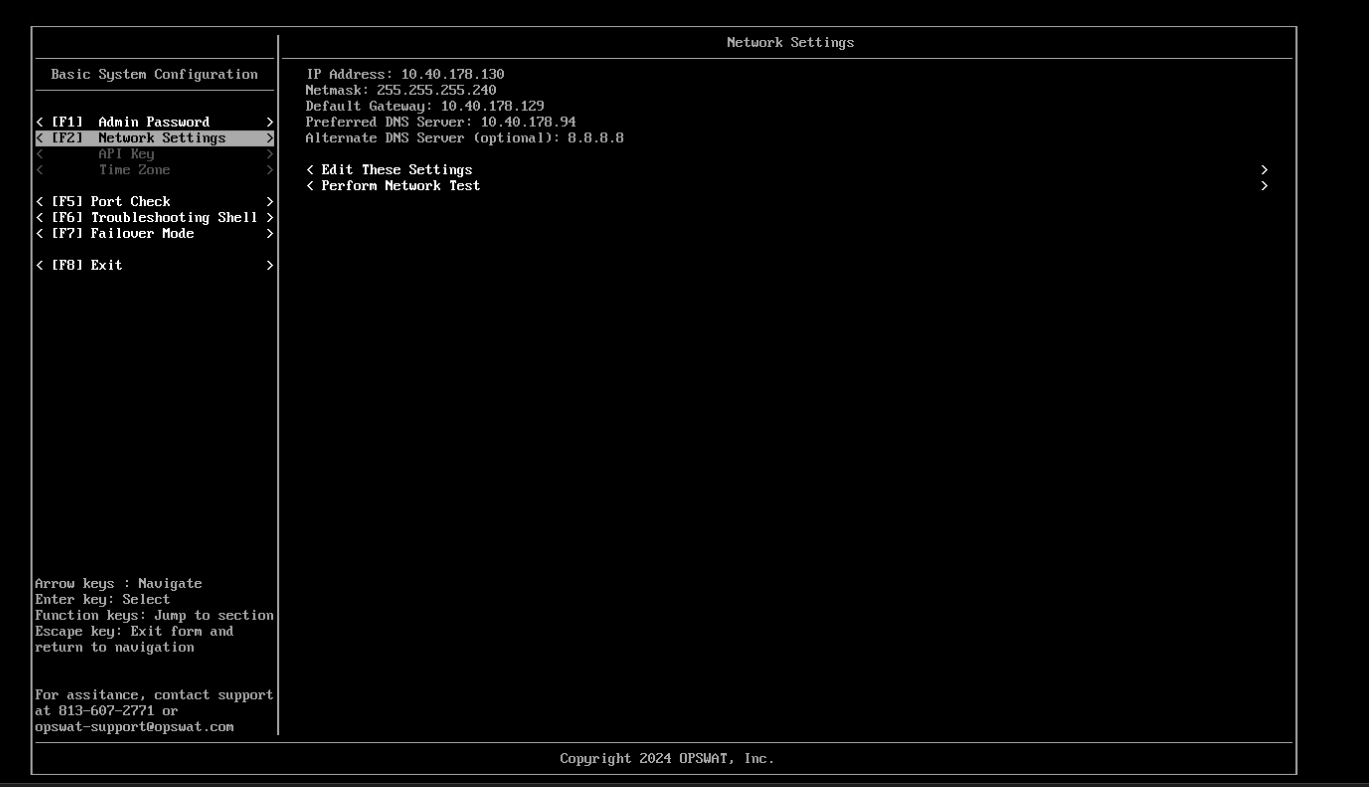
After logging in, the console configuration utility will be launched. The resulting pages will prompt the user to update the admin password, configure the IP address settings and enter a license key.
Reset Admin Password
Configure Appliance Network Settings
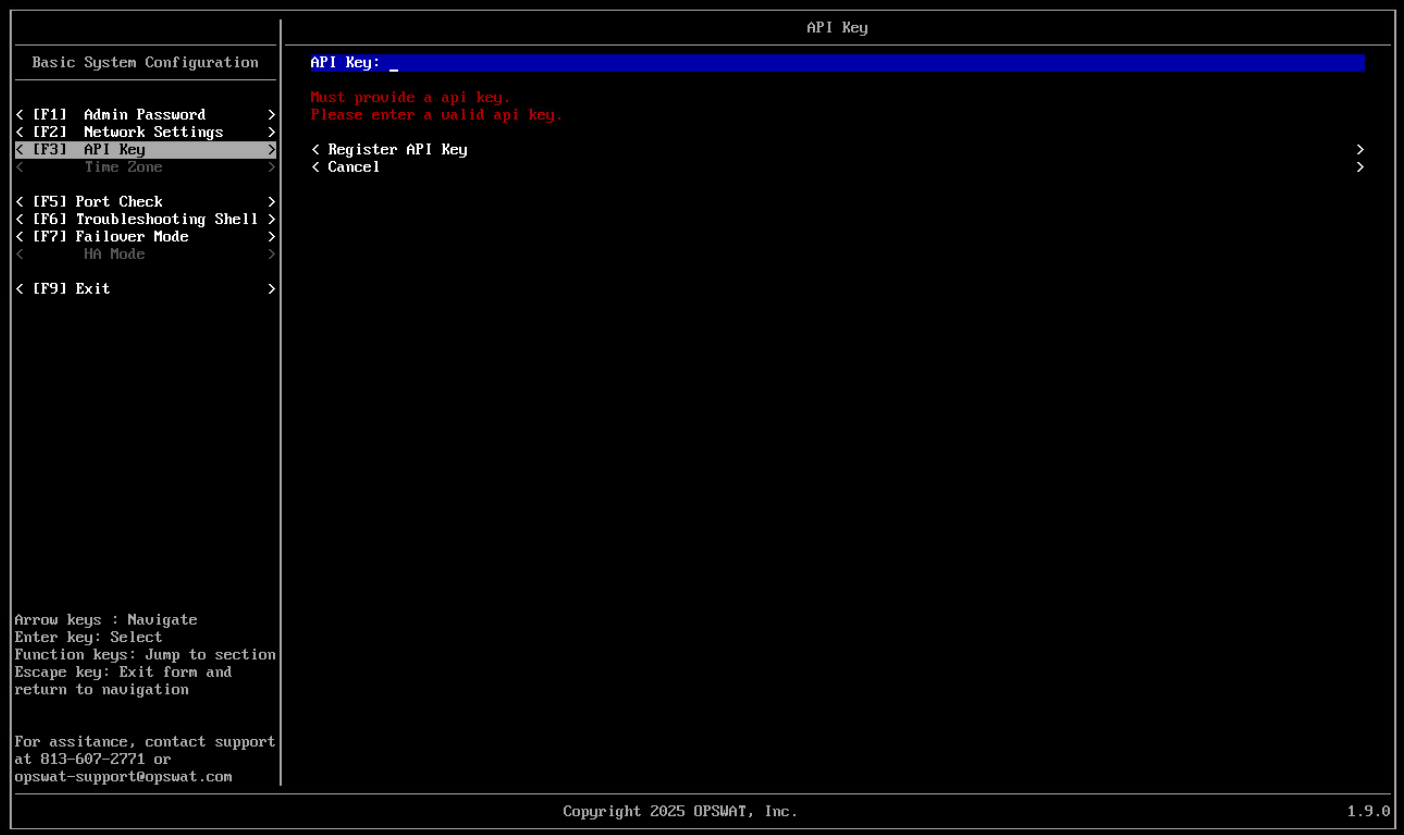
Activate API Key
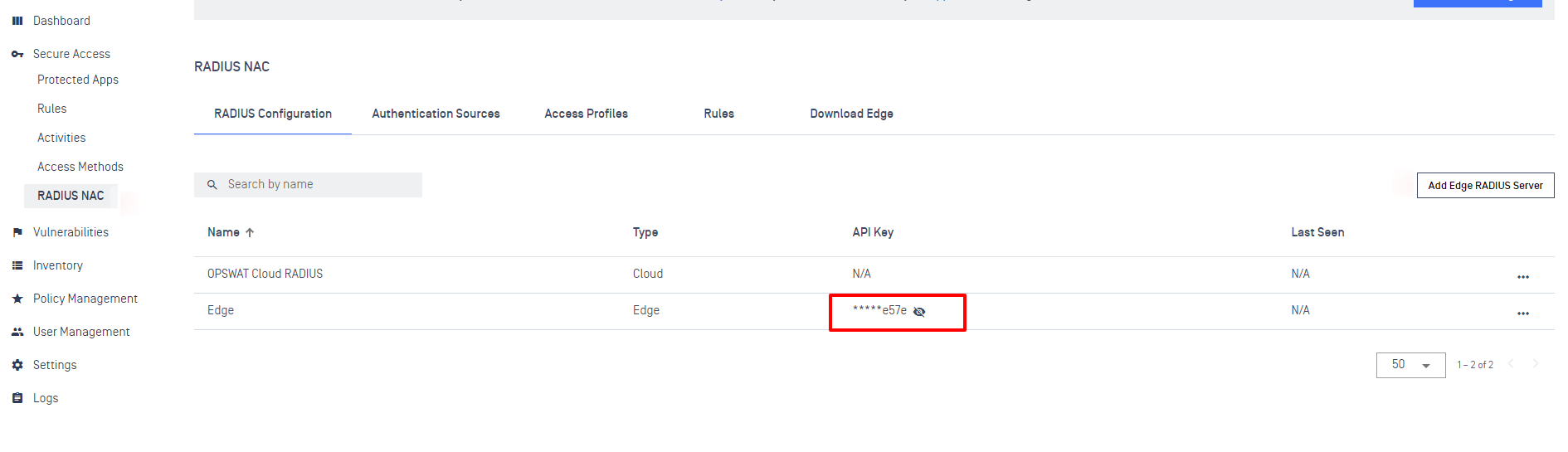
You can achieve an API Key when create Edge Radius Server.
After activate successfully, you will able to move to the last setup step - Time Zone.
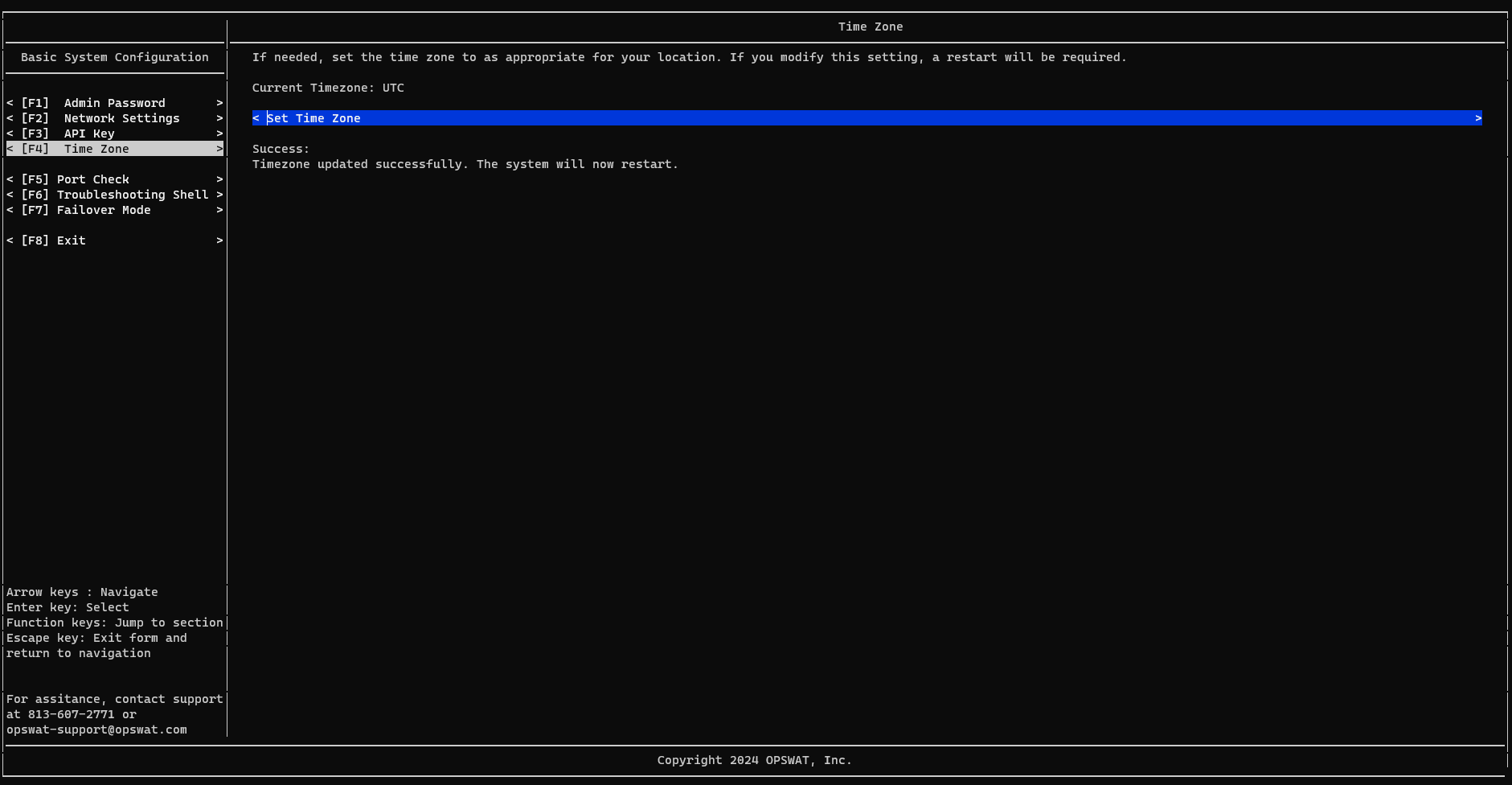
Setup Time Zone
Choose your best match Time Zone. After done setting, the system will restart
Was this page helpful?
Secure Access Solution