
The following guideline describes how to delete a MetaDefender Drive instance from OPSWAT Central Management.
Go to the MetaDefender Drive management page under Inventory in the sidebar.
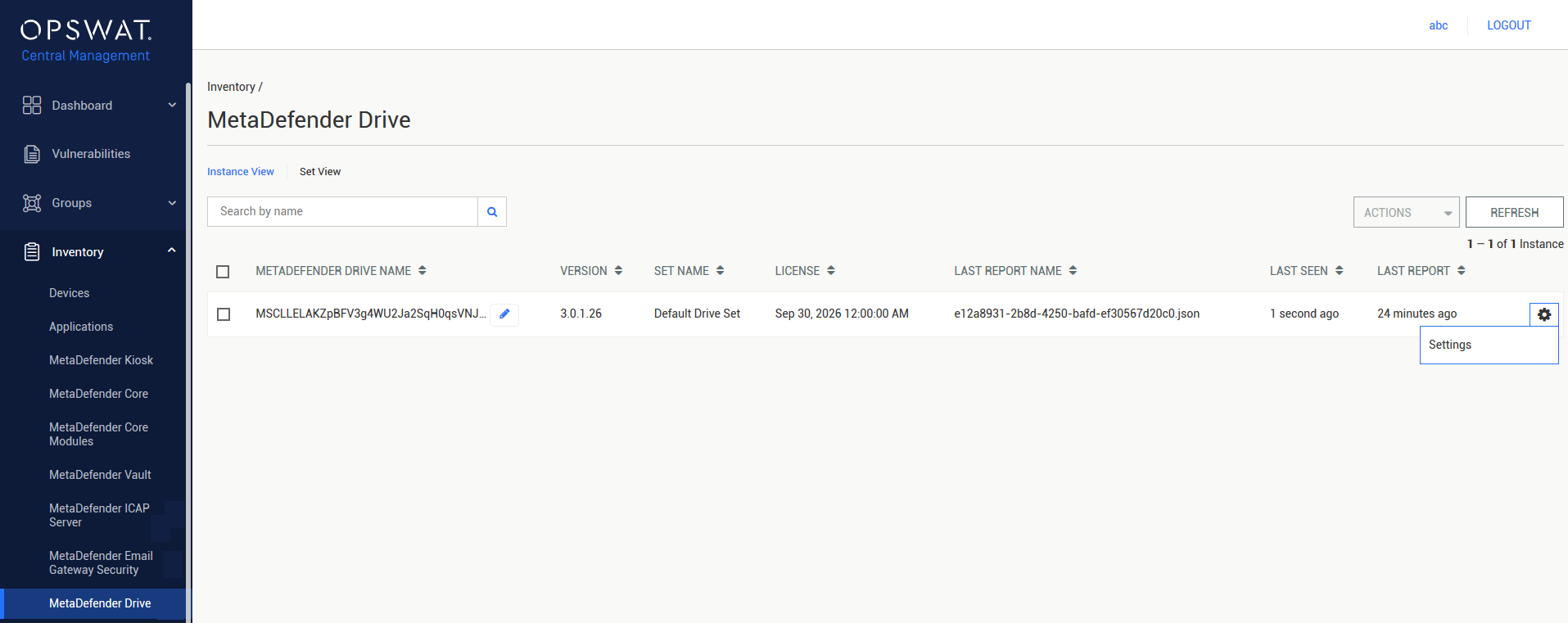
Select the Drive instance that you want to delete.
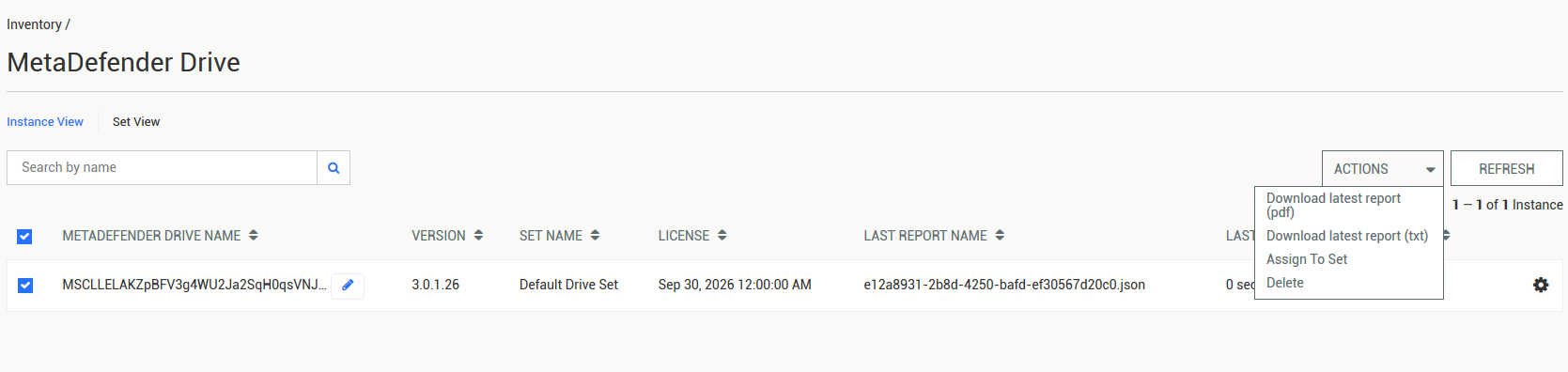
Click the ACTION drop-down menu and choose the Delete option.
Info
After PIN verification, the management page will reload if the result is successful.
Info
Deleting a MetaDefender Drive instance does not remove any reports that OPSWAT Central Management has collected from the instance. These reports will be accessible again if the instance is re-enrolled.
Was this page helpful?
Integrations