
The following guideline describes how to change the configuration of a MetaDefender Drive instance remotely.
Go to the MetaDefender Drive management page under Inventory in the sidebar.
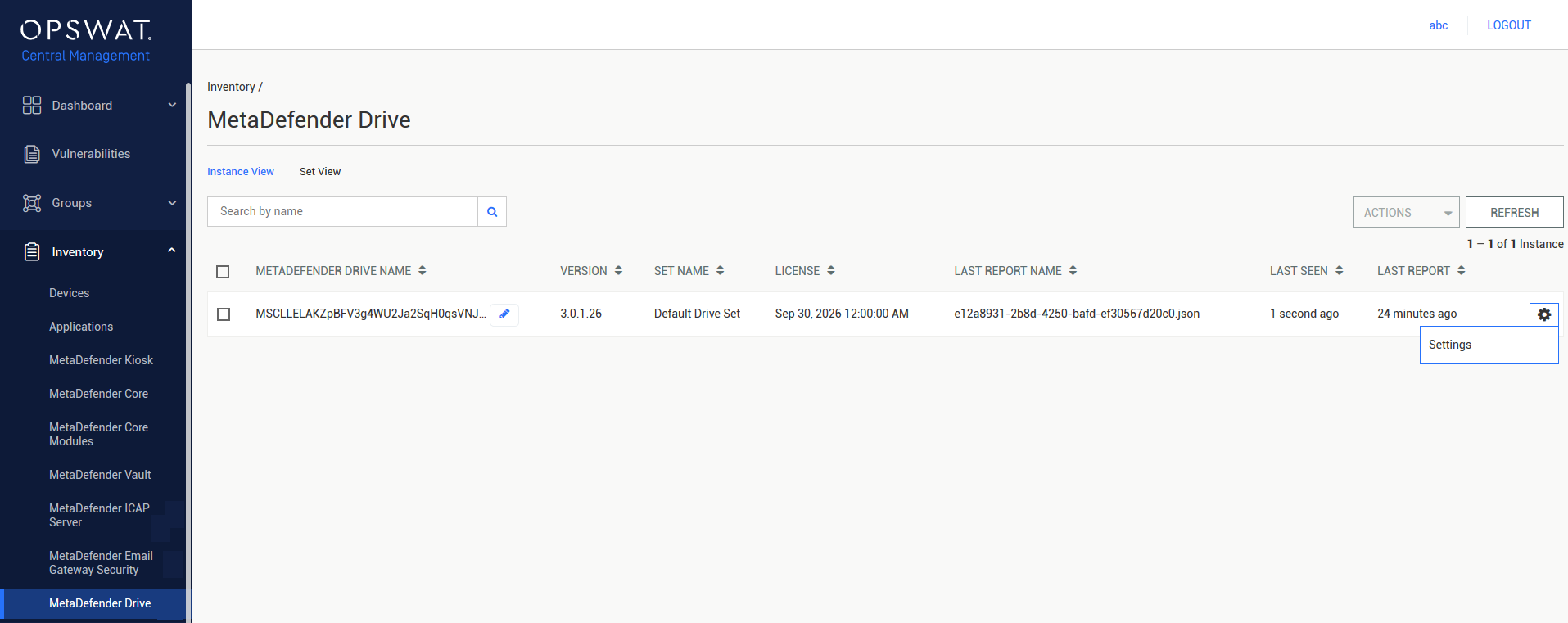
Click the Settings button in the gear icon's drop-down menu.
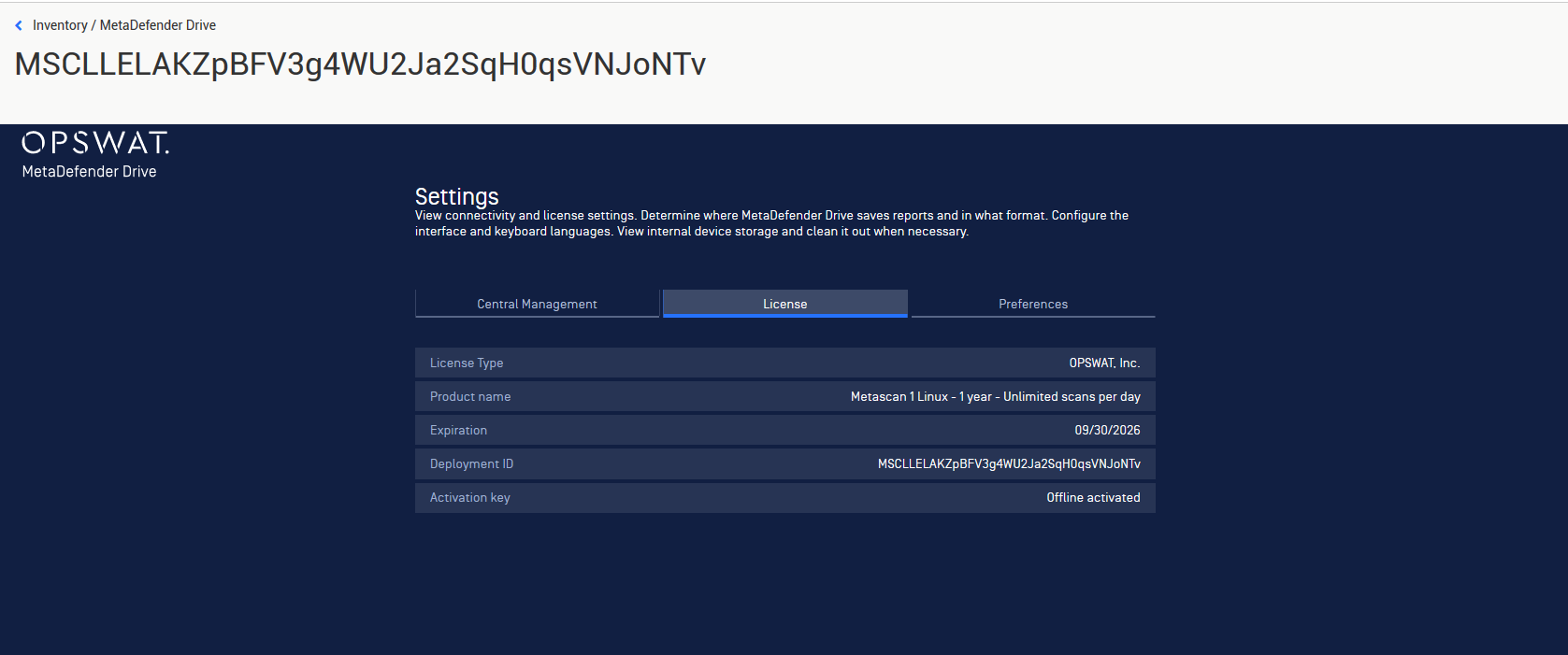
OPSWAT Central Management will load the settings of the instance. Change the settings as required.
Was this page helpful?
Integrations