
This article applies to all OPSWAT Central Management V7.25.0+ releases deployed on Windows or Linux systems.
A support package is a collection of log and configuration files which are used by the OPSWAT Support team when troubleshooting OPSWAT Central Management Issues.
A support package can be generated in either Windows or Linux systems, by following the relevant instructions below.
Windows
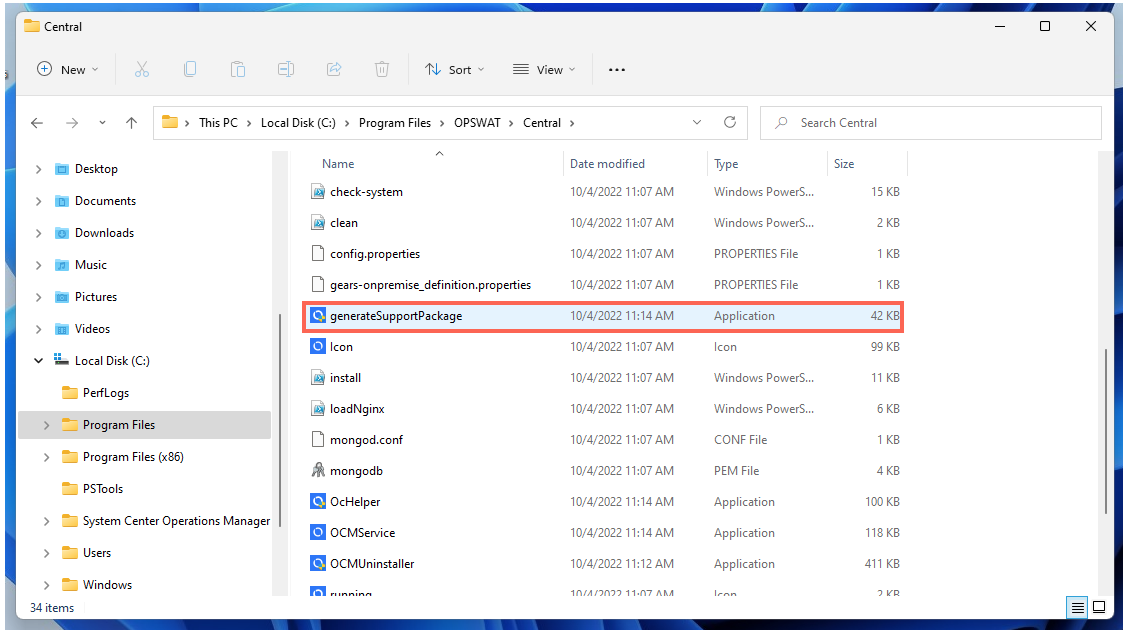
Navigate to the OPSWAT Central Management Installation Folder (for example, C:\Program Files\OPSWAT\Central).

Double click on generateSupportPackage.exe or, if preferred, you can execute it in a Command Prompt.
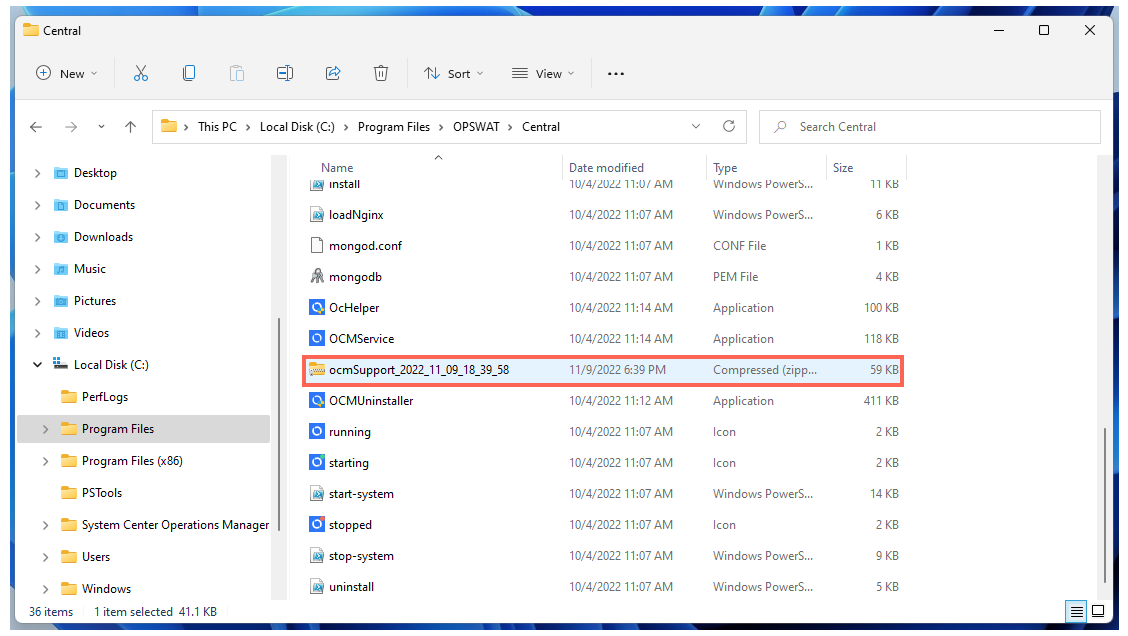
The package will be generated in the format of ocmSupport_<timestamp>.zip, inside the installation folder, to be copied and forwarded to OPSWAT Support.
Linux - Red Hat Enterprise /Ubuntu
Open a Terminal and navigate to /usr/lib/ocm.
Execute generateSupportPackage.sh, with Root privileges or, if needed, grant execute permission via chmod.
The package will be generated in the format of ocmSupport_<timestamp.tar.gz, inside the /opt/ocm folder.
After generating your package, please open a Support Case with the OPSWAT team via the form method, uploading your OCM logs as prompted.