
Term | Detail |
|---|---|
Problem | Unable to connect to the target machine during remote installation |
Cause | The target machine has not enabled an OpenSSH server. |
Troubleshooting | The error message in the remote installation UI displays "Connection cannot be established." |
Solution | Refer to Remote Install OPSWAT Products for how to enable OpenSSH server on the target machine. |
If the UI displays the error message " Connection cannot be established" during the remote installation of an OPSWAT Product, it means that the target machine is not reachable.
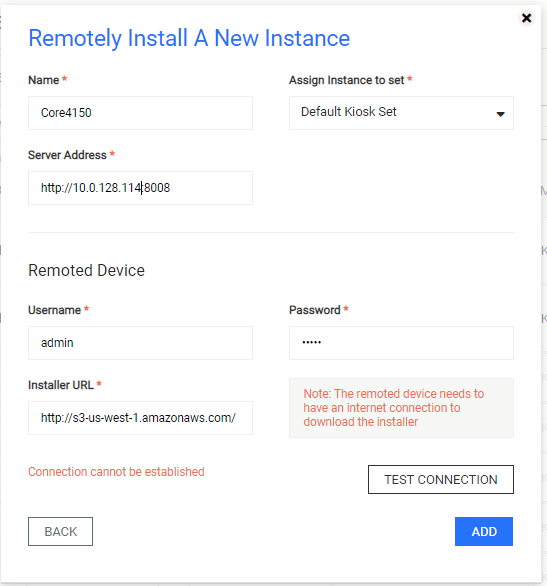
A possible cause is that the target machine has not enabled an OpenSSH server to communicate with OPSWAT Central Management. Please refer to Remote Install OPSWAT Products on how to enable OpenSSH.
Was this page helpful?
Troubleshooting