
Term | Detail |
|---|---|
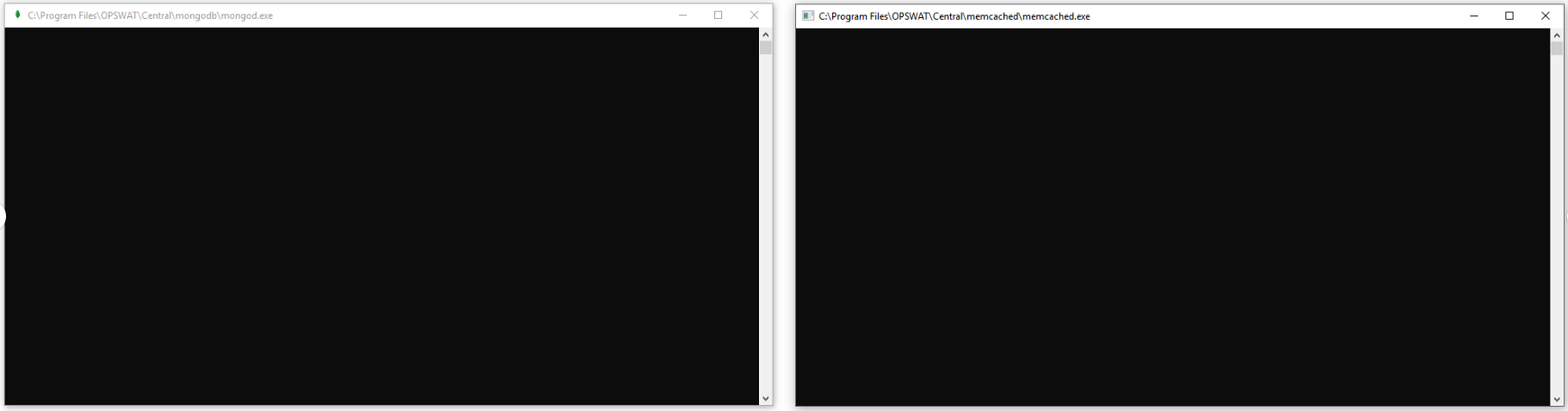
Problem | OPSWAT Central Management failed to start with memcached/mongod shells hanging in the foreground |
Cause | System variable Path is not set properly to Windows\System32 location. |
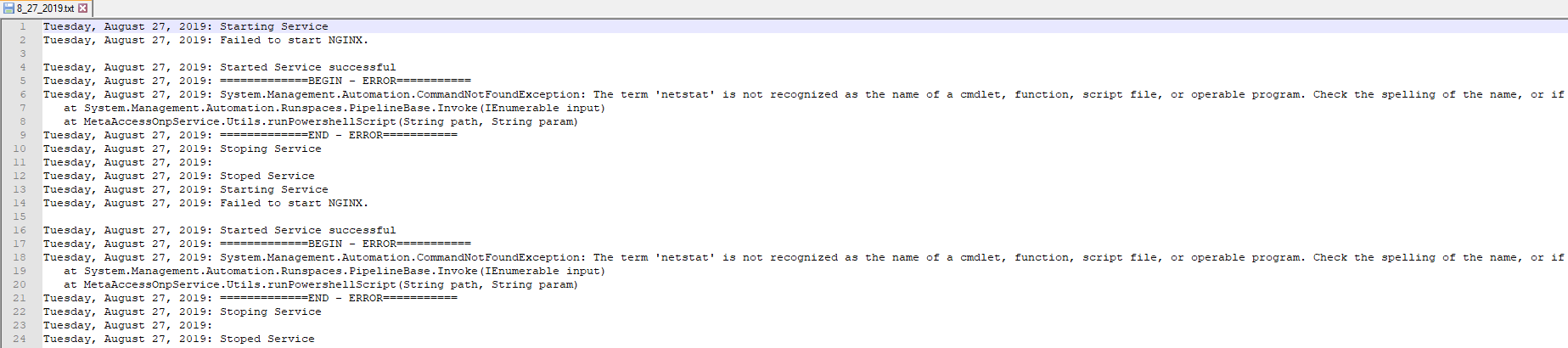
Troubleshooting | Open OPSWAT Central Management's activity log in C:\ProgramData\OPSWAT\Central\Logs\<date>.txt and check for the error " The term <> is not recognized as the name of a cmdlet, function, script file, or operable program." |
Solution | Add /system32 to system variable Path. |
OPSWAT Central Management requires the use of command-line utilities such as netstat, which is located in the Windows\System32 folder. In order to access these commands, the system variable Path must include this folder.
Without access, the mongod and memcached services that OPSWAT Central Management depends on may hang in the foreground.
Navigating to OPSWAT Central Management's activity log in C:\ProgramData\OPSWAT\Central\Logs\<date>.txt, the exact error is shown.
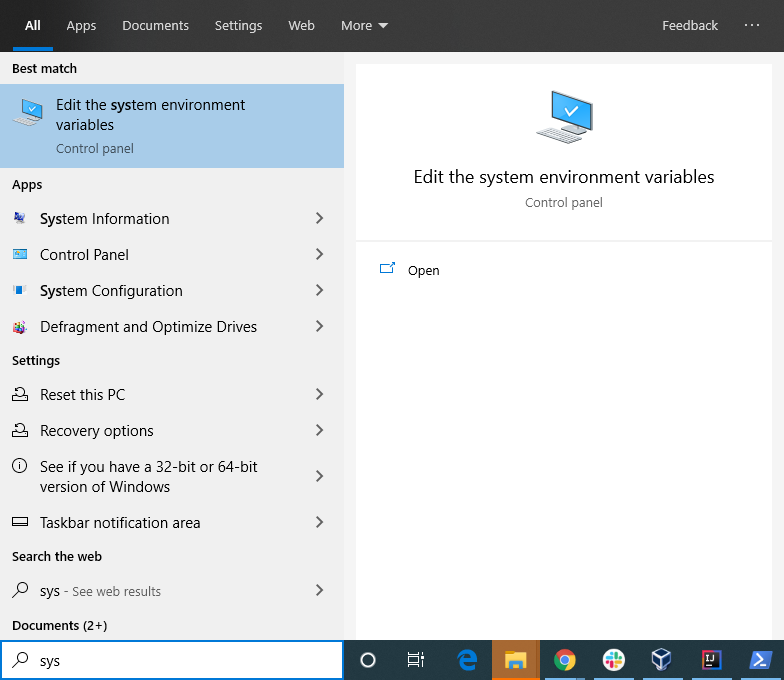
To solve this problem, navigate to the Environment Variables window from the Start menu.
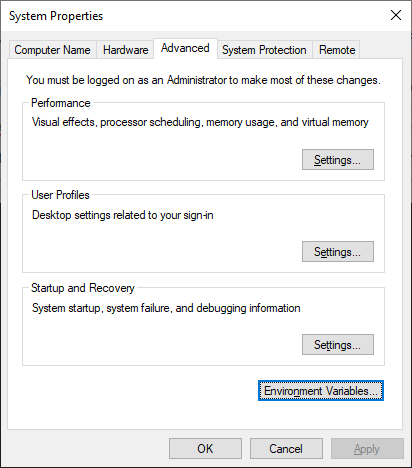
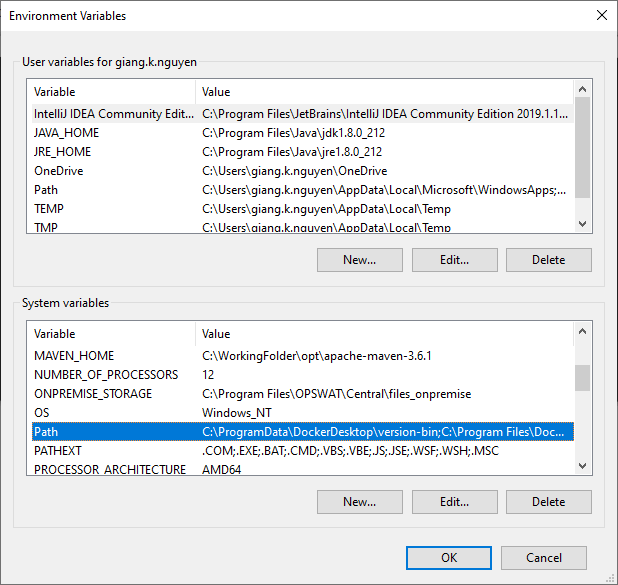
Under Path (as highlighted), add "\system32" in a new line.
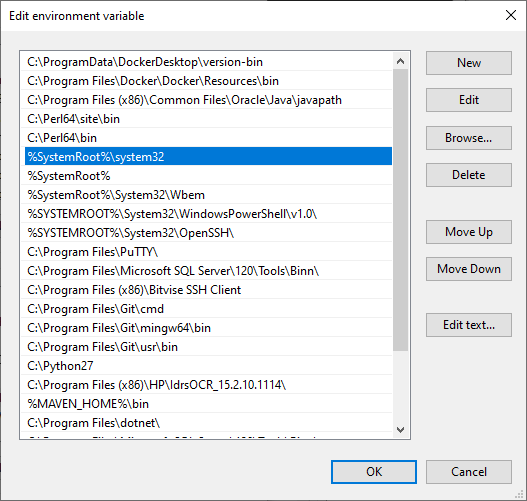
Restart the machine to ensure the change is propagated properly.