Troubleshooting Guide
2026.1.1
Search this version
Troubleshooting Guide
SUPPORT
Title
Message
Create new category
What is the title of your new category?
Edit page index title
What is the title of the page index?
Edit category
What is the new title of your category?
Edit link
What is the new title and URL of your link?
Why doesn’t the Support Chatbot function as expected?
Summarize Page
Copy Markdown
Open in ChatGPT
Open in Claude
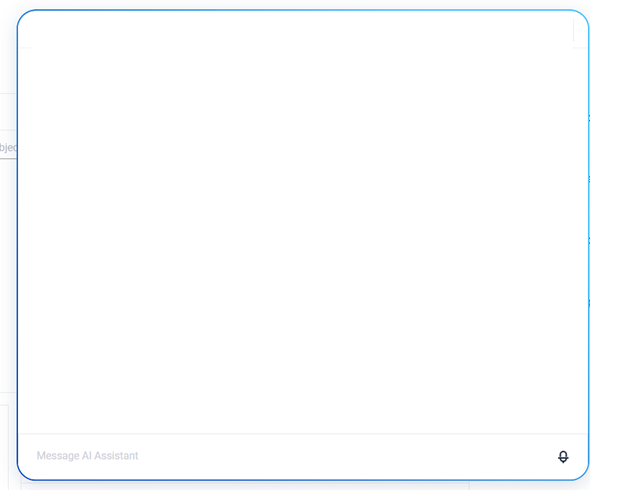
If an issue occurs when using the chatbot and it fails to load properly, the screen below may appear at the start of the chat.
This typically happens because the customer's network environment blocks specific URLs required for the chatbot to function. For example, a firewall or proxy might restrict outbound access to the chatbot’s hosting service.
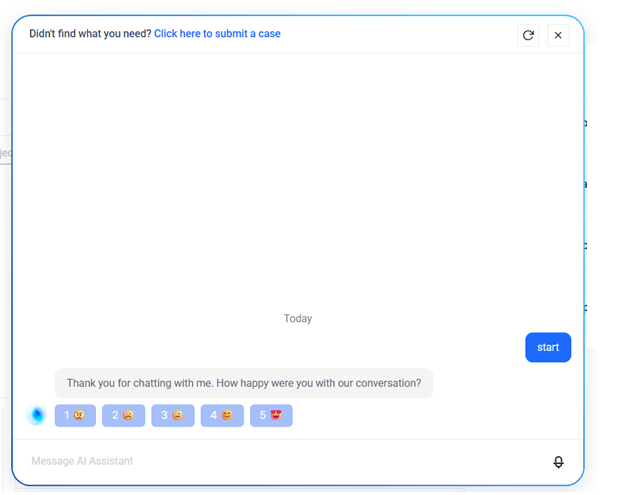
When this happens, the chatbot will not function as expected and will appear as shown below:
How to fix it
To resolve this issue, allow the following URL on your firewall or network security system: https://webchat.botpress.cloud
Once access to this URL is granted, the chatbot should load normally and be fully functional.
Type to search, ESC to discard
Last updated on
Was this page helpful?
Discard Changes
Do you want to discard your current changes and overwrite with the template?
Archive Synced Block
Message
Create new Template
What is this template's title?
Delete Template
Message
