
Who can use this feature?
User type: Organization User
Role: View only on Event History
As an organization admin or a user with View only access on Event History role object, you can access all events that happened within your organization by navigating to My Organization > Event History
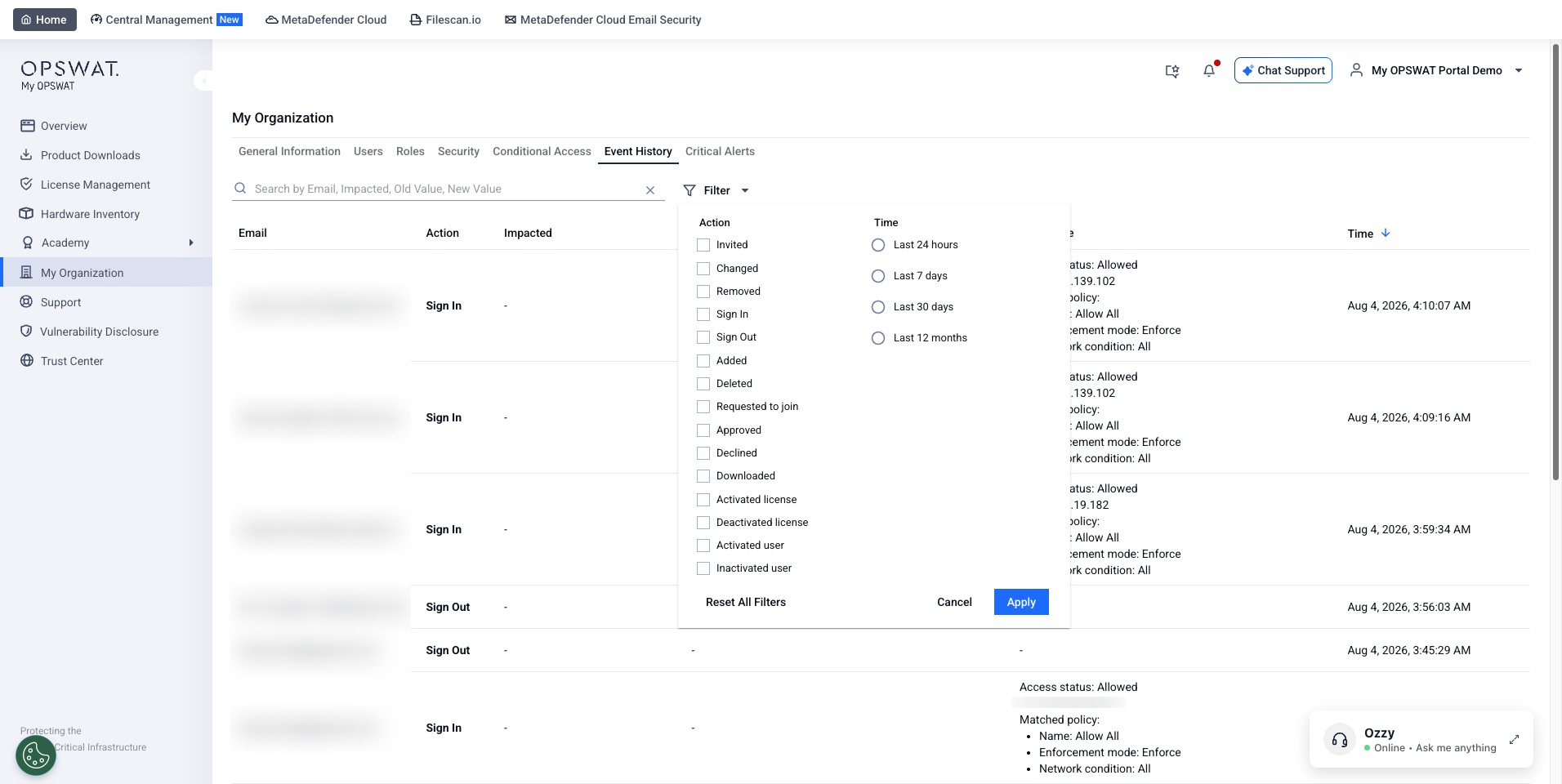
The following events are available.
Invite: A new user has been invited to the organization. The Impacted column shows the invited user's email address.
Change: Settings have been changed. The details of the change are displayed in the Old Value and New Value columns.
Remove: A user has been removed from the organization. The Impacted column shows the removed user's email address.
Sign In: A user has just logged into My OPSWAT.
Sign Out: A use has just logged out of My OPSWAT
Was this page helpful?
My Organization