This page gives you a quick overview of the Portal layout. You’ll see where to find key features like license management, support, downloads, and training—and how to access each one.
If you're not sure where to begin, this is a good place to start.
Left Menu – Main Navigation
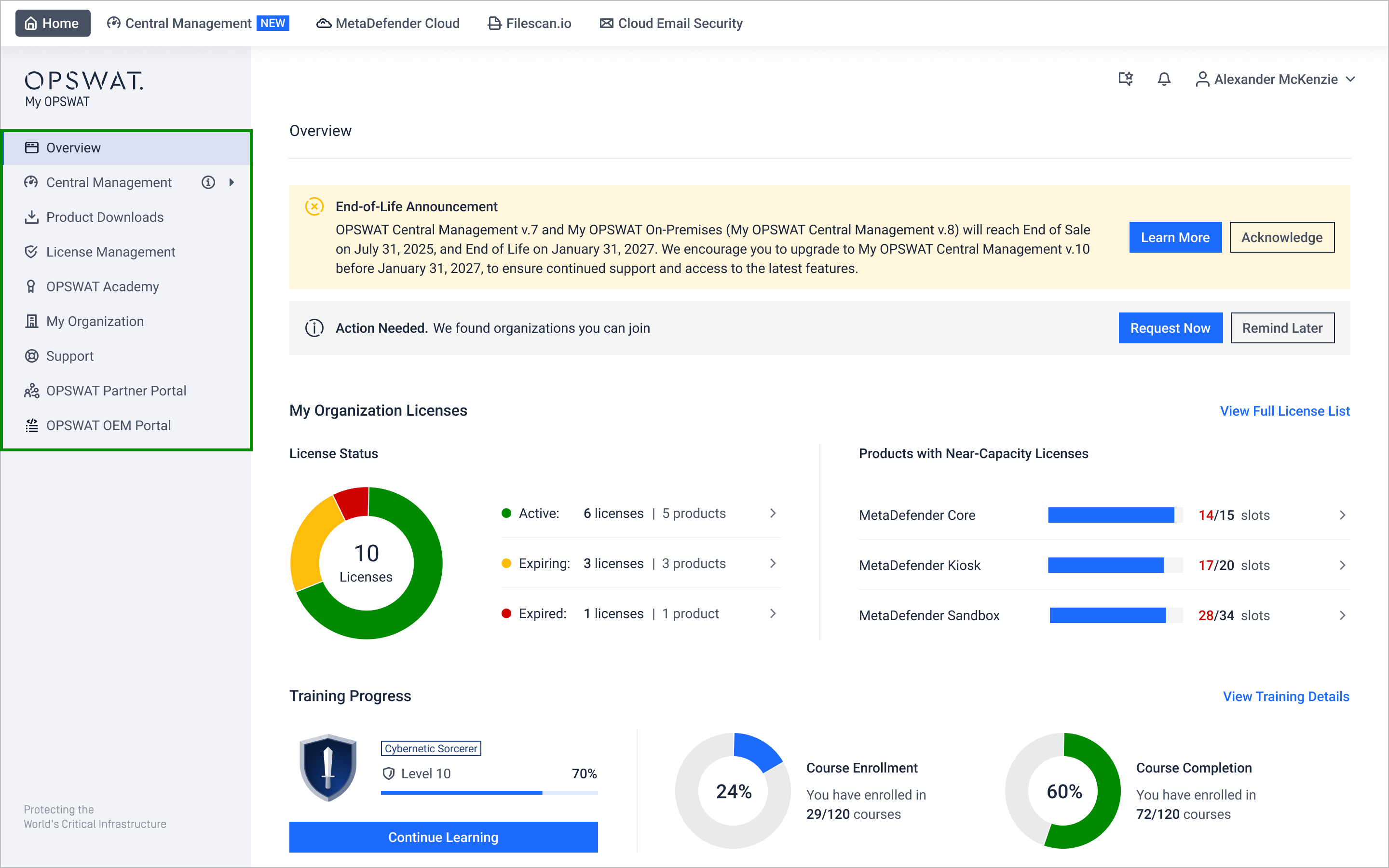
Item | Description |
|---|---|
See license status, alerts, and training progress | |
Manage multiple OPSWAT products remotely | |
Access downloadable installers and product details page | |
View license keys track usage and monitor renewal | |
Enroll in OPSWAT cybersecurity courses monitor learning progress | |
Manage organization profile and access control | |
Get help, submit tickets, and access resources | |
For partners Access sales tools, resources, and training | |
For OEMs Quick access to MetaDefender Endpoint Security SDK artifacts |
Top Menu - Quick Access Tools
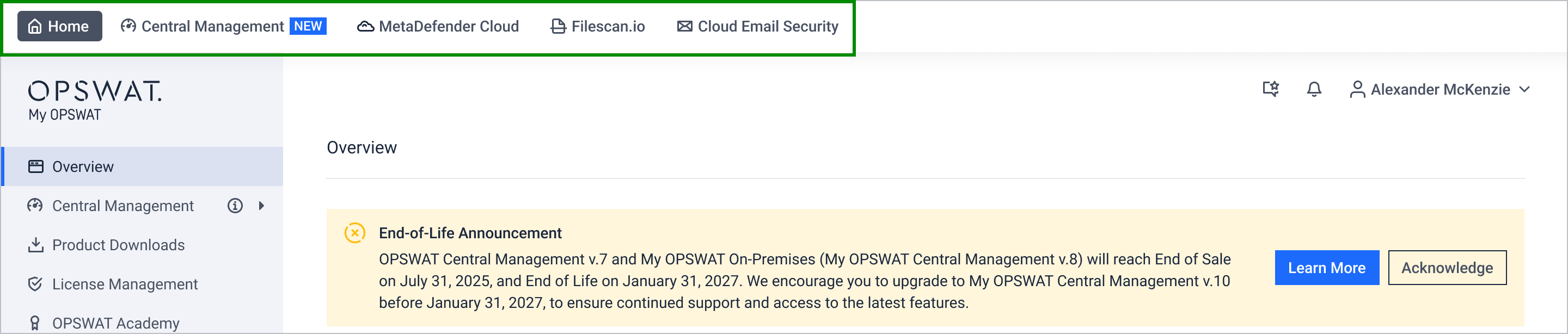
This top menu allows you to access OPSWAT's Access to Cloud Services effortlessly.
Item | Description |
|---|---|
Home | My OPSWAT Portal Homepage |
Central Management (New) | Seamless Central Management for Cybersecurity Control |
MetaDefender Cloud | Cloud-native platform for file-borne threat prevention |
Filescan.io | Uncover Hidden Threats with Insightful Malware Analysis |
Account Menu – Personal Settings
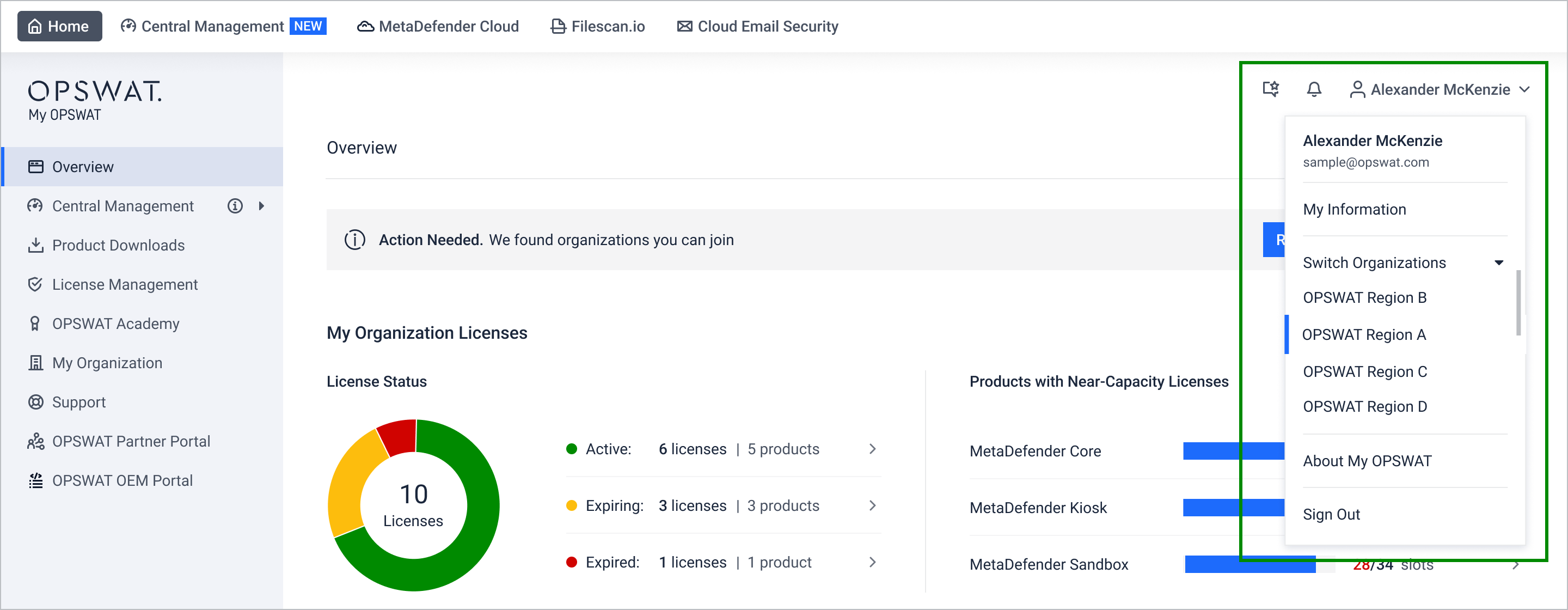
Item | Description |
|---|---|
Profile menu: Access My Information, switch organizations, submit Data Subject Request, etc. | |
Notifications: View system notifications and new product release updates | |
| Product Feedback: Submit feedback about OPSWAT’s products and service |