
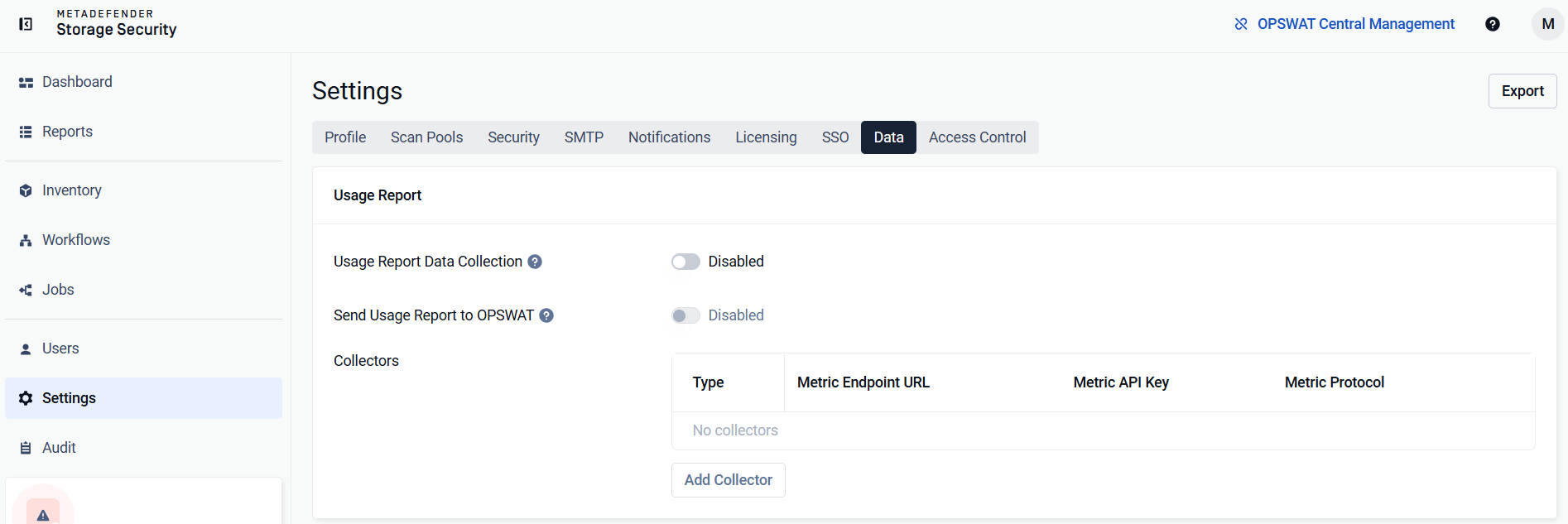
To configure the telemetry output and its collectors in MetaDefender Storage Security, navigate to the Settings > Data tab and switch the toggle Usage Report Data Collection.
Once enabled, the system will begin collecting operational data. At this time, only metrics are collected. Logs and traces are not yet included.
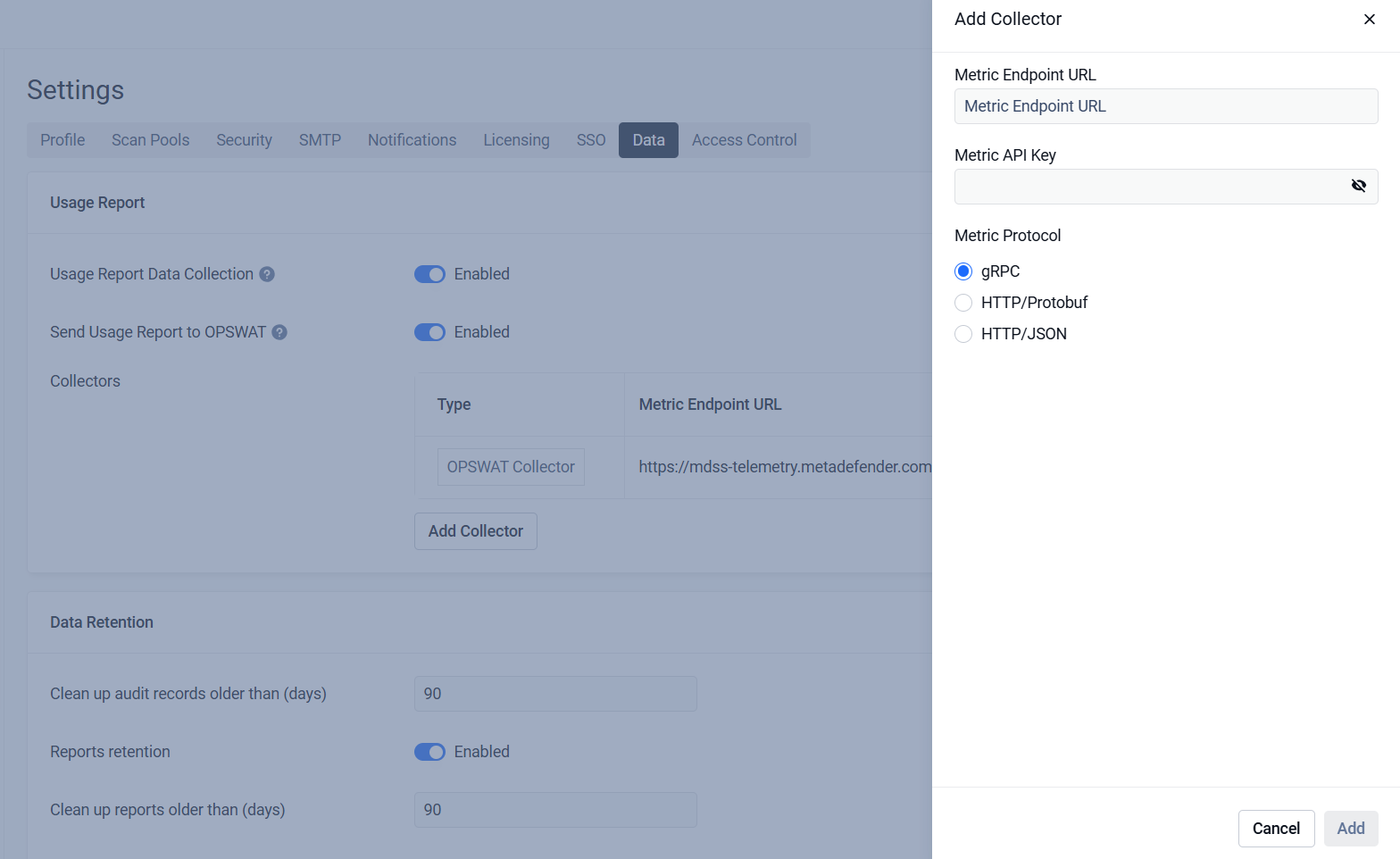
MetaDefender Storage Security supports adding custom collectors when the telemetry is active by providing the metrics URL and the protocol (HTTP(s) / gRPC)
Was this page helpful?
Configuration and Management