
In order to configure Single Sign On:
Navigate to Settings -> Single Sign On
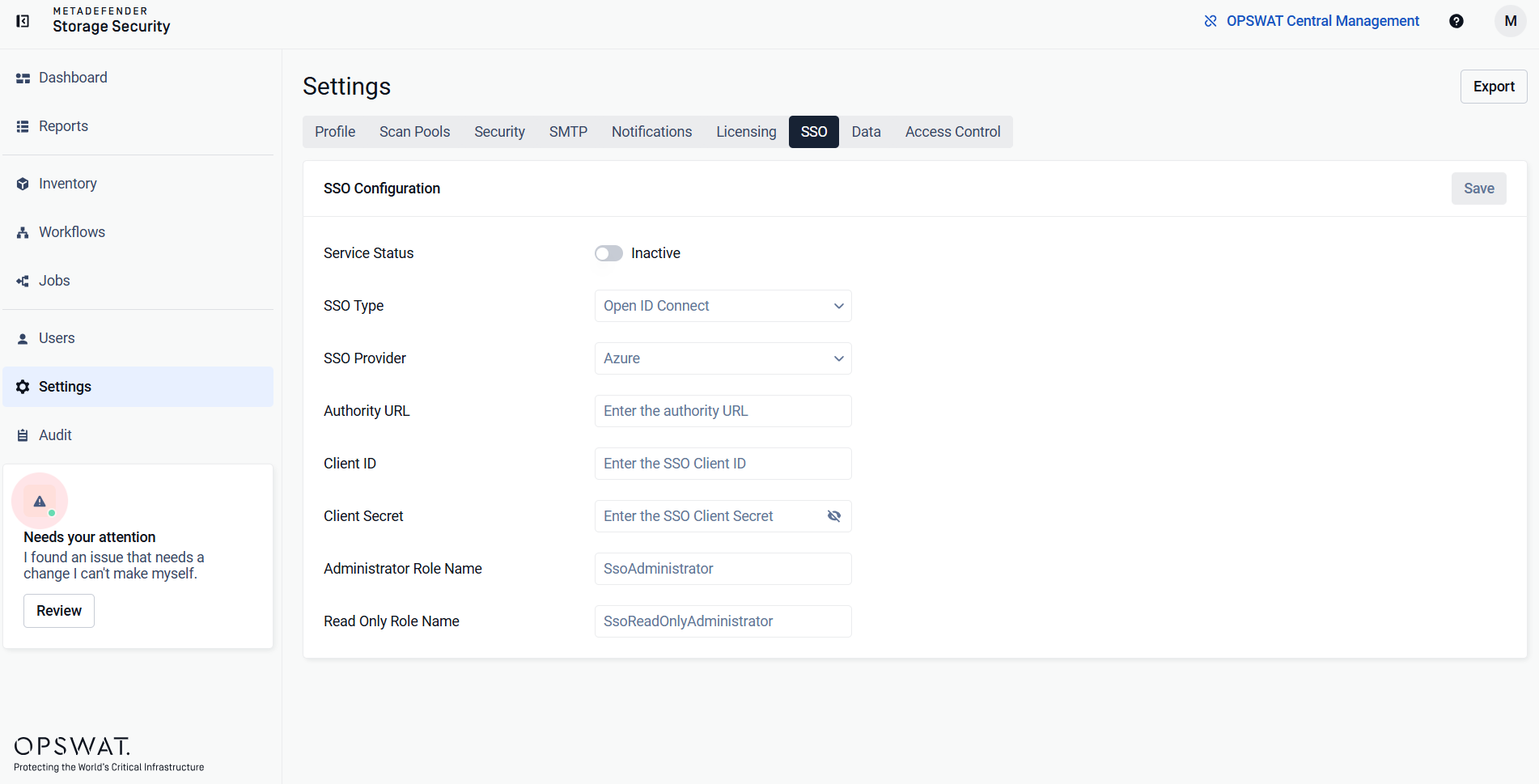
Enable the Single Sign On toggle
Select the desired Single Sign On Provider
Select the desired Single Sign On Type
Enter the Client ID
Enter the Client Secret
Enter the Authority URL
Info
For the purpose of secure authentication, when configuring any SSO provider, either HTTPS need to be enabled for MDSS, or the web interface needs to be accessed through localhost instead of the deployment machine's IP.
Was this page helpful?
Configuration and Management