
Configuration
Real-Time Processing ensures that files are processed as soon as they are uploaded.
Real time processing supports two handling types for files discovery:
By default, this feature is not turned on. If you wish to enable it, please follow these steps:
From the MetaDefender Storage Security web interface, navigate to Storage units
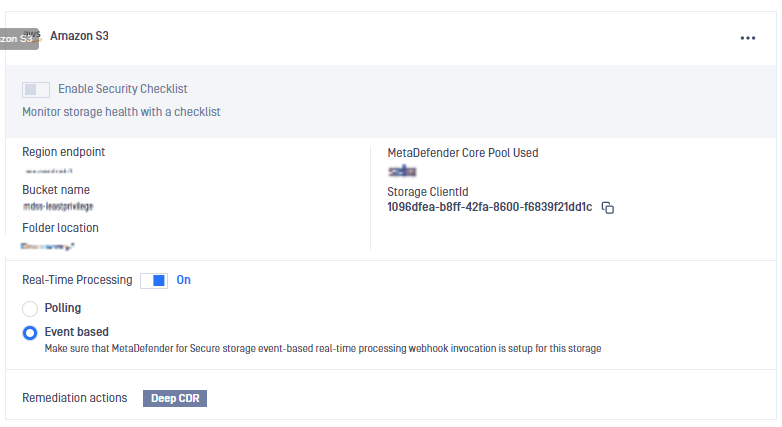
Select the storage for which you wish to enable Real-Time Processing and then click on the slider to turn it On
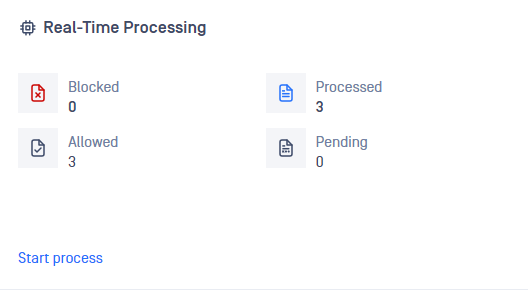
In order to see what is being processed, go to the Dashboard, scroll down to the Real-Time Processing card and then click Details
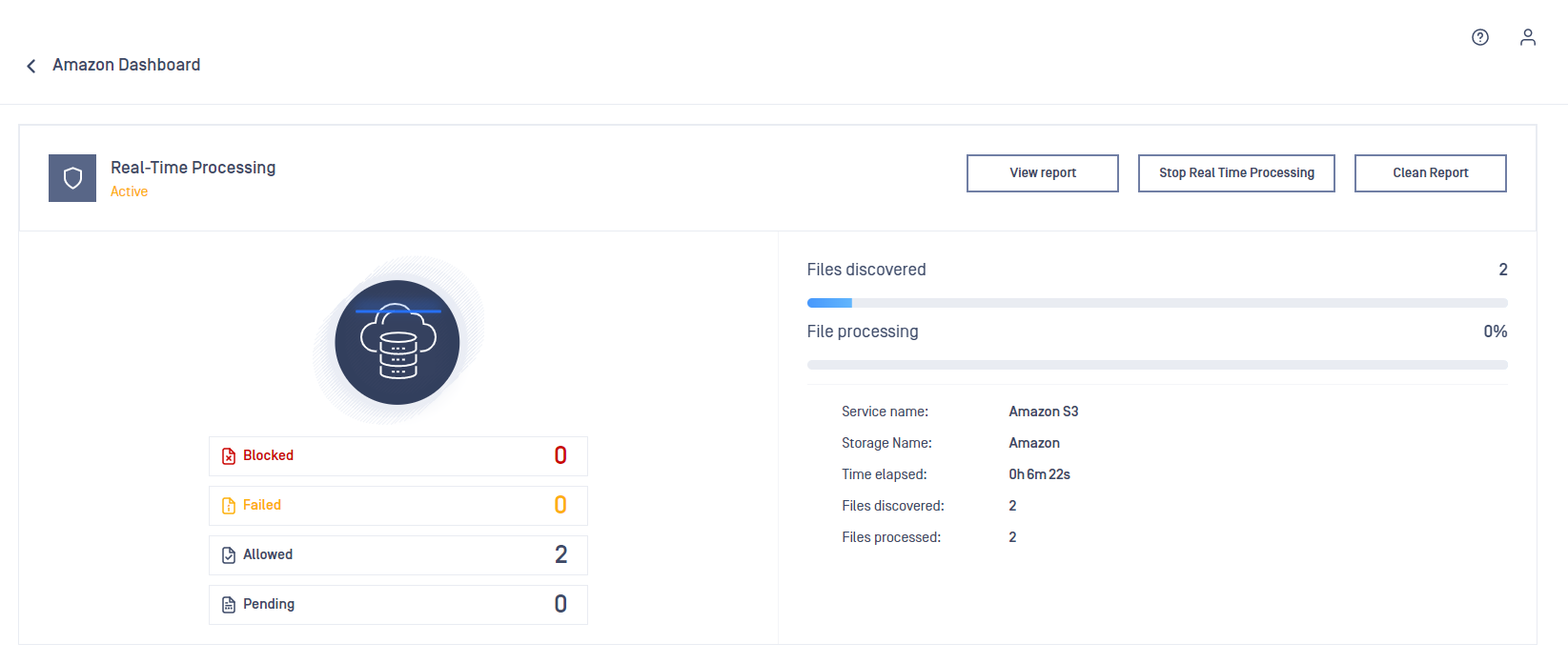
Find information about what is being processed in the process page
Was this page helpful?