
Configuration
This functionality is available only when SMTP is configured and enabled. How to configure SMTP?
- From the Sign in page, click on Forgot password?
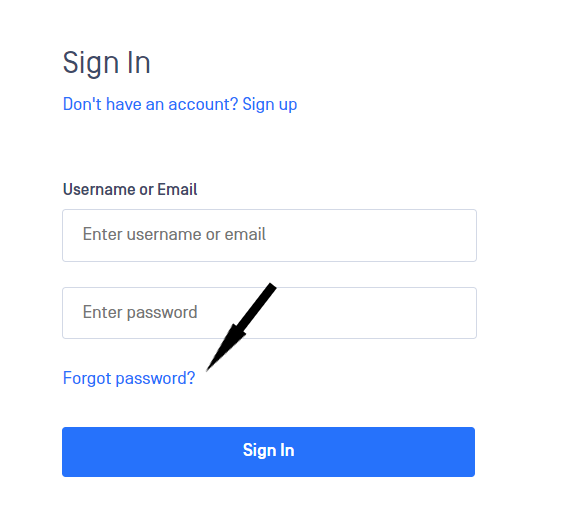
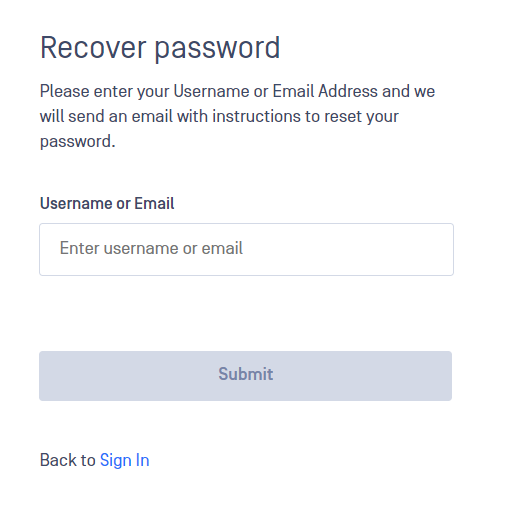
- This will redirect you to a page where you can provide either the username or the email address associated with the account you want to change the password for. To continue, please click Submit.
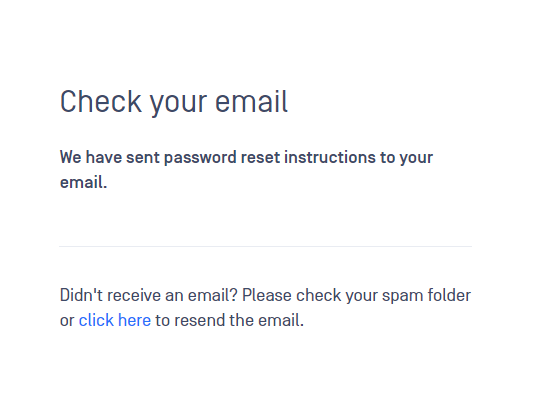
- If the request is successful, an informative message will appear on the screen.
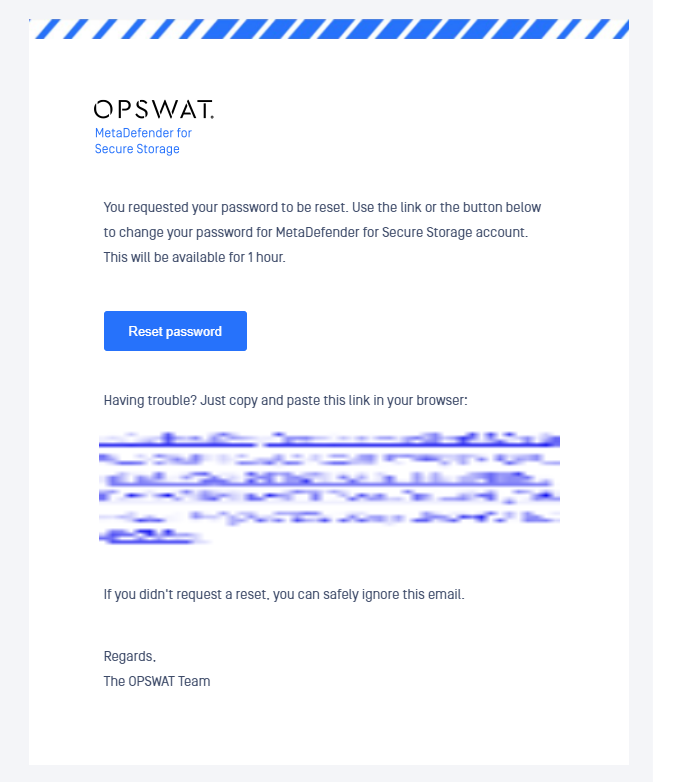
- An email will be sent to the email address associated with the account. By clicking on the Reset password button or directly on the link, you will be redirected to a new tab in browser to continue with the password reset.
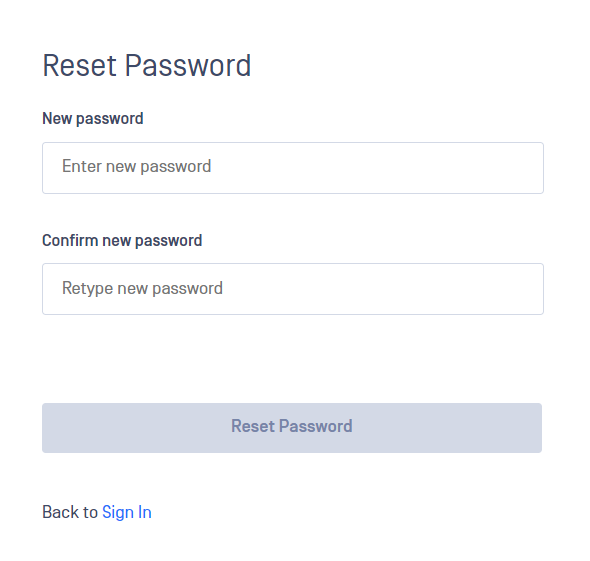
- In the new tab, you are asked to provide the new password and to confirm it. Please click on Submit to finish the password reset.
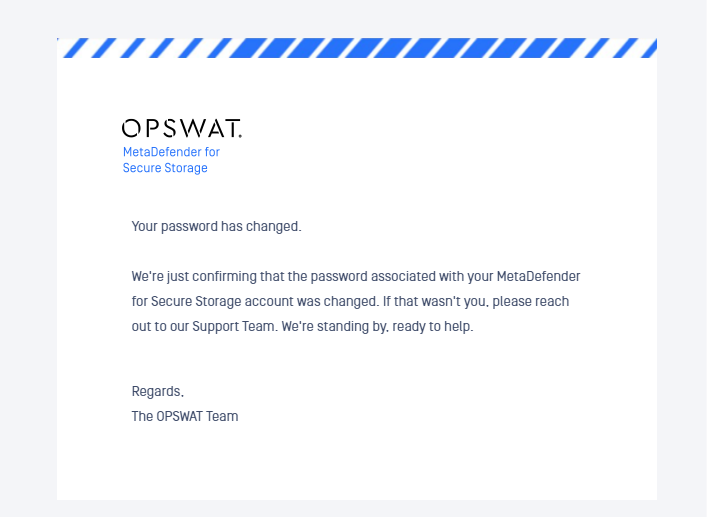
- After resetting the password, a confirmation email will be sent to your email address.
Was this page helpful?

