
Configuration
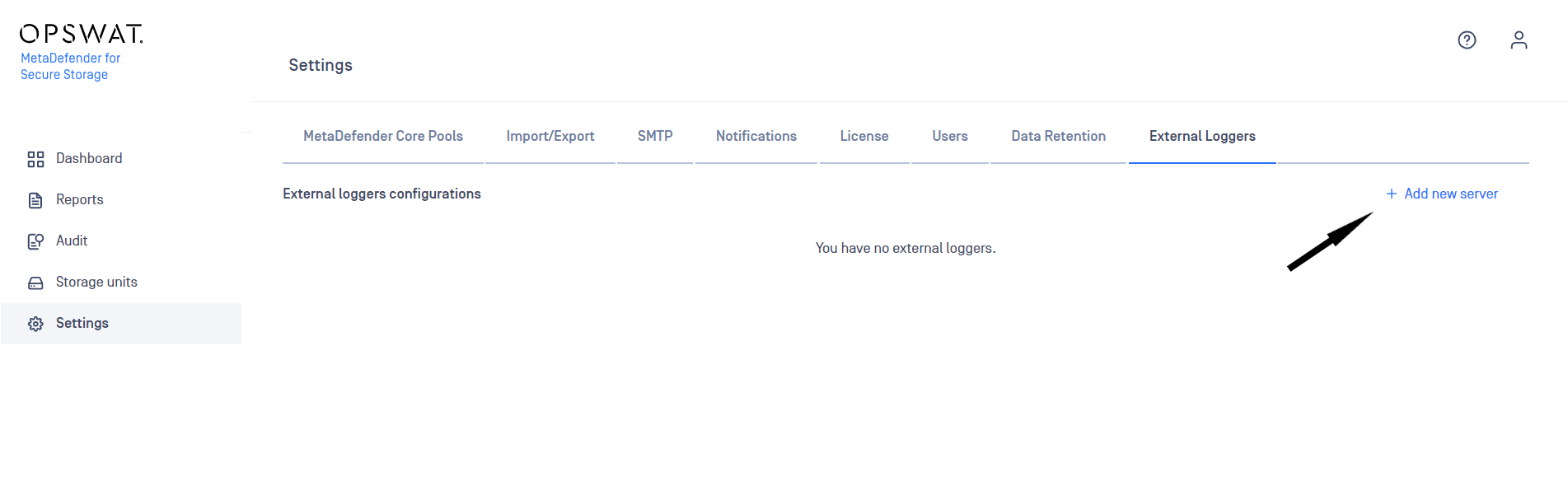
In order to add an external logger configuration:
- Navigate to Settings -> External Loggers
- Click on Add New Server button
Integrate a Syslog (UDP) external logger
In order to visualize MetaDefender for Secure Storage audit logs in a centralized dashboard, integration with a Syslog (UDP) server is possible.
Currently we support Syslog (UDP) using the RFC5424 Output format as external logger configuration.
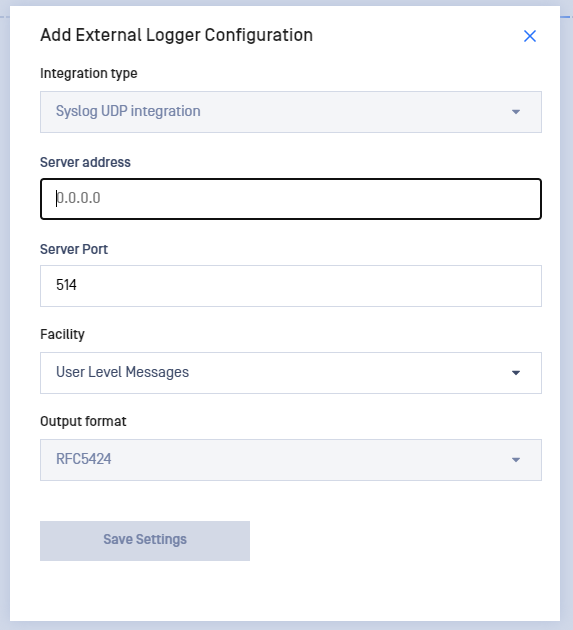
For adding a new Syslog configuration, you will need to enter the following details on the Add External Logger Configuration window:
- Server address - Ipv4, Ipv6 and Host Name formats are supported
- Port
- Syslog Facility
- Output format - RFC5424 format is supported
Up to 5 different external loggers configurations of each type are supported.
Was this page helpful?

