
Configuration
Blocked files notifications are sent for each blocked file that is found during an Instant, Scheduled or Real-Time processing.
To enable notifications for blocked file, select the option to Send an notification for blocked files:
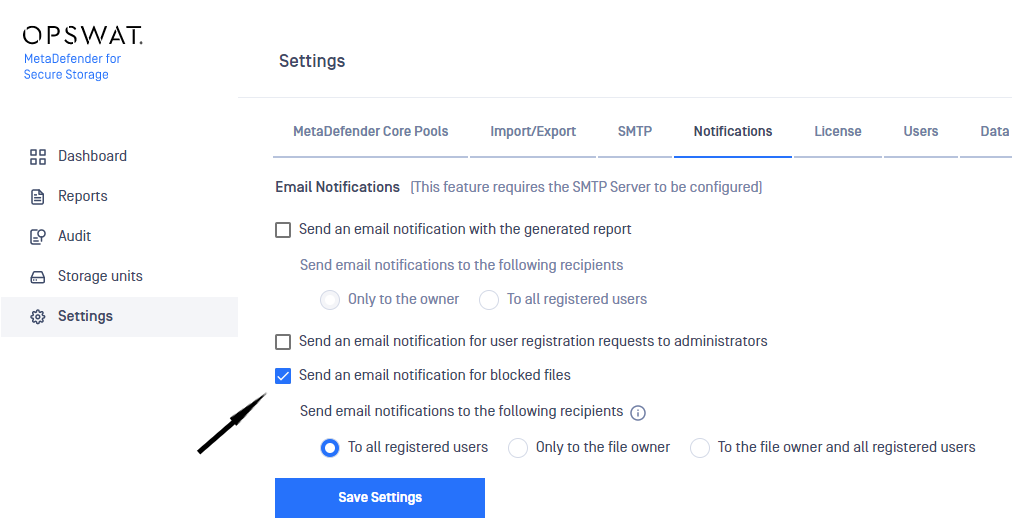
You can choose to send this email to:
- All MetaDefender for Secure storage registered users
- Only to the file owner
- To the file owner and all MetaDefender for Secure storage registered users
Please note that the notification to the file owner could be sent only for OneDrive and Box integrations.
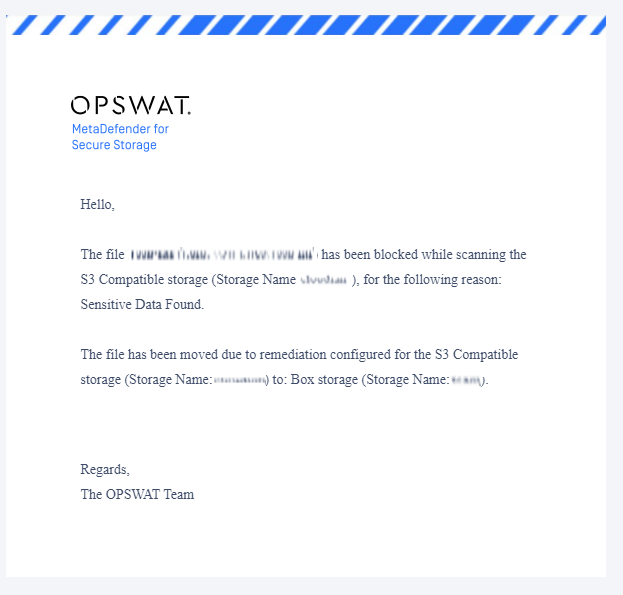
The email contains the following information:
- file name
- file path
- storage unit type and name
- the reason why the file is blocked
- remediation actions details (delete/move blocked files), when these are configured for the storage that is processed
Was this page helpful?

