
Multi-Factor Authentication
To enable Multi-Factor Authentication (MFA), navigate to the Settings->Security menu and select Authentication tab.
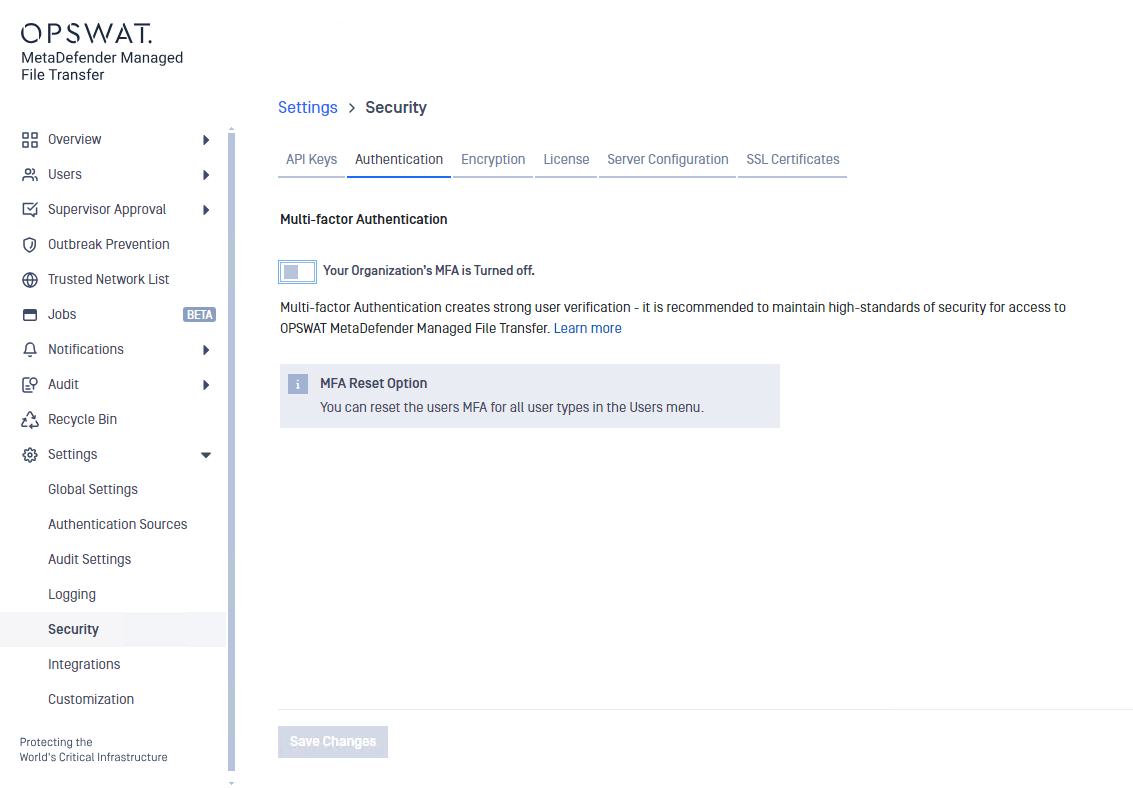
When Multi-Factor Authentication (MFA) is enabled by the administrator in MetaDefender Managed File Transfer, the following user types will be required to set up MFA during their next login:
Local users
Guest users
Active Directory users
External users
To set up MFA, the users must download a TOTP (Time-Based One-Time Password) client app on their phone. (e.g. Microsoft Authenticator, Google Authenticator)
In case of any issues, once a user has set up their MFA, the administrator can reset the user's MFA. Subsequently, the user will be prompted to set up their MFA again during their next login.
For more information about resetting user MFA, click here.