
Import from Kiosk 4.6.0 backup
As a critical issue with login via AD authentication, Kiosk 4.6.0 was removed and unable to be upgraded in place. As the result, the import of Kiosk version 4.6.0 backup is not supported either. The Kiosk administrator is advised to configure the Kiosk from the begining.
To backup or restore the MetaDefender Kiosk configuration, click Backup / Restore in the top-right corner of the Configuration page.
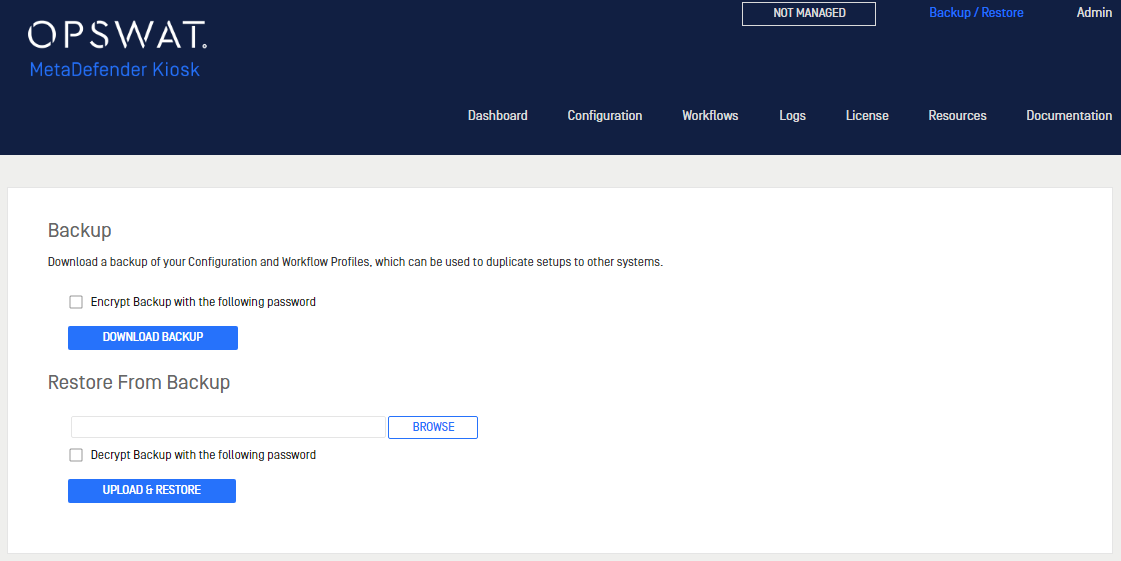
Downloading a configuration backup
Click Download Backup to download an archive containing the Kiosk configuration settings.
Restoring configuration settings
To restore settings on this or a different Kiosk system, upload the configuration settings file using the Browse button in the Restore From Backup section.
Was this page helpful?
Installation