
The Management Console can be accessed by navigating to http://localhost:8009
An administrator user must be created to log into the Management Console after installing Kiosk for the first time. When navigating to the Management Console a configuration wizard will be presented:
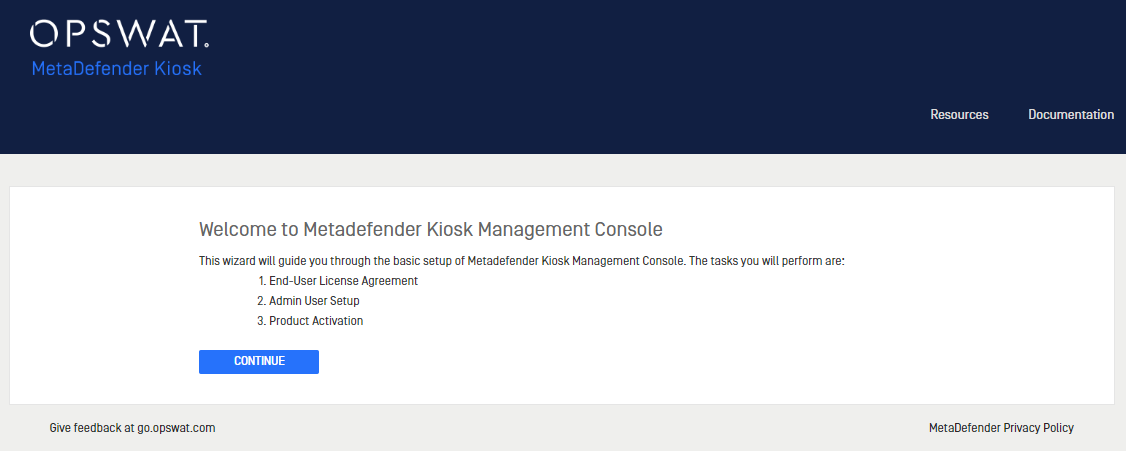
Follow the directions to accept the EULA, create an administrator user and activate the product license. After successful completion, the newly created user will be logged in.
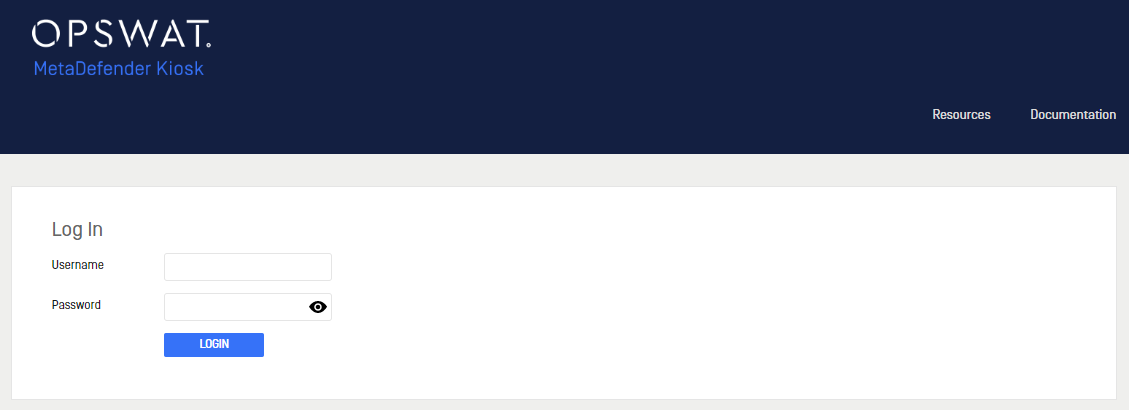
Each time the Management Console is accessed, the login screen will be displayed:
Was this page helpful?
Installation