
This article applies to the current MetaDefender IT-OT Access Console and API, and all MetaDefender Endpoint releases deployed on Linux systems.
Users running MetaDefender Endpoint on one or more Linux devices may occasionally see MetaDefender IT-OT Access device compliance warnings/flags related to Missing OS Patches.
These warnings/flags are triggered by device issues and will appear under MetaDefender IT-OT Access Console>Inventory>Devices>Relevant Device>Detailed Device Information>Missing Patches.
Malware is frequently designed to exploit the vulnerabilities in outdated applications and operating systems in order to gain entry to and infect a system.
This is why keeping your operating system, OS security patches and all associated apps up-to-date is an essential element of risk reduction in cyber-security.
The following instructions are intended for .deb or .rpm based Linux systems, but steps may vary slightly depending on your distro and version.
To remediate Missing OS Patch related device compliance issues on your managed Linux devices, please follow the relevant instructions below.
Debian
To synchronize your update package index with the latest available update index online, open a Terminal and type sudo apt-get update, then enter your admin password as prompted.
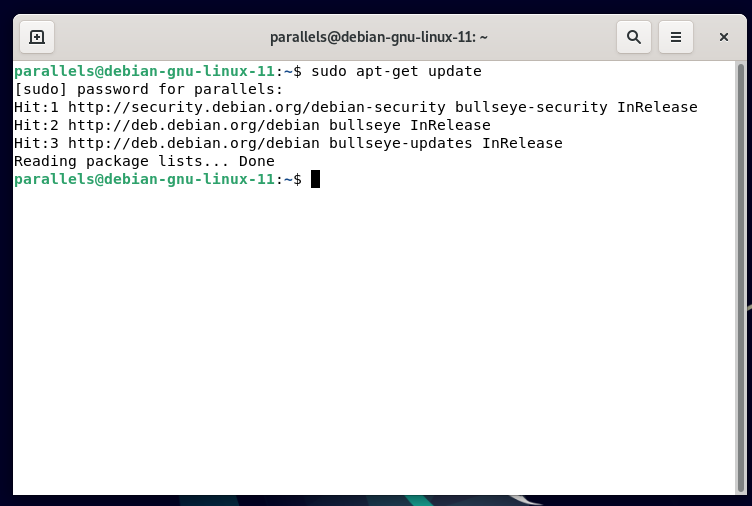
Next, to install the latest versions of all packages currently installed on your system, type sudo apt-get upgrade then hit Enter.
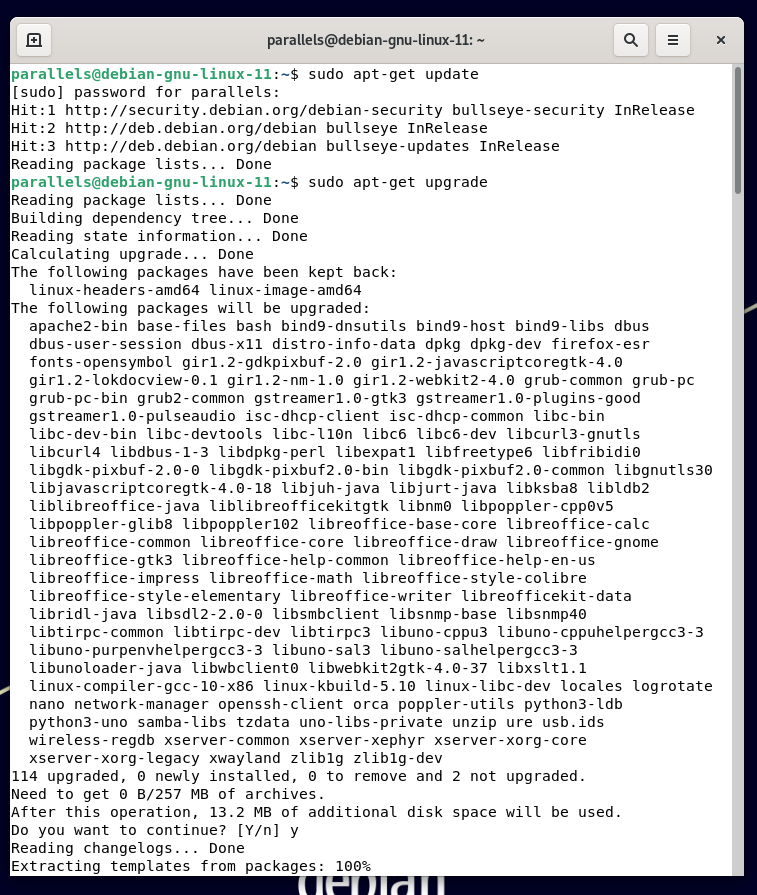
Alternatively, you can include the install of selected packages after the standard upgrades by typing sudo apt-get install package-name and then hitting Enter. For a list of available updates and package names, type apt list –upgradable

RPM
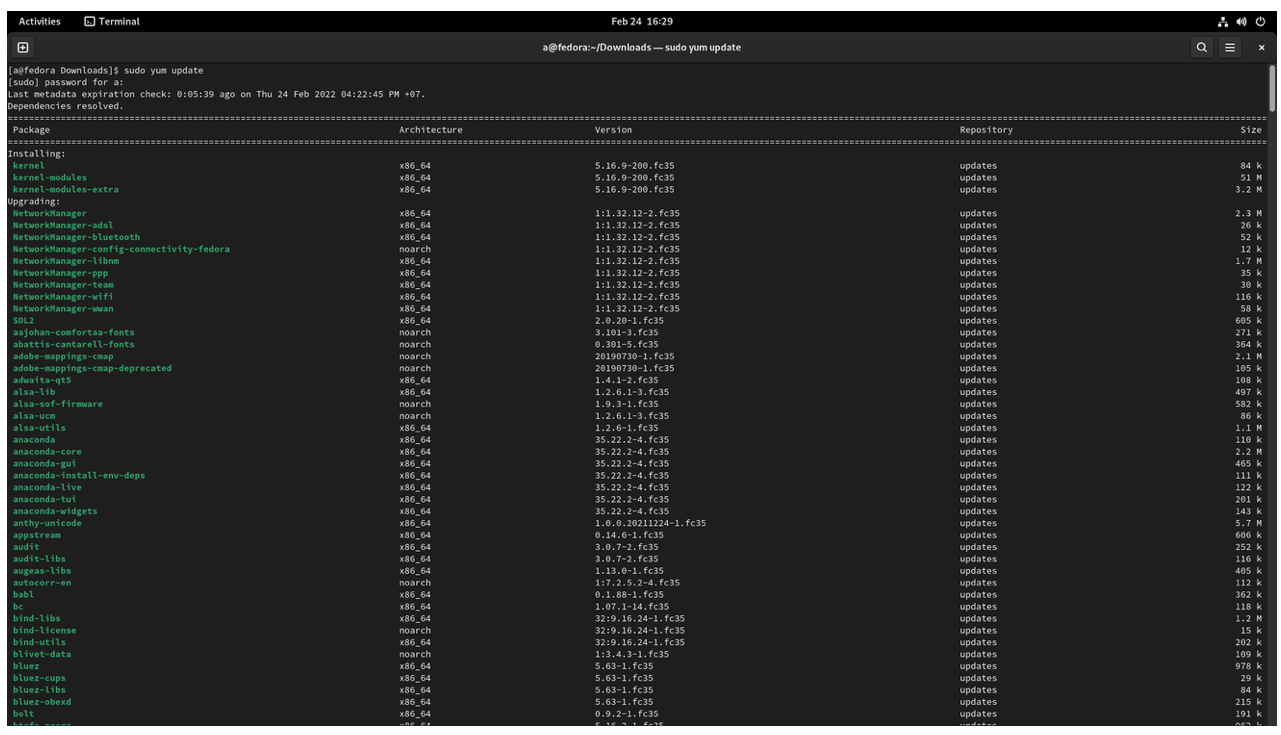
For .rpm based Linux, open a Terminal and type sudo yum update.
If you have followed the instructions above but Continue To Experience Missing OS Patch Issues On Your MetaDefender Endpoint / MetaDefender IT-OT Access Managed Linux Devices, please open a Support Case with the OPSWAT team via phone, online chat or form, or feel free to ask the community on our OPSWAT Expert Forum.