
Check Your Version: This article applies to MetaDefender Email Security v6.1.2 to v6.3.0 releases.
During installation, the installer checks the registry keys and the file C:\Program Files\OPSWAT\MetaDefender Email Security\data\local_database.json to determine the database port number.
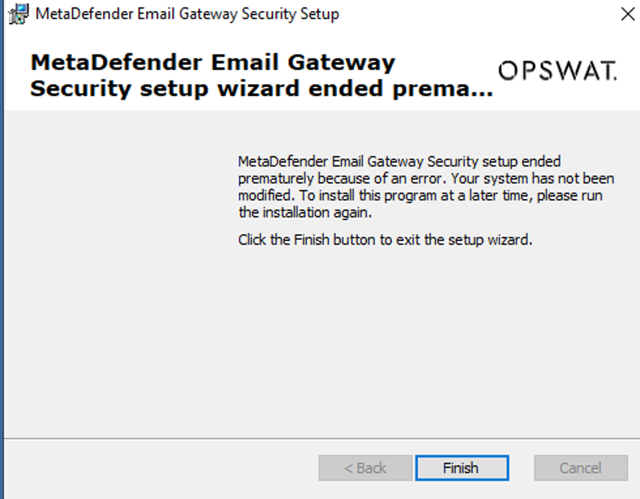
If you have changed the database port based on this article How to change PostgreSQL network port of MetaDefender Email Gateway Security? - MetaDefender Email Gateway Security and encounter the error below when upgrading from v6.1.2 to v6.3.0, please follow the steps in this article to resolve the issue.
MetaDefender Email Gateway Security setup ended prematurely because of an error. Your system has not been modified. To install this program at a later time, please run the installation again.
Steps to Configure
Check the port in the
local_database.jsonfile. The content should reflect the port you changed:{"Host":"localhost","Port":{the port you changed},"User":"postgres"}Alternatively, you can rename the file located at:
C:\Program Files\OPSWAT\MetaDefender Email Security\data\local_database.jsonFor example, rename it to:
C:\Program Files\OPSWAT\MetaDefender Email Security\data\local_database.json_old
Verify the Change
The installer should succeed.
Troubleshooting
If the issue persists:
Run the product upgrade from the command line with logging enabled:
msiexec /i <INSTALLER_FILE_NAME>.msi /L*v <ABSOLUTE_PATH_TO_INSTALLER_LOG_FILE>Provide the following log files:
The generated upgrade log file from
<ABSOLUTE_PATH_TO_INSTALLER_LOG_FILE>PostgreSQL-related logs from
<INSTALLATION_FOLDER>\MetaDefender Email Security\data\pg_data\logThe product support package that includes the timeframe of this installation.
Support: If Further Assistance is required, please proceed to log a support case or chatting with our support engineer.