
Transferring Clean Files to External USB Storage
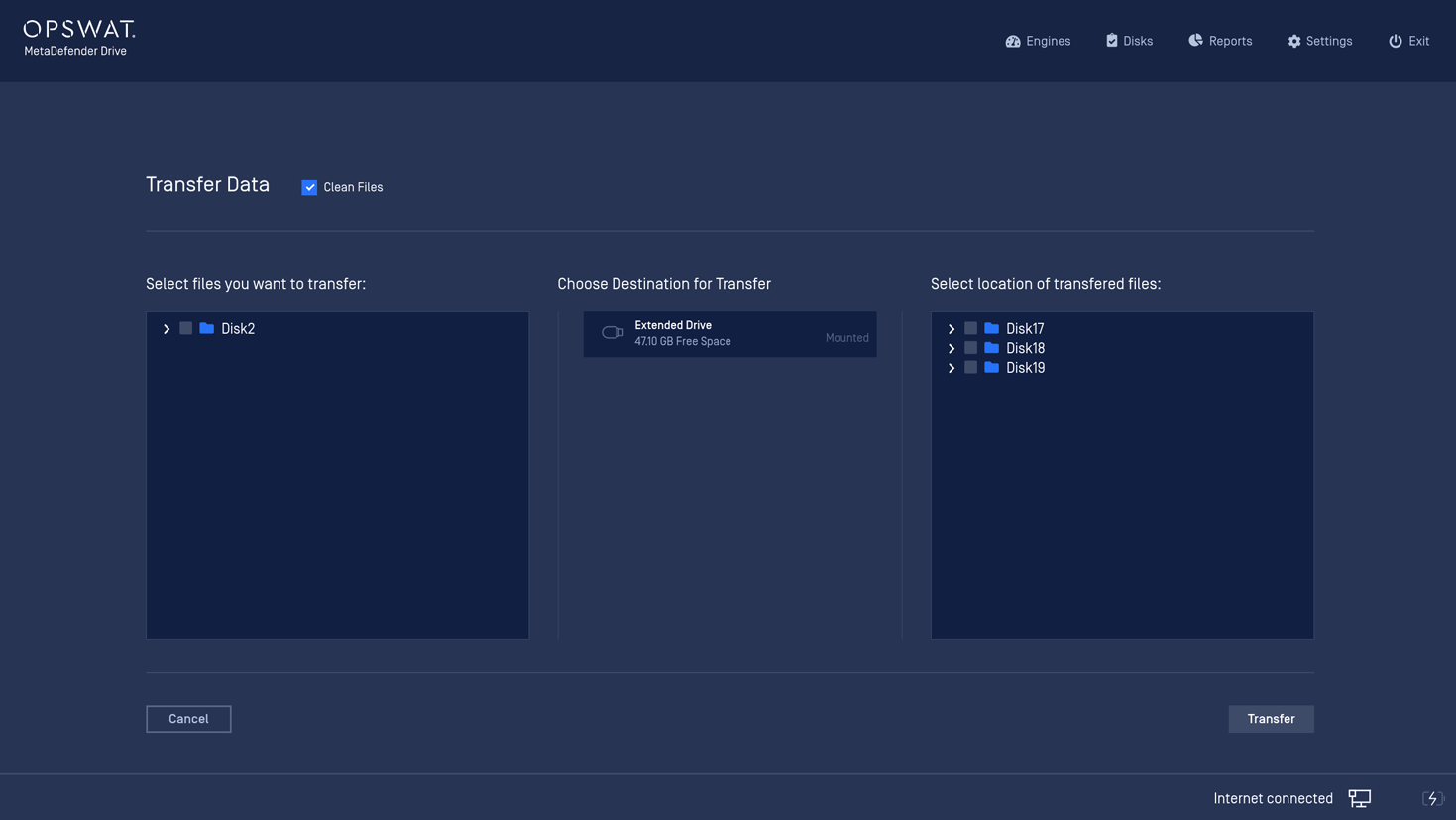
Simply click Transfer to Drive and follow the on-screen guidelines to plug in an external USB disk and copy your files over.
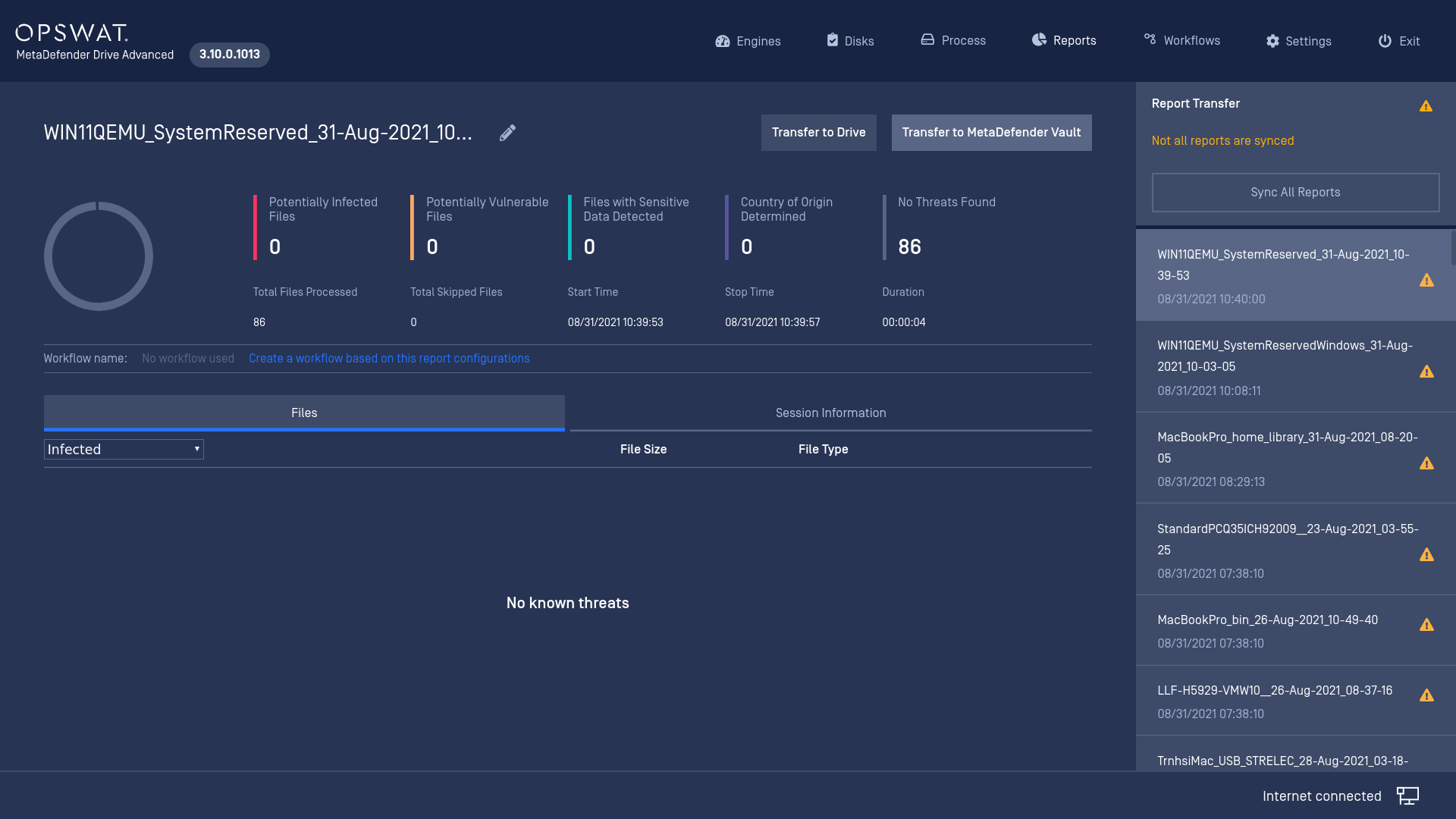
Before you copy clean data to external USBs
We only support unecnrypted destination drives formatted in FAT, exFAT, NTFS, ext2, ext3, ext4.
Click the Transfer to Drive button and plug an external USB stick when prompted.
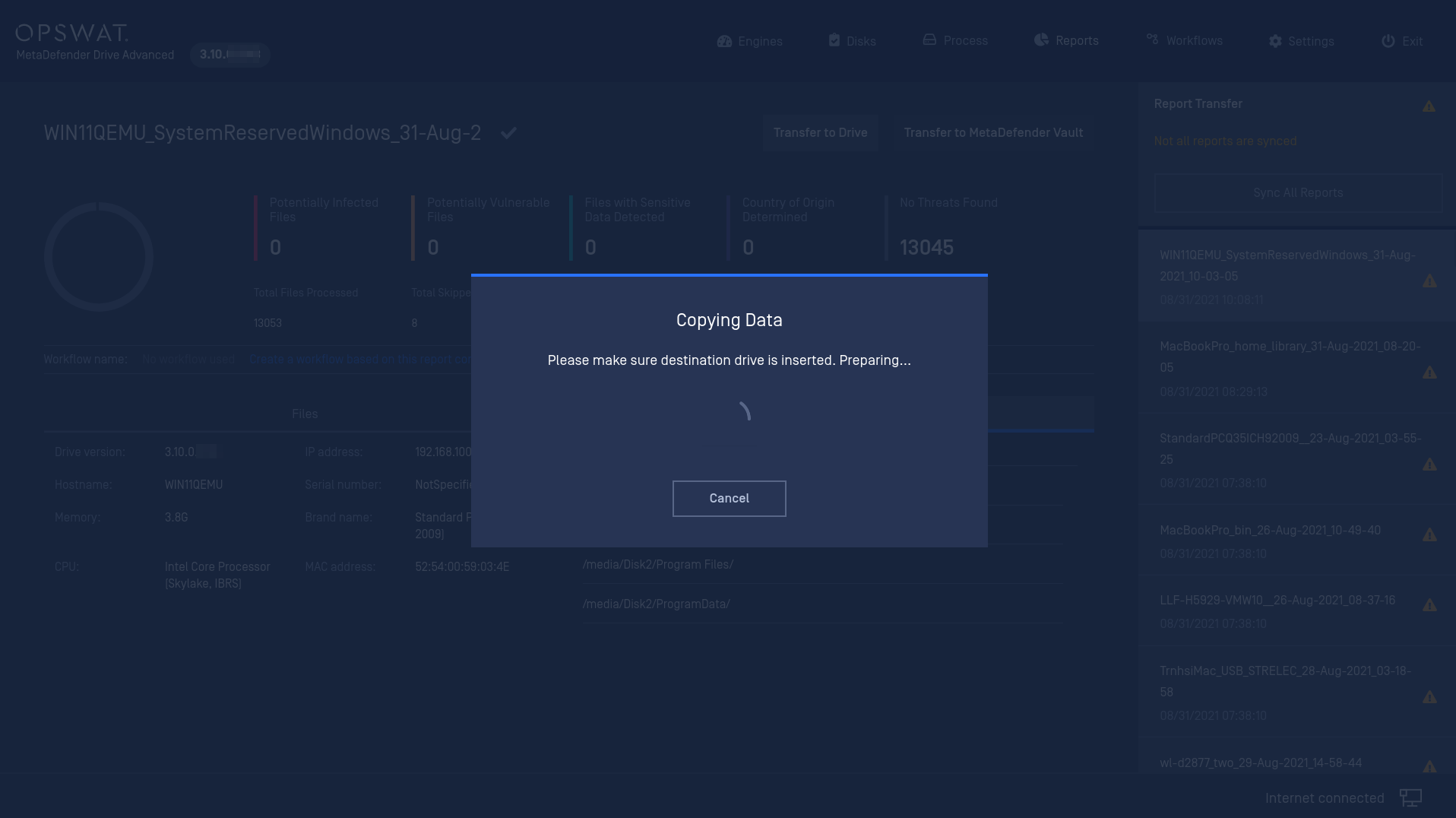
Select files and destination to transfer your clean data.
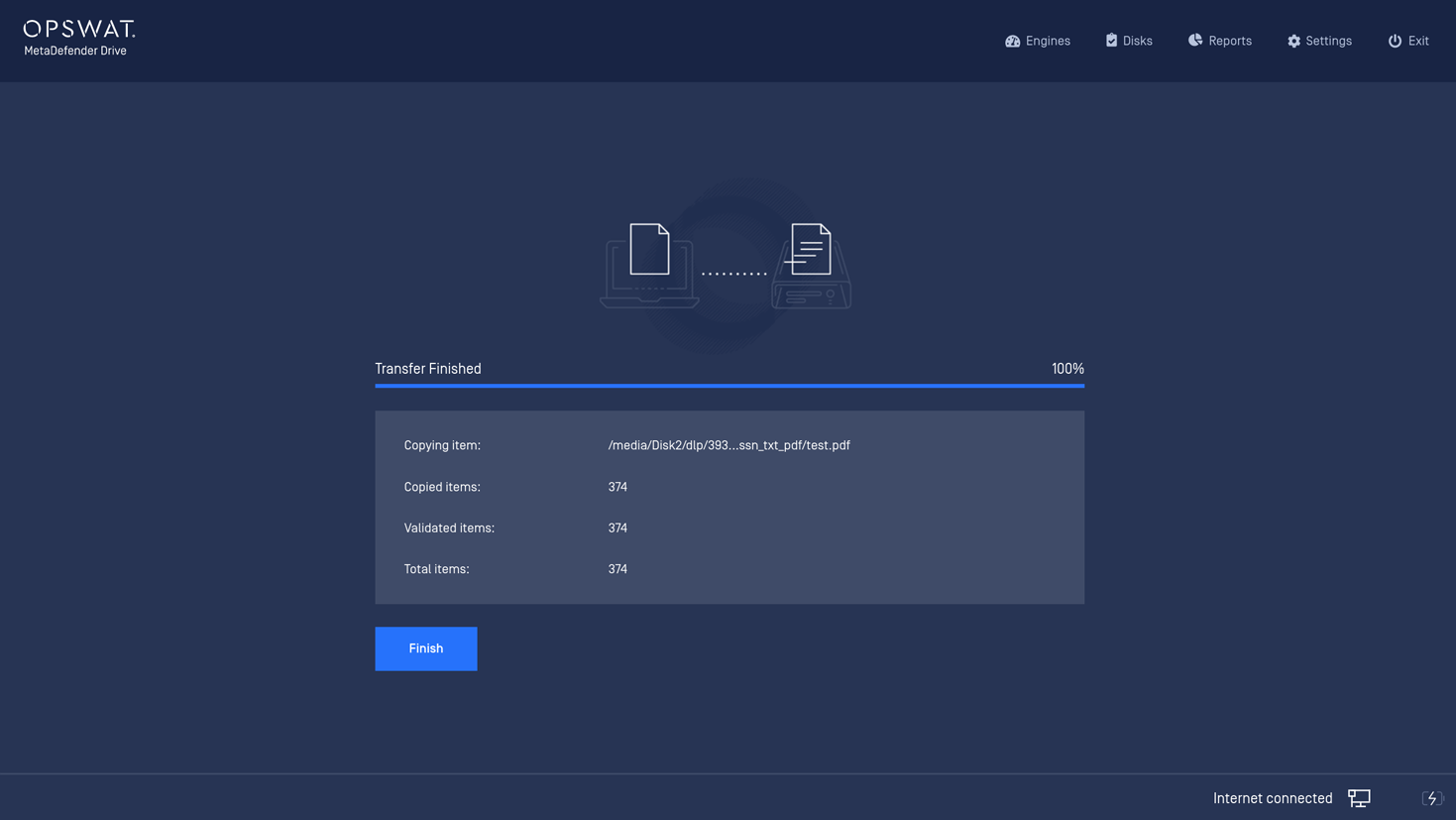
Transferring completes. You can safely unplug your external USB and bring it to another computer to retrieve your clean data.
Was this page helpful?
Process