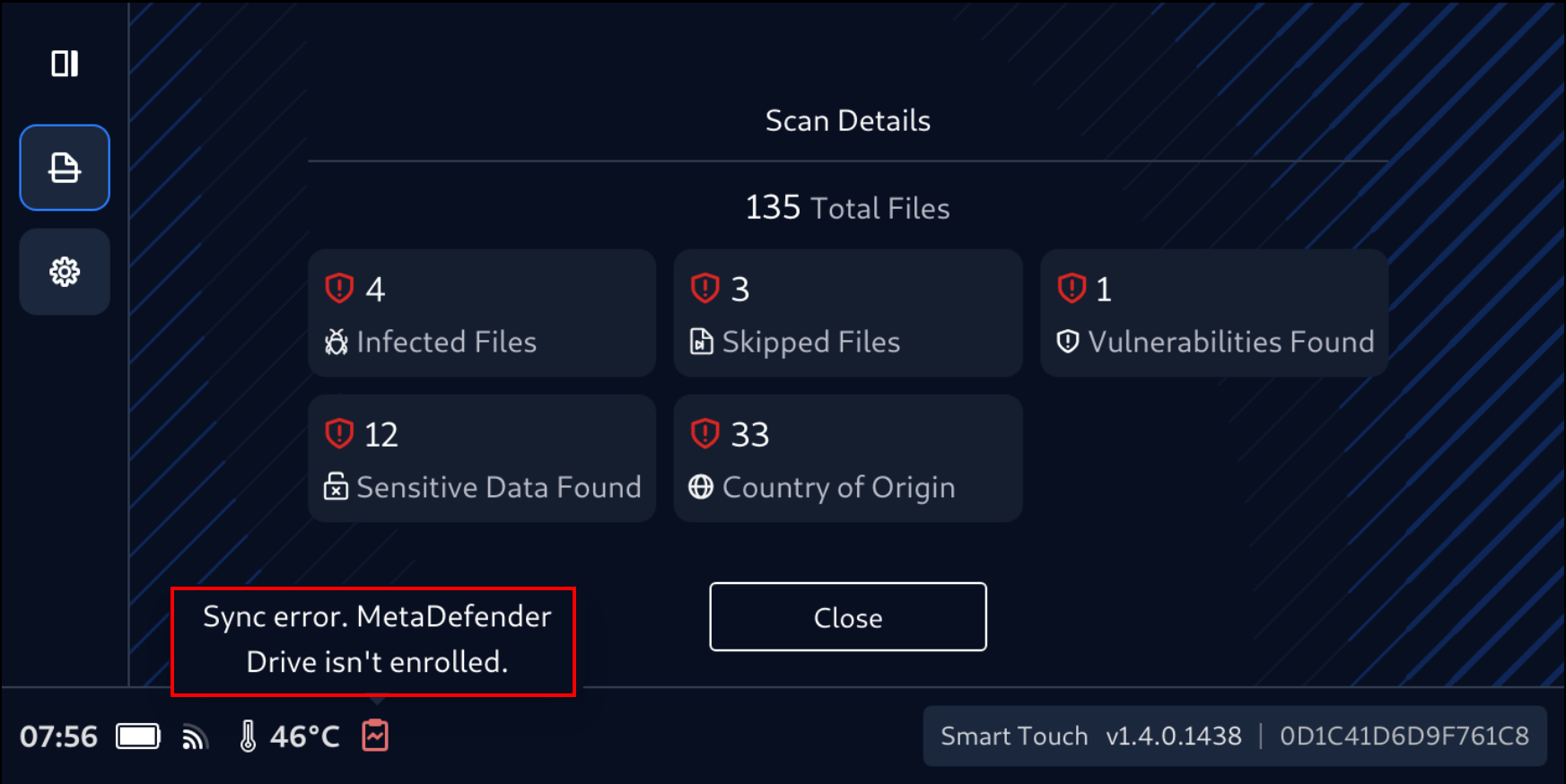
MetaDefender with Smart Touch offers similar experience to MetaDefender Drive's USB. The initial interface shows slight differences for extra convenience using the mobile form factor.
View and Manage Scan Reports
After a scan is complete, the scan results will be displayed on the target system, and MetaDefender Drive with Smart Touch will display Unsafe Device or Safe Device message, depending on the scan result.
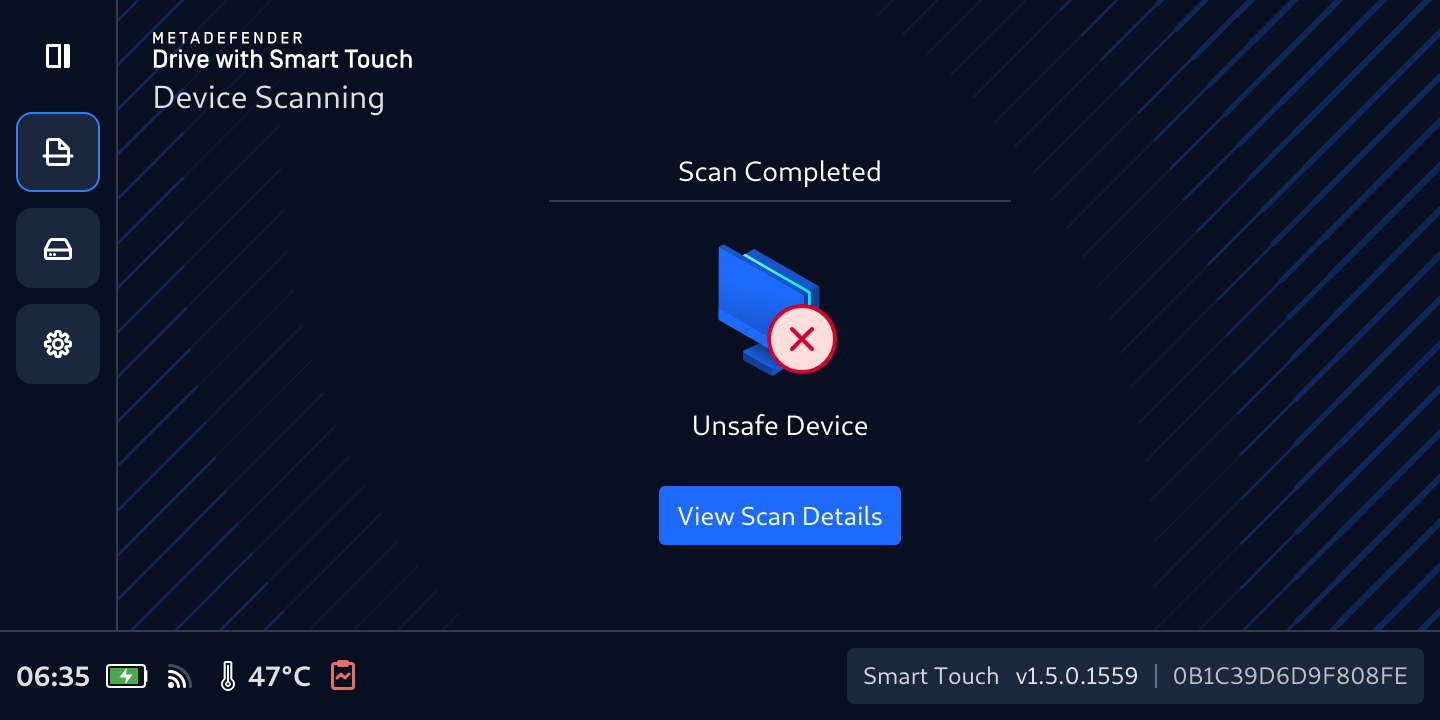
For more details, tab View Scan Details. The Scan Details page will show an overview of the scan results.
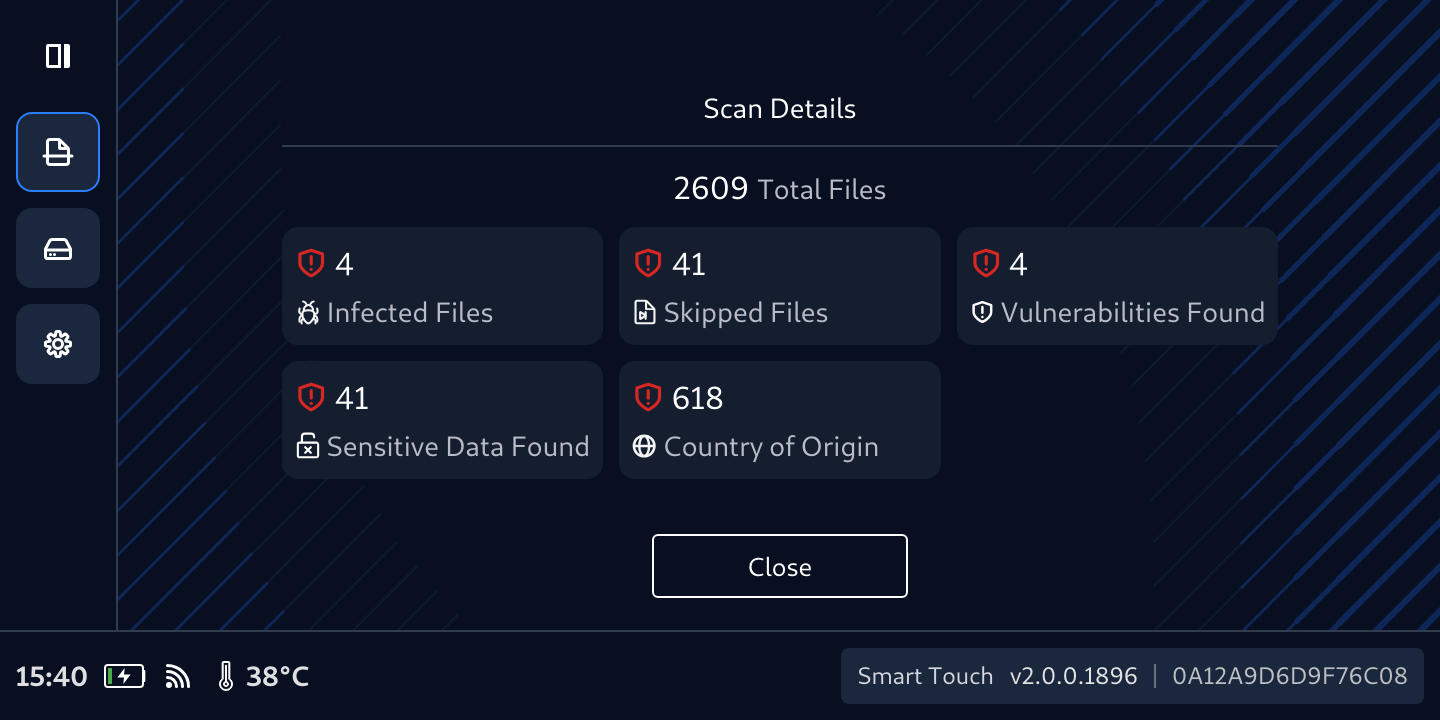
Notice that the result shown in MetaDefender Drive with Smart Touch show the same numbers of findings in MetaDefender Drive for the same scan.
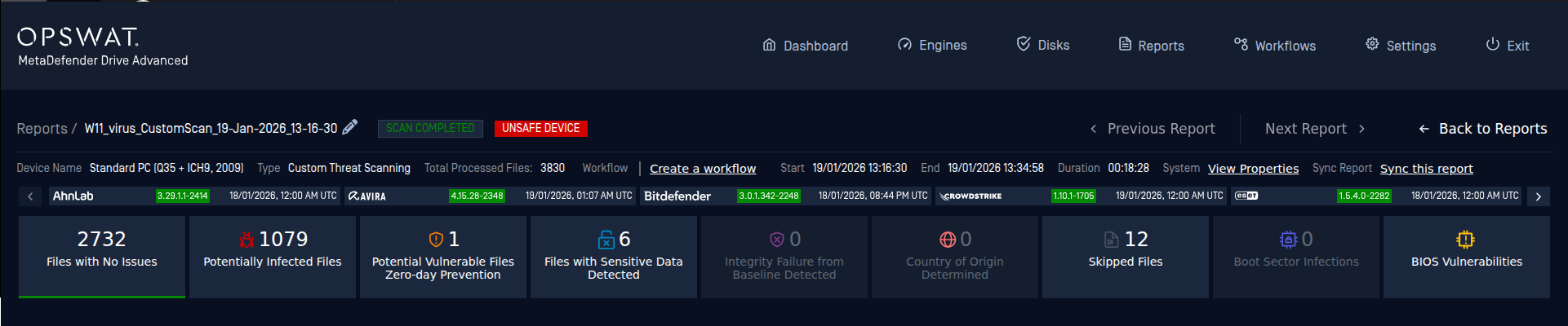
Sync Reports for Central Management
If MetaDefender Drive is configured with My OPSWAT Central Management, reports will be automatically synced right after the scan finishes, the target system is shutdown and the cable is unplugged.
Otherwise, a Sync Error notification will be displayed to tell you the reason of why reports are not synced